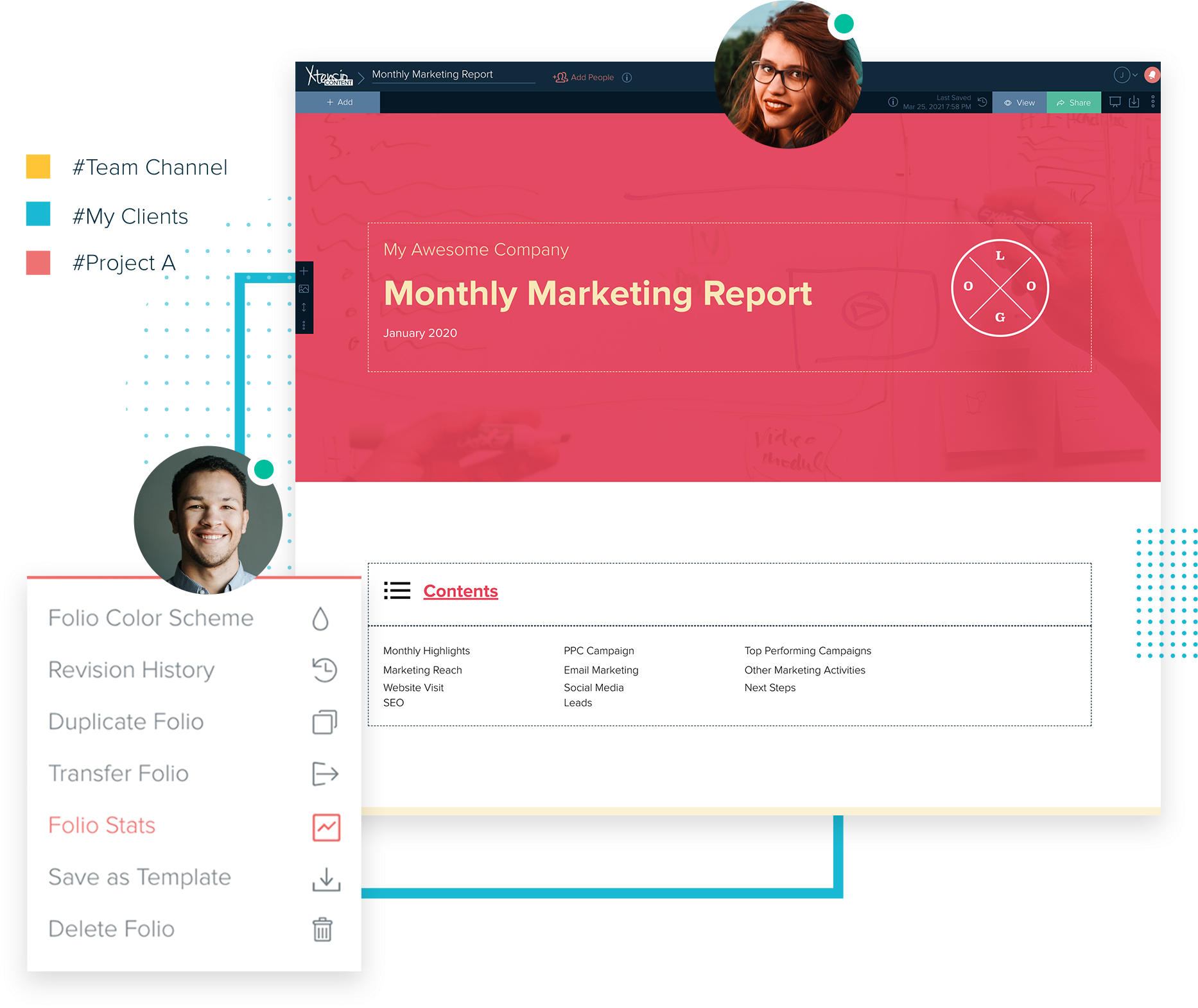
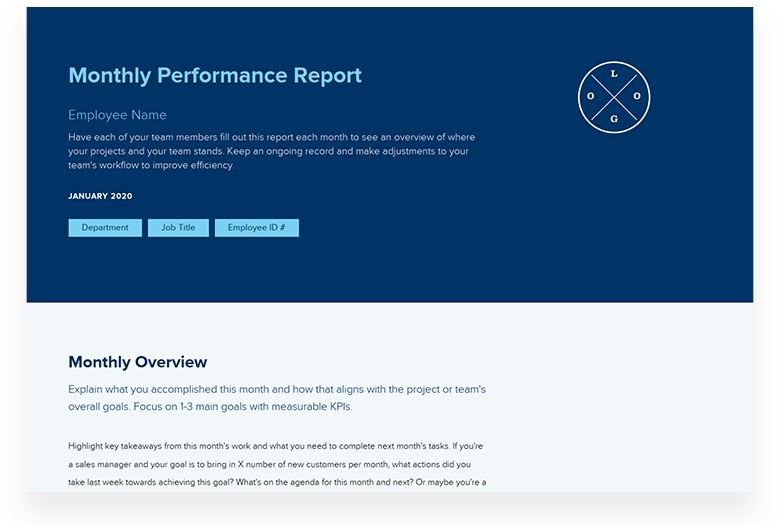
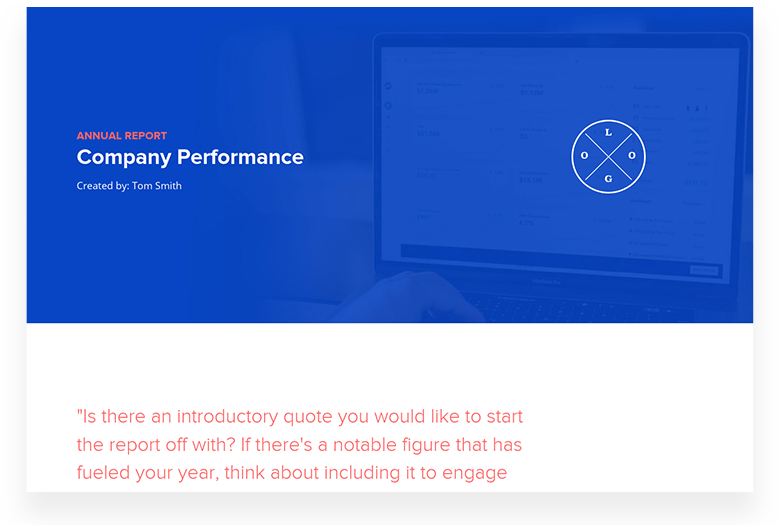
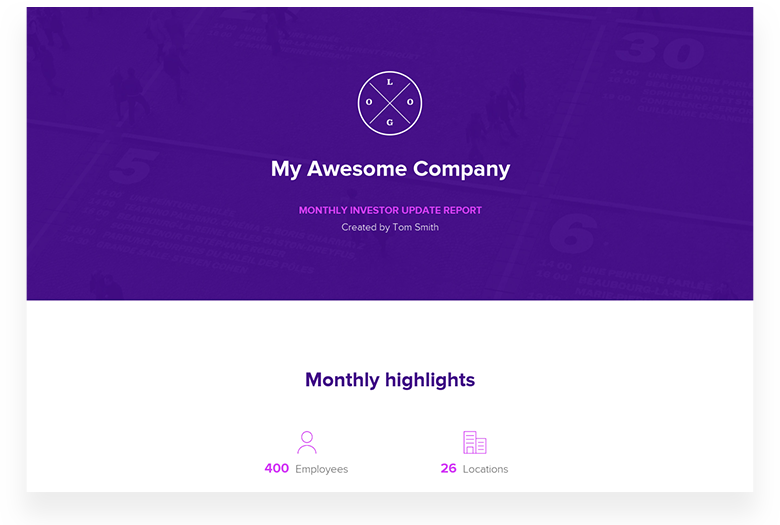
Create performance reports, dashboards, analytics summaries, and client reports built for real delivery. Pick a template, make it yours, and share as a live page your stakeholders can always access. Then reuse the same structure for every reporting period.
Start from a proven template. Customize it for your audience. Share as a live page or polished export. Reuse it for the next reporting period.
Trusted by 410,837 professionals across the world.
Xtensio helps teams turn templates into working reports. Create a performance report, dashboard, or analytics summary once, then keep it current as your data changes. Share as a live link your stakeholders and clients can always access. Reuse the same structure for every monthly, quarterly, or annual cycle. No version chaos. No resending PDFs. From first draft to polished delivery.
Most template libraries give you a file to download and rebuild every month. Xtensio gives you a living structure. Customize once, share as a live link, update it with each cycle’s data, and reuse the same format for every reporting period. Your reporting work builds on itself.
Report-ready structures Every template is built around real reporting jobs — summarizing, presenting, analyzing, and communicating results to stakeholders.
Always current, never resent Share as a live link. Update your data once and every stakeholder sees the latest version automatically.
Reuse across cycles Clone any report for a new period. Your best structures compound across every monthly, quarterly, and annual cycle.
Frequently Asked Questions
What reporting templates does Xtensio offer?
Xtensio offers templates for performance reports, marketing dashboards, analytics summaries, client monthly reports, executive reports, and campaign wrap-ups. All are customizable and shareable as live links.
How do I keep a client report or dashboard current between reporting cycles?
Create your report once in Xtensio and share as a live link. Update the data and commentary each cycle — clients always see the latest version without you re-sending attachments.
Can I share reports with clients or leadership without sending attachments?
Yes. Share any report as a live link. Your clients and leadership always see the latest version — no inbox clutter, no version confusion, no download required.
Can I reuse a report template for monthly, quarterly, or annual cycles?
Yes. Clone your report template for each new period, update the data and insights, and maintain a consistent format your stakeholders recognize every cycle.
How does Xtensio compare to Google Data Studio or Slides for client reporting?
Google Data Studio is for live data visualization. Xtensio creates polished narrative reports — combining data, commentary, and recommendations in one shareable document your clients can access and reference anytime.