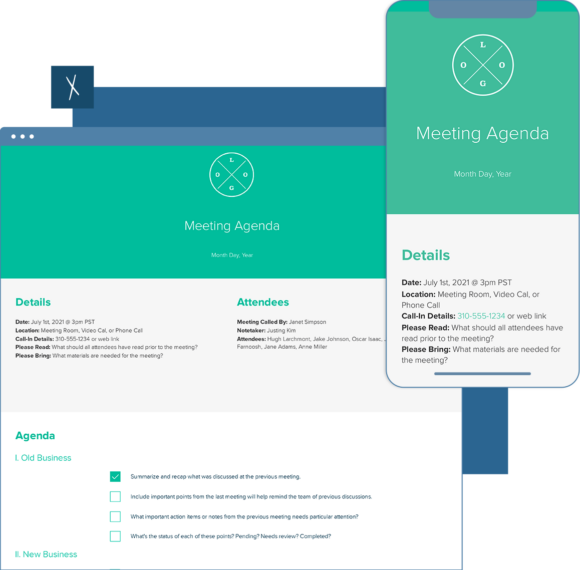
Meeting Agenda Template
Meetings are an essential part of enabling effective team efficiency. The meeting agenda template will ensure that everyone shows up to the meeting knowing what will be discussed and what decision-making needs to happen. Use Xtensio’s meeting agenda template to define more impactful team meetings.
- Create a visually-rich meeting agenda to showcase agenda items and meeting minutes.
- Enable effective communication and promote organization across your company.
- Standardize your meetings with consistent, branded meeting agendas.
- Increase productivity before, during and after the formal meeting with defined action items.
Xtensio is your team’s deliverables workspace.
Create, collaborate, and deliver client-ready docs—then keep them current.
Join 411,389 using Xtensio.
Xtensio is the workspace for professional deliverables.
Make one deliverable today—then build a repeatable system for every client and project.
This is where teams create, collaborate, organize, and deliver the documents that run their work.
Everything stays on-brand, current, and ready to share.

Organize every deliverable
Keep strategy, sales, marketing, and client docs together by workspace.
Create fast, stay consistent
Start from 200+ templates or AI drafts, then apply your brand kit.
Collaborate in the doc
No more “final_v7.pdf” loop.
Standardize across deliverables
Apply your brand kit + reusable modules so every deliverable matches.
Improve what you send
See engagement, iterate, and reuse what works across projects.
How to create a meeting agenda with Xtensio
- Create a free account and start editing, no credit card required.
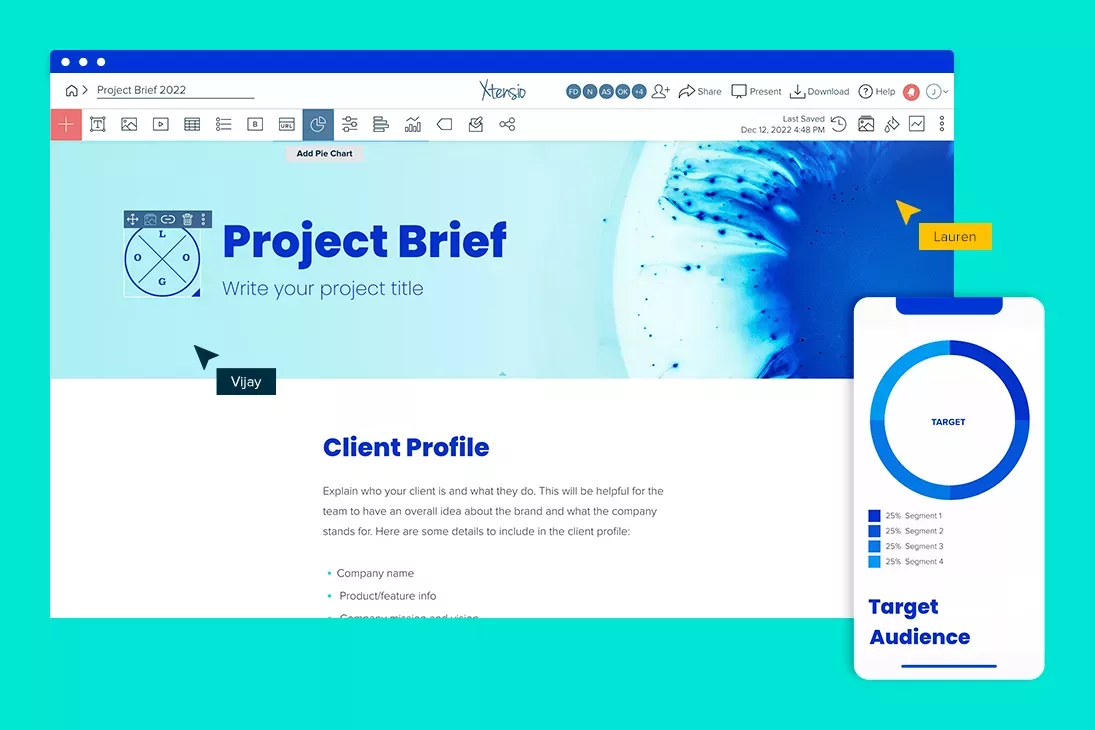
Follow along with the instructional meeting agenda template details. Add charts, graphs, images, and videos to customize the meeting agenda template and make it your own. Drag & drop. Resize. It’s the easiest editor ever.
- Work on your meeting agenda items together on the cloud.
Add colleagues (or clients) to collaborate on the team meeting agenda template. Changes automatically save and sync across all devices, in real-time.
- Share a link. Present a slideshow. Embed. Download a PDF/PNG.
The meeting agenda template seamlessly adapts to your workflow. No more jumping from tool-to-tool to design different types of deliverables.
- Reuse and repurpose.
Save your own custom meeting agenda templates. Or copy and merge into other documents.
See how Xtensio compares
Wondering whether Xtensio is the right fit for your team? See how it stacks up:

Other Meeting Agenda templates
What is a team meeting agenda?
A meeting agenda is an outline of agenda items and activities that participants are hoping to accomplish during the meeting. Clearly defining a meeting agenda enables effective communication, promotes organization, and increases productivity. There are many different types of meeting structures.
- Staff meetings.
- Daily stand-up meetings.
- Committee or board meetings.
- Project status meetings.
- Sales calls.
Meeting agendas serve many purposes:
- They give attendees notice of what will be discussed before the business meeting.
- Agendas set clear expectations for what needs to occur before, during, and after a meeting.
- They keep participants focused on the meeting topic.
- Agendas act as time-management tools.
What should a meeting agenda include?
Agenda topics are dependent on the purpose of your meeting. Regardless of whether it’s a brainstorming session or a quarterly check-in, agendas will generally include the following:
- Old Business and information items, including any updates you want to share with attendees.
- New discussion items include anything you want your team to provide feedback on.
- Action items will outline tasks that your team should complete during or after the meeting.
Don’t forget to include additional helpful details about the meeting date and location, attendees and presenters how much time the meeting will take.
How do I write an agenda for a meeting?
Prior to the meeting, we encourage you to carefully consider what the goals of the meeting should be. What should the discussion revolve around? Which actions are of the highest priority? Answering these questions will help you more quickly arrange your agenda for maximum productivity.
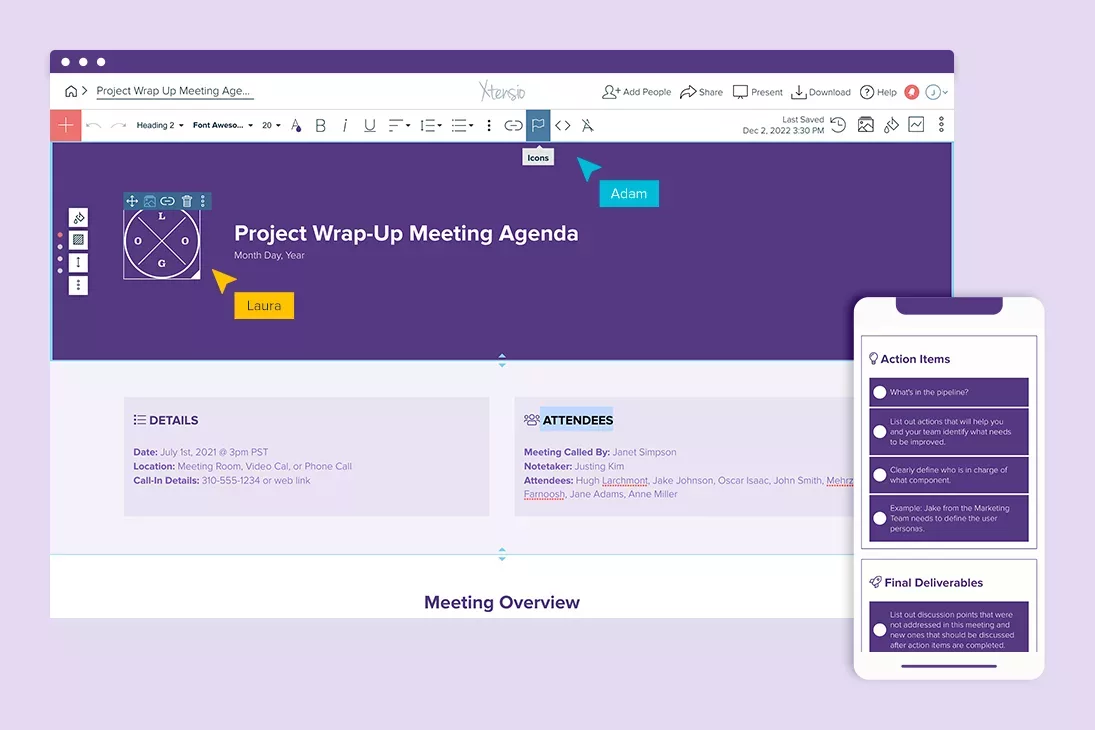
While there are many meeting agenda templates for Microsoft Word and Google Docs, Xtensio’s template is much more flexible in terms of communicating and collaborating with your team. Status updates are communicated instantly across all editors and anyone with the live link to the meeting agenda so you can make sure that everyone is on the same page.
Regardless of where you decide to create your agenda, here are some tips for planning an effective agenda for your next business meeting:
- Make the meeting objectives clear.
- List each action item as a question or task.
- Clarify expectations and responsibilities by sharing the agenda prior to the meeting.
- Define a time estimate for each topic or agenda item.
- Get team feedback before, during, and after the meeting.
Check out related template bundles:
Design, manage and share beautiful living documents… easily, together. Explore Xtensio
- Click and edit anything… together.
- Customize to match your branding.
- Share with a link, present, embed or download.
The Decision-Driven Agenda Framework
Most meeting agendas list topics. Decision-driven agendas list outcomes. Instead of “Discuss Q3 marketing budget,” write “Decide: Approve Q3 marketing budget of $150K (yes/no/modify).” This single change eliminates the most common meeting failure: 45 minutes of discussion that ends with “let’s take this offline.” When every agenda item has a clear decision to make, meetings finish faster and produce documented outcomes.
The framework has three columns per agenda item: Decision needed (what we are deciding), Pre-read (materials attendees must review before the meeting), and Decision owner (the single person who makes the final call if the group cannot reach consensus). Share the agenda as a live link 24 hours before the meeting so attendees arrive prepared. After the meeting, update the same document with decisions made and next steps. This turns your agenda into a meeting record without creating a separate document.
4 Meeting Types That Need Different Agendas
1. Decision meetings use the framework above. Limit to 30 minutes and 3 decisions maximum. 2. Brainstorm meetings need a different structure: state the problem, set constraints, allocate ideation time, then converge on top 3 ideas. Never mix brainstorming with decision-making in the same meeting. 3. Status update meetings should follow a strict round-robin format: each person gets 2 minutes for Done/Doing/Blocked. If a topic needs discussion, park it for a separate meeting. 4. One-on-one meetings should be owned by the direct report, not the manager. The agenda covers career development, blockers, and feedback in that order. Managers who let direct reports drive the agenda see 40% higher engagement scores.
Maintain a reusable agenda template for each meeting type in your workspace. This ensures consistent structure across your organization and saves 5 to 10 minutes of setup per meeting. Over a year, that adds up to 50+ hours recovered per team.
What’s Next?
A great agenda sets expectations. Follow up with the right documents to keep things moving.
Related to the Meeting Agenda Template
Fully customizable templates that you can make your own.
What is a meeting agenda?
A meeting agenda is a structured outline of topics, discussion points, and action items that a meeting will cover. It defines what will be discussed, who will lead each topic, and how much time each item gets. A well-structured agenda transforms meetings from unfocused conversations into productive working sessions with clear outcomes.
The difference between productive teams and meeting-heavy teams is rarely the number of meetings. It is whether those meetings have agendas that force clarity about what needs to be decided, discussed, or reviewed.
What to include in a meeting agenda
- Meeting objective — One sentence stating what this meeting should accomplish. If you cannot write this sentence, the meeting may not be necessary.
- Attendees and roles — Who needs to be there and what role each person plays (presenter, decision-maker, note-taker, observer).
- Agenda items with time allocations — Each topic with an owner and a time limit. Without time limits, early topics consume the entire meeting.
- Pre-read materials — Links to documents, data, or context that attendees should review before the meeting. This prevents using meeting time for information sharing that could be async.
- Decision items vs. discussion items — Clearly distinguish topics that require a decision from topics that are informational or exploratory. This sets expectations for outcomes.
- Action items from previous meeting — Quick review of outstanding tasks from the last session. Keeps accountability visible.
- Parking lot — Space for topics that arise during the meeting but are not on the agenda. Acknowledged but deferred to stay on track.
Types of meeting agendas
Different meeting types need different agenda structures:
- Team standup — Brief, recurring. Each person covers: what they did, what they are doing, what is blocking them. Fixed 15-minute format.
- Project kickoff — Longer, one-time. Covers objectives, scope, timeline, roles, risks, and communication plan. Often includes pre-read material.
- Client check-in — Recurring. Reviews progress, surfaces blockers, gathers feedback. Structured around deliverables and milestones, not internal tasks.
- Strategy session — Workshop format. Includes brainstorming, prioritization exercises, and decision frameworks. Needs facilitation notes, not just topic bullets.
- Board meeting — Formal. Follows a fixed order (call to order, approvals, reports, new business, adjournment). Often legally required to follow specific structures.
- One-on-one — Collaborative. Both parties contribute agenda items. Covers career development, feedback, and blockers alongside project updates.
Meeting agenda best practices
- Send the agenda 24 hours in advance — Give attendees time to prepare. A surprise agenda defeats the purpose of having one.
- Start with the most important item — Meetings lose energy over time. Put decision items first, updates last.
- Assign a timekeeper — Someone who keeps the meeting on track. Without this role, time allocations are suggestions, not constraints.
- End with clear action items — Every meeting should produce a list of who is doing what by when. If it does not, the meeting was informational, not productive.
- Use a living agenda — Share the agenda as a live link so updates (time changes, added topics, pre-reads) are visible to everyone without re-sending.
Why teams use Xtensio for meeting agendas
A meeting agenda should be a living document, not a static file. Xtensio lets you share your agenda as a live link that updates in real time. Add topics after sending the invite and attendees see the changes instantly. Embed supporting documents, charts, and data directly in the agenda instead of linking to scattered files. After the meeting, the same document becomes the record of decisions and action items. Clone the template for your next meeting and carry forward the structure without rebuilding it.
Meeting Agenda Templates by Team Type
A meeting agenda is not one-size-fits-all. The fields that matter to a product team running a sprint planning session look nothing like the agenda a client-facing agency uses for a monthly review. Here is what each team type typically structures their agenda around:
Product Team
Product meeting agendas center on priorities, blockers, and decisions. A weekly product sync typically includes: what shipped last week and what metrics changed, what is in progress and whether it is on track, any blockers that need escalation, and the one decision that needs to be made before the next sprint begins. Keep the update section short — product teams frequently run long on updates and run out of time for decisions, which defeats the purpose of meeting at all.
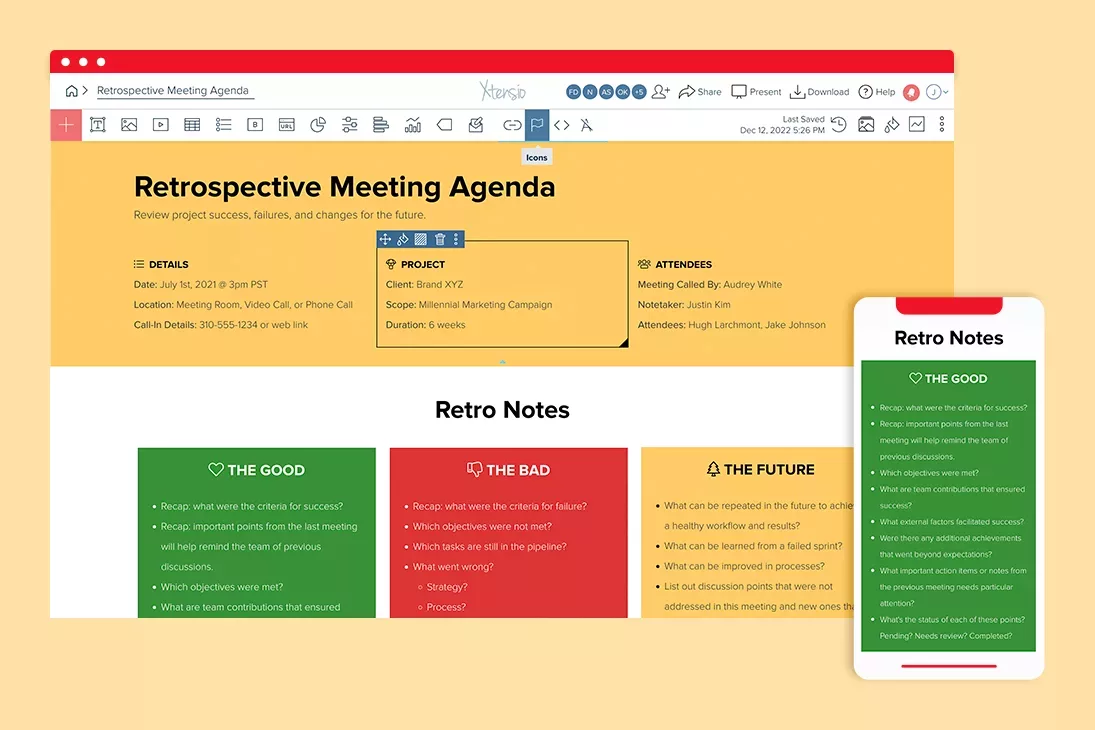
Sprint planning agendas have a different shape: they start with capacity (who is available, at what percentage), move to backlog review and sizing, and end with a committed sprint list that the whole team has agreed to. Retrospective agendas are structured around three questions — what went well, what did not, and what one thing we change next sprint. These are different enough from a standard sync that they warrant their own template.
Marketing Team
Marketing meeting agendas frequently combine metrics review with campaign planning. A weekly marketing sync typically opens with a metrics dashboard — traffic, leads, conversion rates — so decisions are grounded in current data rather than assumption. The second section covers active campaigns: status, changes needed, and owner accountability. The third section handles upcoming launches: what is going out this week, who has approved it, and what assets are still outstanding.
Monthly marketing reviews run longer and need more structure. A good template for these includes: month-over-month comparison of key metrics, attribution analysis by channel, what initiatives are being paused and why, and resource allocation decisions for next month. Embedding a live data view or report directly in the agenda document — rather than linking to a separate dashboard — keeps the conversation focused on the numbers rather than screen-sharing logistics.
Executive Team
Executive meeting agendas are the hardest to run well because they involve the most senior people, the highest stakes decisions, and the most scheduling constraints. The most effective structure puts decisions at the top, updates at the bottom, and treats updates as pre-reads rather than agenda time. A well-run leadership meeting circulates a written brief 24 hours in advance covering the status of key initiatives, so the meeting itself is used only for decisions that require the full group — not for information transfer that could have been a document.
Each agenda item in an executive meeting should be labeled: Decision needed, Discussion, or FYI. This tells attendees how to show up to each item. Decision items require pre-read materials and a clear framing of the options. Discussion items need a facilitator and a timeboxed slot. FYI items should almost never be on the agenda — if no input is needed, send an update and skip the meeting.
Client-Facing Teams
Client meeting agendas serve two audiences simultaneously: your internal team and your client. The internal version includes pre-meeting context, talking points, and flags for sensitive topics. The client-facing version is clean and professional, covering what you will review, what decisions you need from them, and what the next steps are. Keeping these as separate views within the same workspace — rather than two separate documents — removes the risk of accidentally sharing internal notes.
Client agendas for recurring meetings (monthly check-ins, quarterly business reviews) benefit from a consistent structure that clients come to expect. This builds trust — clients who know exactly how a meeting will run are better prepared and more likely to show up with the right people in the room. A well-structured QBR agenda typically runs: performance metrics review (15 min), wins and case studies (10 min), challenges and open issues (15 min), roadmap preview (10 min), and next steps and owner assignments (10 min).
Turning Your Agenda Into a Reusable Meeting System
A single meeting agenda solves one meeting. A reusable agenda system eliminates the weekly overhead of rebuilding the same structure from scratch. The difference matters more than it sounds — teams that rebuild their agenda each week produce inconsistent meetings where the format itself is a point of confusion. Teams with a standardized template produce predictable, efficient meetings where the structure is invisible and the work is the focus.
Building a reusable system means: create a master agenda template for each recurring meeting type, set the structure once (sections, time allocations, standard fields), then clone it at the start of each meeting cycle and fill in the variable content. What changes week to week is the specific topics, metrics, and decisions. What stays fixed is the format, the section order, and the accountability fields.
- Clone, don’t rebuild. Every meeting of the same type should start from the same template. The act of cloning preserves your format, time allocations, and standing agenda items — only the content changes.
- Carry forward open action items. At the end of each meeting, unresolved items should automatically appear on the next meeting’s agenda. A living document format makes this easy — link the previous meeting’s action item list directly into the next agenda rather than copying and pasting.
- Build a meeting archive. Store past agendas in a shared workspace where the team can search for previous decisions. When someone asks “when did we decide to change the pricing model?” the answer should be findable in under 30 seconds. With a file-based approach (email attachments, Slack-linked PDFs), it rarely is.
- Share as a link, not a file. A meeting agenda shared as a live link stays current — you can add agenda items after the invite goes out and attendees see the update immediately. A shared PDF or attached document freezes at the moment of creation and requires re-sending if anything changes.
Meeting Accountability: From Agenda Items to Action Ownership
The most common failure mode in meetings is not bad facilitation — it is the gap between what gets decided in the room and what actually changes afterward. A meeting agenda that ends without explicit action items and named owners is a planning document, not an accountability tool. Adding an accountability section to your agenda template changes this.
Every agenda item that produces a decision or a task should conclude with three fields: Action (what happens next), Owner (who is responsible — one person, not a team), and Due date (specific date, not “ASAP”). These three fields, filled in during the meeting while everyone is present, produce a shareable record of commitments before anyone leaves the call.
At the start of the next meeting, the first agenda item should be a five-minute review of the action items from the previous session. This is not a blame exercise — it is a signal that commitments made in meetings are tracked and followed up. Teams that run this consistently find that their action item completion rate increases significantly within a few cycles, simply because participants know there will be a public check-in.
For meetings that produce multiple decisions — a quarterly planning session, a product roadmap review — a decision log is more useful than an action item list. A decision log captures: the decision made, the options that were considered, the rationale, and the owner. This becomes the institutional memory of why things are the way they are, which is invaluable when new team members join or when a decision is revisited six months later.
For a complete walkthrough of how to structure agendas for different meeting formats — including standups, kickoffs, and all-hands — see the meeting agenda guide. For running client reviews specifically, the client reporting workflow covers how to structure updates clients actually engage with.
Teams use Xtensio to create, share, and improve professional deliverables.
Trusted by 411,389 teams, founders, and consultants.



Jeff Schenck
Marketing Manager @

David Nason

Grace Ghunaim
Global Chief Strategy Officer (CSO) @

Ben Cary
Founder @

Leon Coe
Instructor @
Texas A&M University

Jennifer Alt
UI/UX Designer @

Zac Heisey
Director of Digital Marketing @

Jenny Johansson
UX Manager @

Ryan Dobson
Global Engineering Manager @
What to Create Next
A great agenda sets expectations. Follow up with the right documents to keep things moving.

Create and deliver beautiful work, professionally.
Build, brand, and deliver living documents your clients actually engage with.







Join 411,389 professionals delivering work with Xtensio.

