Social Media Style Guide Template
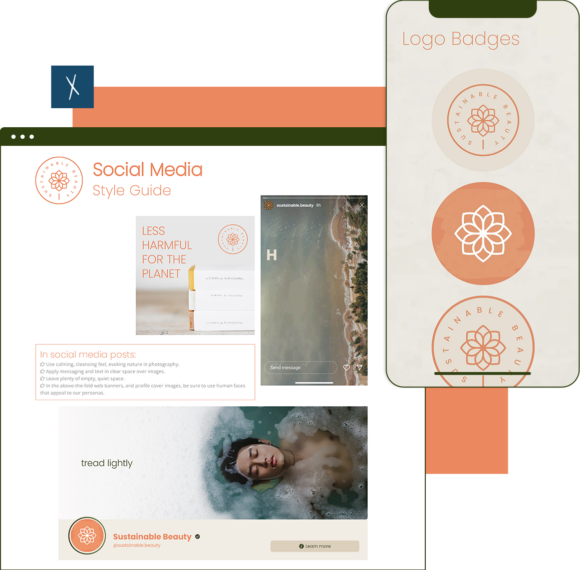
Establish visual and linguistic rules to keep a consistent, on brand social media feed. Click and populate Xtensio’s fully editable Social Media Style Guide Template with our own assets.
Beautiful living documents, built like web pages.
Join 411,389 professionals using Xtensio.
Xtensio is the workspace for professional deliverables.
Make one deliverable today—then build a repeatable system for every client and project.
This is where teams create, collaborate, organize, and deliver the documents that run their work.
Everything stays on-brand, current, and ready to share.

Organize every deliverable
Keep strategy, sales, marketing, and client docs together by workspace.
Create fast, stay consistent
Start from 200+ templates or AI drafts, then apply your brand kit.
Collaborate in the doc
No more “final_v7.pdf” loop.
Standardize across deliverables
Apply your brand kit + reusable modules so every deliverable matches.
Improve what you send
See engagement, iterate, and reuse what works across projects.
What is a Social Media Style Guide ?
Social Media Style Guide is a variation of the brand guidelines document but specific to the content created for social media channels. Click and populate Xtensio’s fully editable Social Media Style Guide example with our own assets. Establish visual and linguistic rules to keep a consistent, on brand social media feed. Edit, duplicate, and expand sections of this template to make it your own. You can also tap into other style guide templates, such as the personal brand style guide, and repurpose them for your own content marketing project.
How to create your Social Media Style Guide on Xtensio?
- Create a free account and start editing, no credit card required.
Follow along with the instructional Social Media Style Guide template details. Add charts, graphs, images, and videos to customize the Short LP template and make it your own.
Drag & drop. Resize. Customize the format however you need. It’s the easiest editor ever.
- Customize everything in the Social Media Style Guide template to match your brand.
Define your style guide. Add your (or your client’s) brand fonts and colors. You can even pull colors directly from a website to easily brand your Social Media Style Guide template and more.
- Take it from brainstorming and mood boarding to a final Style Guide ready to share.
Add colleagues (or clients) to collaborate on your Social Media Style Guide. Collect ideas from the Internet like a whiteboard. Changes automatically save and sync across all devices, in real time.
- Share a link. Present a slideshow. Export a PDF/PNG. Embed on a website. All from one folio.
The Social Media Style Guide template seamlessly adapts to your workflow. No more jumping from tool-to-tool to design different types of deliverables.
- Reuse and repurpose.
Save your own custom Social Media Style Guide. Make edits, and create a limitless number of variations. Merge with and accompany other business documentation.
Social Media Style Guide vs Brand Guidelines vs Content Calendar
These three documents serve different purposes, and confusing them leads to either inconsistent social media execution or unnecessary duplication of effort.
A social media style guide defines voice, tone, and visual rules specific to each social platform. It answers questions like: “How formal is our tone on LinkedIn versus Instagram?” “What emoji usage is acceptable?” “What image filters, colors, and fonts do we use in Stories versus feed posts?” The style guide is platform-specific because what works on TikTok does not work on LinkedIn.
Brand guidelines are the parent document. They define the overall identity system: logo usage, typography, color palette, photography style, and brand voice at a high level. Brand guidelines apply everywhere (website, print, presentations, packaging), while the social media style guide translates those rules into platform-specific execution. Every social media style guide should reference the brand guidelines but add the granular, platform-specific rules that brand guidelines cannot cover.
A content calendar is the execution schedule. It defines what gets posted, when, and on which platform. The calendar references the style guide for visual and tonal consistency but focuses on planning and workflow rather than rules. Build your style guide as a live link that your content team references while filling in the content calendar template.
What to Include in Your Social Media Style Guide
A complete social media style guide covers six areas that together ensure any team member can create on-brand content without guessing.
Voice and tone per platform. Define your brand’s personality on each channel. Your LinkedIn tone might be “authoritative but approachable,” while your Instagram tone is “playful and visual.” Include example posts for each platform showing the difference. Provide a list of phrases your brand uses and a list it avoids.
Visual standards. Specify colors (with hex codes), fonts (with fallbacks for platforms that restrict font choices), image styles (photography vs illustration, filters, aspect ratios), and logo placement rules for profile images, cover photos, and post graphics. Include templates for recurring content types so new team members do not start from scratch.
Hashtag strategy. Define branded hashtags, campaign hashtags, and community hashtags your team should use. Set rules for hashtag volume per platform (Instagram allows more than LinkedIn) and specify which hashtags are always included versus optional. Keep a running list of trending industry hashtags that align with your positioning.
Response templates. Create approved response frameworks for common scenarios: positive comments, complaints, product questions, and crisis situations. These are not scripts to copy verbatim but frameworks that ensure consistent tone while allowing personalization. Include escalation paths for situations that require legal or executive review.
Crisis communication protocols. Define what constitutes a social media crisis, who has authority to pause scheduled posts, and the approval chain for crisis responses. Include specific language to avoid during sensitive situations and pre-approved holding statements for different crisis types.
Platform-specific rules. Each platform has its own character limits, image dimensions, video length restrictions, and algorithmic preferences. Document these for your team so they do not need to look them up every time. Update this section quarterly as platforms evolve.
How to Roll Out a Social Media Style Guide Across Your Team
Creating the style guide is half the work. The other half is making sure your team actually uses it. A style guide that lives in a forgotten folder is worse than no style guide at all because it gives the false impression that brand consistency is covered.
Onboarding new team members. Make the style guide part of every new hire’s first-week materials. Walk through it in person (or on video) rather than just sharing a link. Have them create two or three practice posts using the guide before they publish anything live. This catches misinterpretations before they reach your audience.
Approval workflows. For teams with multiple content creators, define who reviews posts before publishing and what criteria they check against. The style guide should be the explicit standard reviewers use, not personal preference. This removes subjective debates about whether a post “feels right” and replaces them with objective checks against documented rules.
Quarterly style reviews. Social media moves fast. Platform features change, audience expectations shift, and your brand voice may evolve. Review the style guide quarterly to update platform-specific rules, add new response templates for emerging scenarios, and retire guidance that no longer applies. Keep the guide as a living document in your workspace so updates are instantly available to the entire team.
Handling platform changes. When a platform introduces a new feature (a new content format, a new algorithm priority, or a new community tool), add guidance to the style guide within the first week. Early adopters who maintain brand consistency on new features gain disproportionate reach. Teams without updated guidelines either ignore new features or use them inconsistently.
Related to the Social Media Style Guide Template
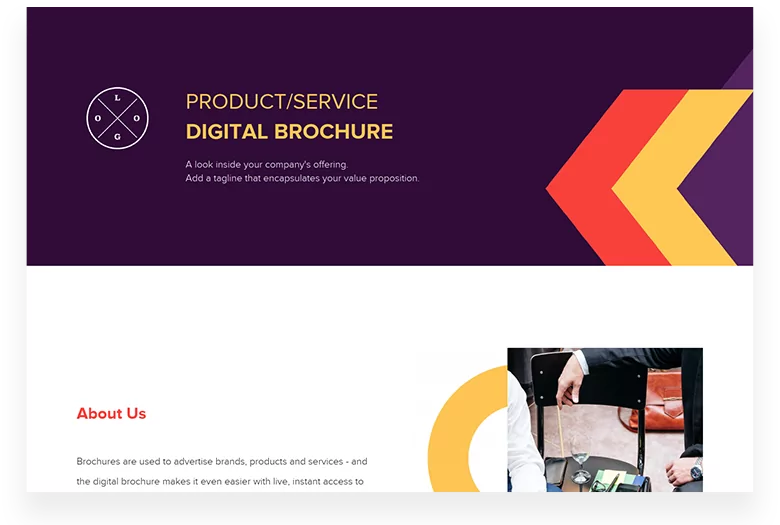
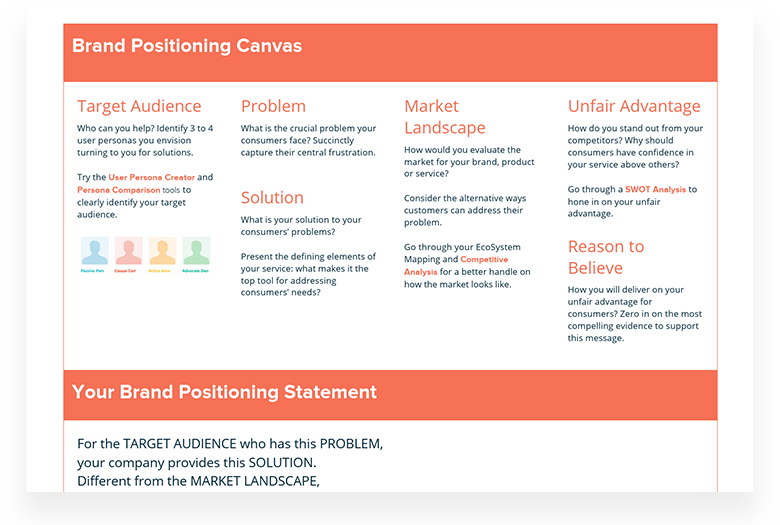
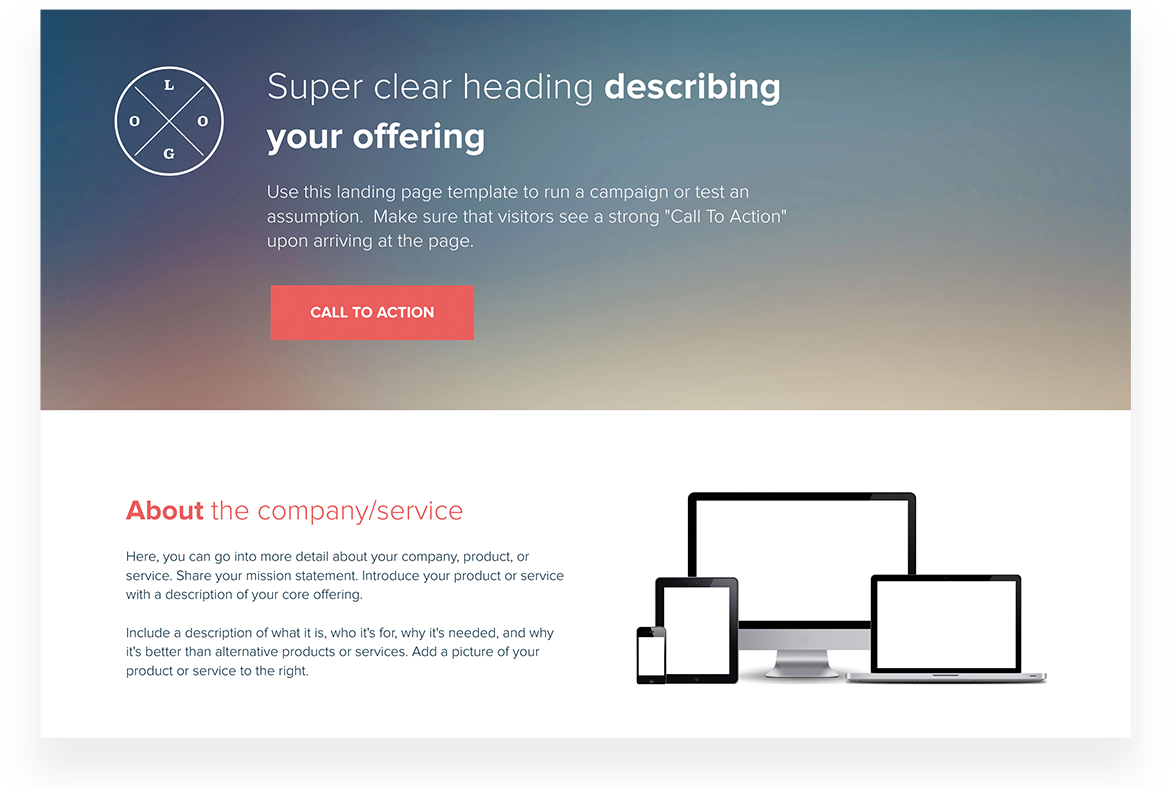
Fully customizable templates that you can make your own.


Zac Heisey
Director of Digital Marketing @

Jake Peters
CEO @

Robin Bramman
Founder and Chief Brand Mixologist @

Alix Han
VP Product Experience @

Marc Anthony Rosa
Product Manager @

Anna Yunker
Content Strategist @

Robin Eyre
Owner @

Adam Sher
CEO @

Humma Arshad
Salesforce Project Manager @

Create and deliver beautiful work, professionally.
Build, brand, and deliver living documents your clients actually engage with.







Join 411,389 professionals delivering work with Xtensio.

