
AI Eisenhower Matrix Generator
Know What to Do First, and What Not to Do at All.
Paste your to-do list or describe your week. Xtensio’s AI builds an Eisenhower matrix that sorts every task by urgency and importance you can customize and share instantly.
Your Eisenhower matrix lives in a workspace with your personas, pitch decks, one-pagers and strategy docs, all AI-powered and always on-brand.
“E.g. My week: client proposal due Friday, hire a designer, answer partner emails, update the website, plan Q1, reorganize the shared drive…”
Xtensio AI writes the first draft. You check it, make it yours and send it under your name.
Free to start. No credit card. Takes under 2 minutes.
Trusted by 412,240 founders, managers, and consultants.
Starts from your brief
Structured output
Collaborative
Always up to date
Create an Eisenhower Matrix in Minutes
Most to-do lists treat every task the same, so the urgent ones crowd out the important ones.
Xtensio AI compresses that into minutes and delivers a designed first draft, not a wall of text.
How It Works
Paste your tasks
Tell Xtensio AI what is on your plate. It only uses the tasks you give it.
AI generates your Eisenhower matrix
Xtensio sorts your tasks into Do First, Schedule, Delegate and Don’t Do. It works from what you give it, and it can still add sample figures. Check every number, name and photo before you send.
Customize and share
Every task is editable. Move tasks between quadrants, then share the matrix as a live link or export it to PDF.
Who It’s For
Founders
Spend your time where it matters most.
Managers
Decide what to hand off and what to drop.
Consultants
Help clients sort a long list of priorities.
Freelancers
Keep client work ahead of busywork.
What’s Inside Your AI-Generated Eisenhower Matrix
Your AI-generated Eisenhower matrix includes everything you need, just like our Eisenhower Matrix Template.
Everything is fully editable. Drag, drop, rearrange, rewrite.
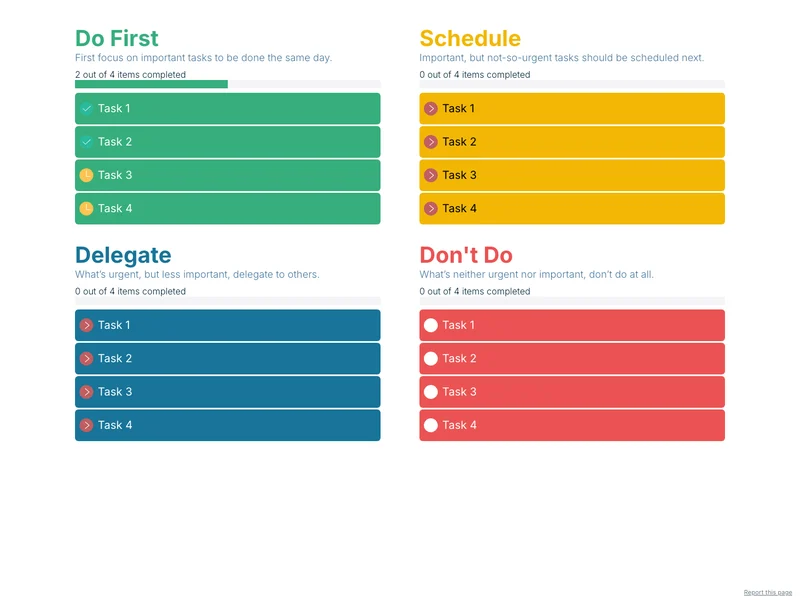
Do First
Urgent and important: do it today.
Schedule
Important but not urgent: plan it.
Delegate
Urgent but less important: hand it off.
Don’t Do
Neither: drop it.
Progress
See how many tasks in each quadrant are done.
Why Xtensio is Better
Other AI tools generate unformatted text you still have to design and structure. Xtensio delivers a designed first draft of your Eisenhower matrix, on your brand, ready to review and edit.
Smart & Structured
Forget copy-paste. Xtensio AI delivers a clean, designed first draft of your Eisenhower matrix, not a text dump.
Reusable
Duplicate the matrix each week and change only what differs.
Collaborative & Customizable
Invite teammates or clients to edit, comment, and refine in real time.
On Brand & Insight-Driven
Your style guide auto-applies. On Xtensio Plus, analytics show who viewed your Eisenhower matrix, for how long, and what they focused on.
Xtensio AI vs. Other AI Tools
Not all Eisenhower matrix tools are built the same. Here’s how Xtensio AI compares.
Build everything with AI
Xtensio AI supports every step of your workflow.
Smart + Structured
Proven frameworks, no messy text dumps. Always up-to-date, beautiful living documents.
Collaborative & Customizable
Invite your team, build, and learn together. This is your portal for your team and your clients.
On Brand
Set up your style guide and grow your brand automatically


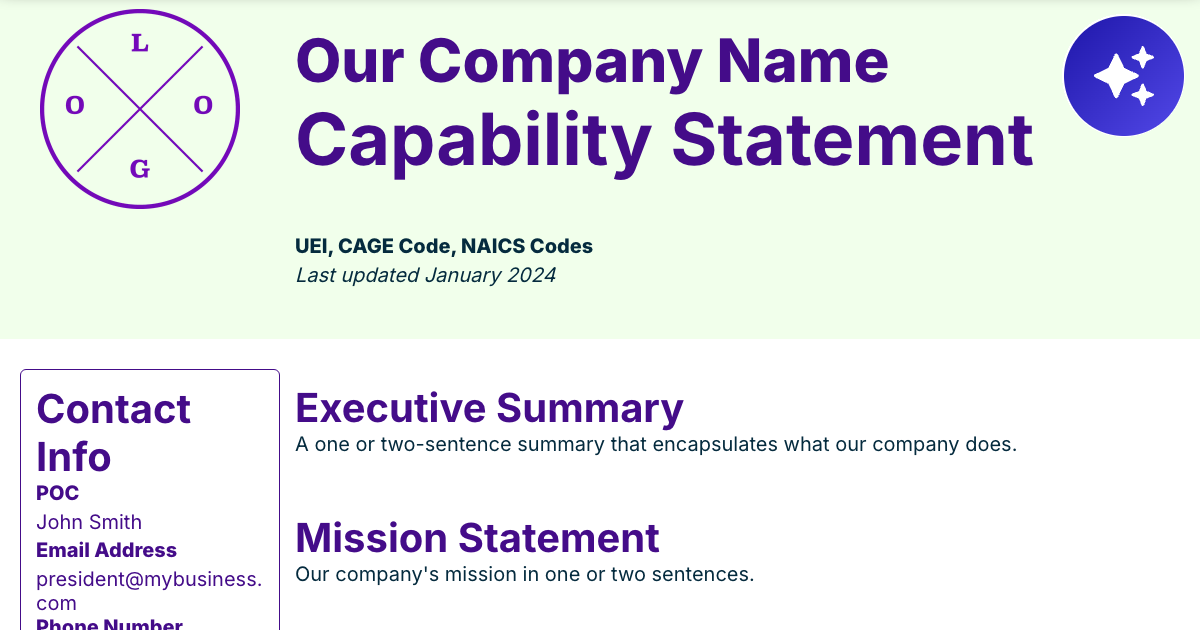


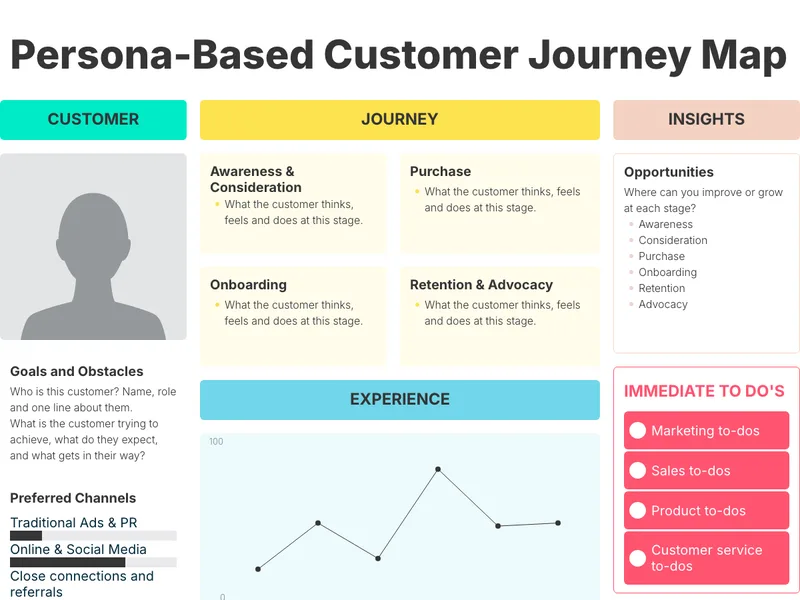
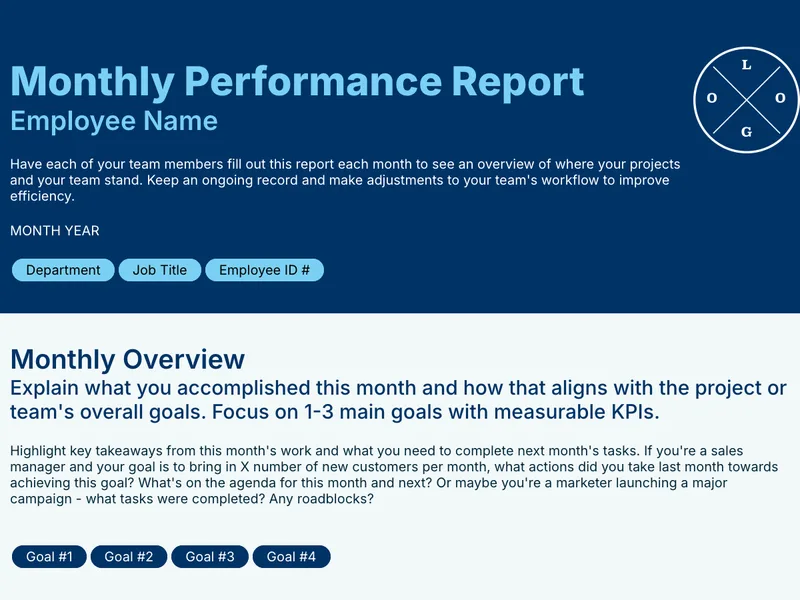
Example Eisenhower Matrices
See the structure first.
Preview the full Eisenhower Matrix template to see the structure the AI fills: Do First, Schedule, Delegate and Don’t Do. Every task is editable.
…or start directly from an Eisenhower Matrix Template.
Preview the Eisenhower Matrix template
Try It Free
Create your first Eisenhower matrix and unlock your Xtensio workspace.
Start with one AI-generated Eisenhower matrix, then add kanban boards, project plans and status reports, all in one place.
No credit card required. Upgrade only if you love it.
| ChatGPT / Manual Research | Xtensio AI | |
|---|---|---|
| Output | Plain text paragraphs | Polished, fully structured Eisenhower matrix |
| Structure | Unformatted prose | Do First, Schedule, Delegate, Don’t Do |
| Content depth | Surface-level summaries | Built from the tasks you give it |
| Design | No layout | Starts on your Brand Kit. Check logos and photos. |
| Editing | Manual copy/paste into another tool | Drag-and-drop modules you can edit in place |
| Collaboration | Solo | Multi-user workspaces with real-time co-editing |
| Continuity | One-off file | Living folio you re-sort each week |
| Pricing | Hours of manual formatting | Free to start, no credit card required |
From One Matrix to Your Whole Planning Workspace
Most people start with a single Eisenhower matrix. A week later their boards, plans and status reports are all living here too.
Xtensio becomes their AI-powered workspace for strategy, content & growth.
Eisenhower Matrix Template
Start from a structured template instead. View template
AI Kanban Board Generator
Track the tasks you decided to do. Generate board
Eisenhower Matrix Template
Start from the template and fill it in yourself. View template
AI SWOT Analysis Generator
Step back and look at the bigger picture. Generate SWOT
FAQ
Can AI sort my tasks into an Eisenhower matrix?
Yes. Paste your tasks and Xtensio AI sorts them into the four quadrants. It works from what you give it, and it can still add sample figures. Check every number, name and photo before you send.
What is an Eisenhower matrix?
A two-by-two grid that sorts tasks by urgency and importance into four groups: Do First, Schedule, Delegate and Don’t Do.
What goes in each quadrant?
Urgent and important tasks go in Do First; important but not urgent in Schedule; urgent but less important in Delegate; and tasks that are neither in Don’t Do.
Is this Eisenhower matrix tool free?
Yes. You can generate an Eisenhower matrix for free with no credit card required. Your brand kit is on the free plan. Xtensio Plus removes Xtensio branding from exports and live links, and adds engagement analytics and up to 5 people on the team.
How do I share my Eisenhower matrix?
Share your Eisenhower matrix as a live link anyone can view in a browser, export it to PDF or PNG, or present it directly from Xtensio. Live links update automatically when you make changes.
Can I update the matrix later?
Yes. Your Eisenhower matrix lives in Xtensio as a folio, a living document. Re-sort it each week, without rebuilding the file from scratch.
Can I make one for each week?
Yes. Duplicate the folio for each week or project and change only what differs.
How long does an AI Eisenhower matrix take?
Under two minutes from description to a fully structured output. You can then spend additional time editing, adding your own data, and customizing the design.
Start Free. Build Smarter. Focus Better.
Generate your Eisenhower matrix in minutes. No credit card. No design skills required.

