
Client Onboarding Template
A welcome pack for every new client project: who is who, what is in scope, the timeline, how you work together and what you need from them. Edit it online, then send it as a live link.
Free template · Opens in your browser · Nothing to download
Made for agencies, consultants and freelancers starting work with a new client.

What’s inside the template
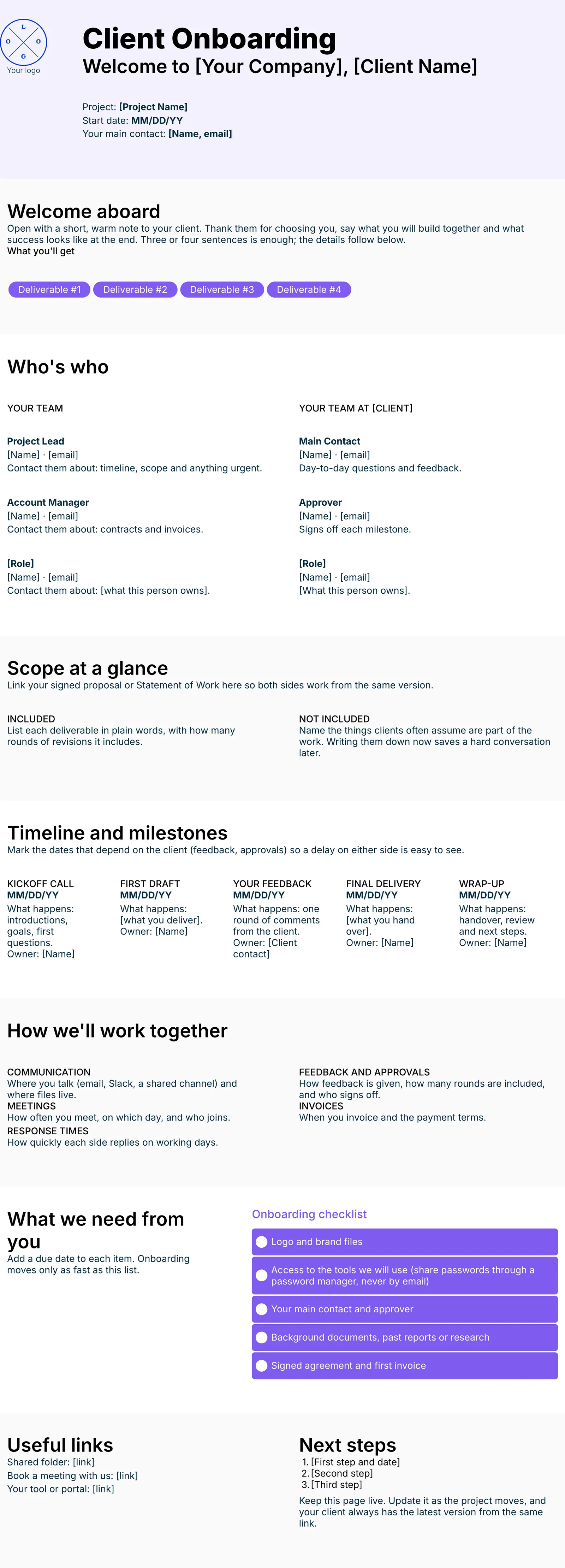
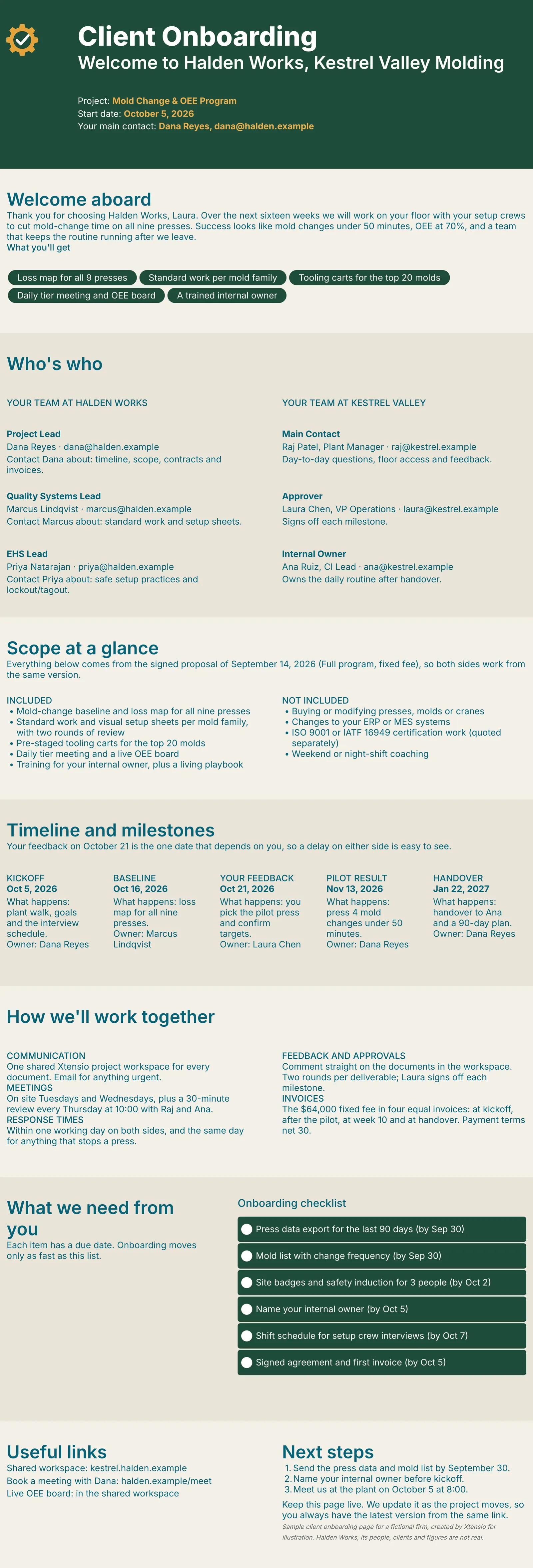
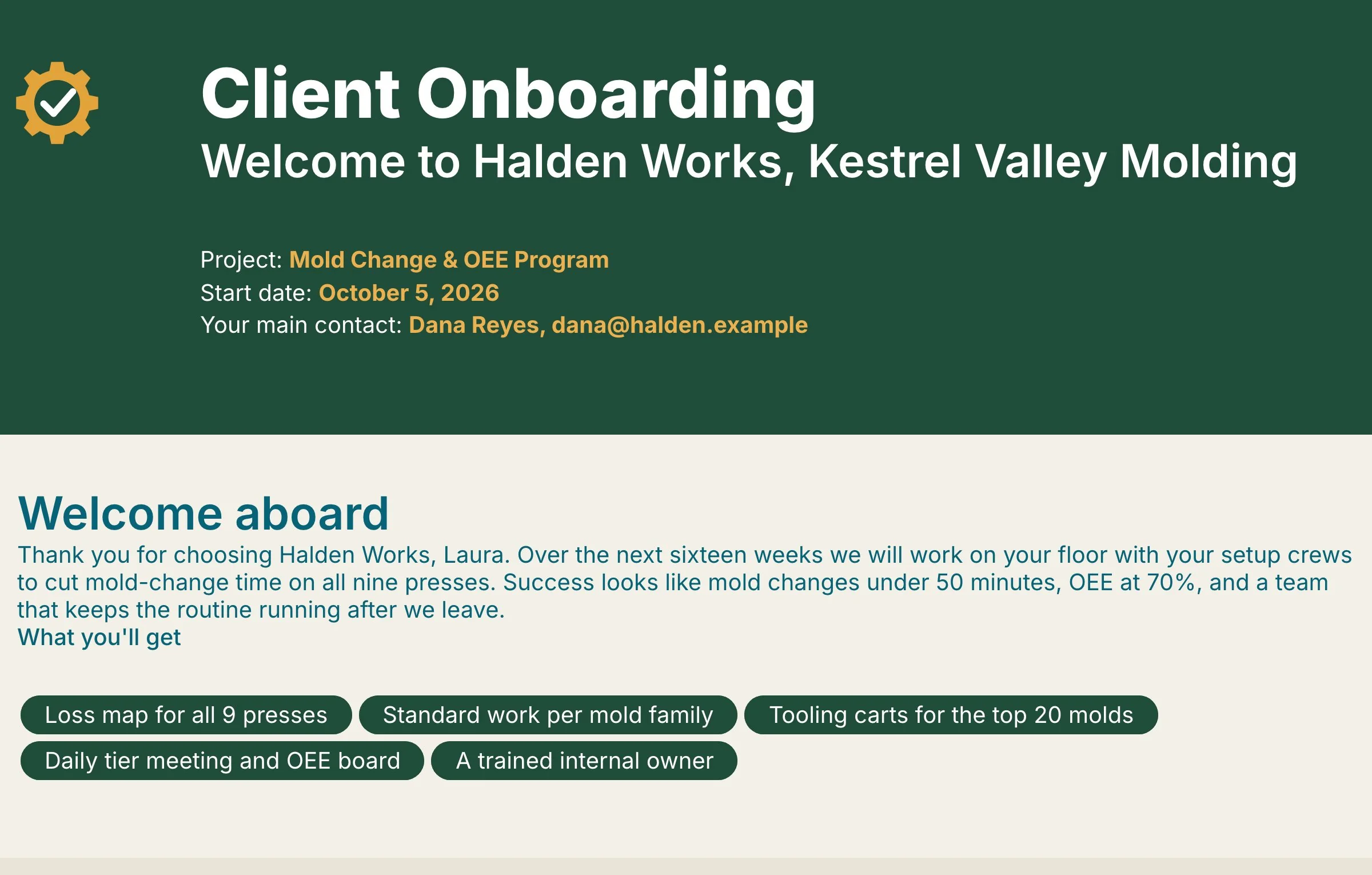
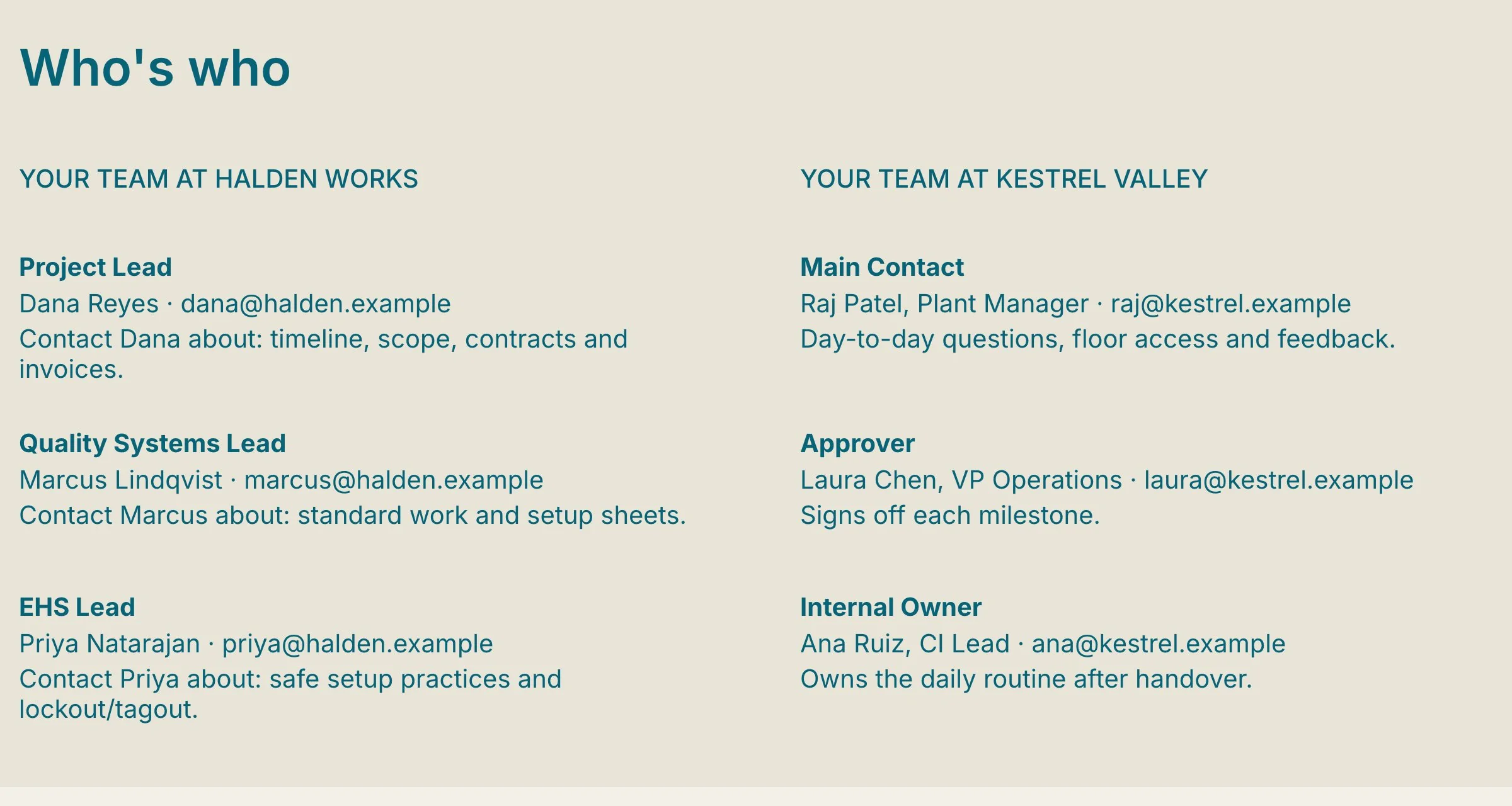
Six parts, in the order a new client reads them. Each one has a short prompt telling you what to write. The pictures show our finished example.
Welcome and deliverables
A short, warm note from you, then the deliverables the client will receive.
Who's who
Both teams side by side, with who to contact about what on each side.
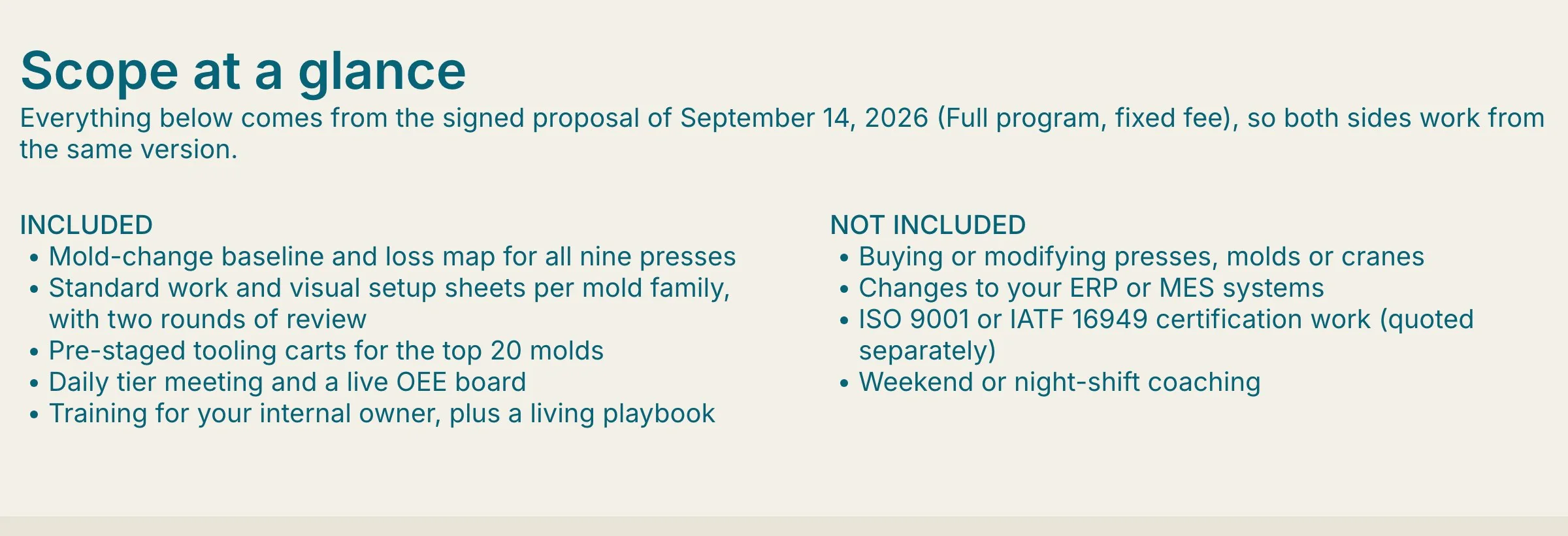
Scope at a glance
What is included and what is not, so nobody is surprised later on.
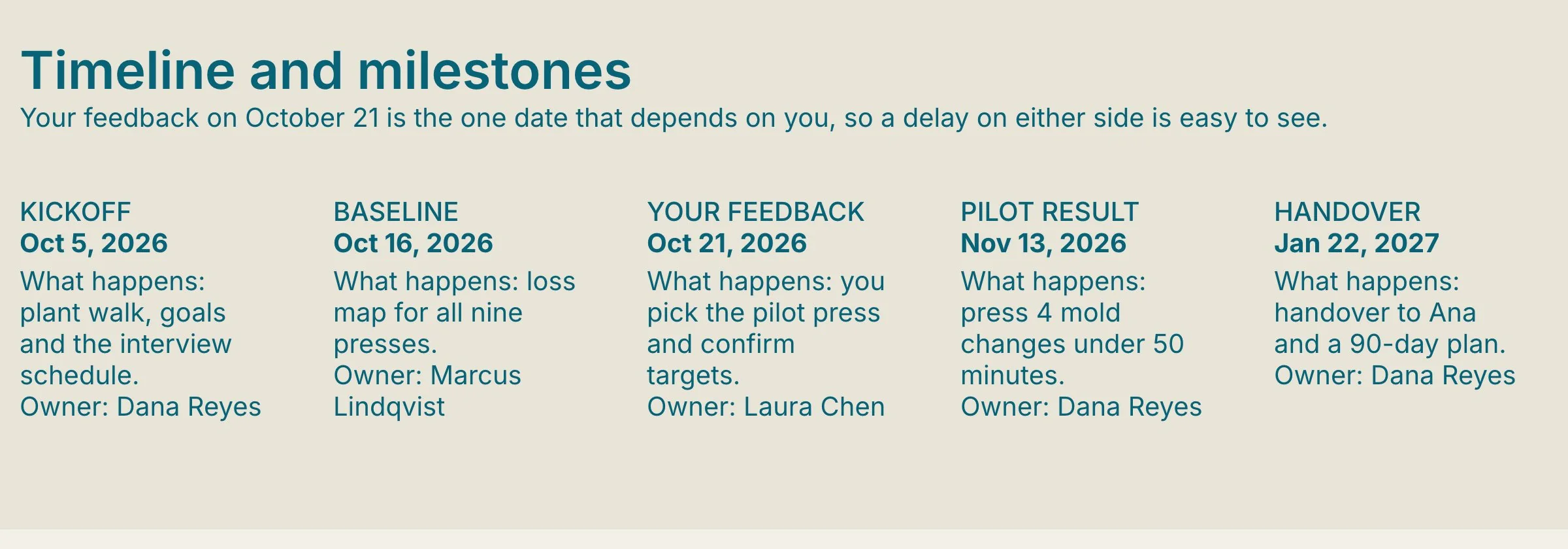
Timeline and milestones
Kickoff to handover, with the dates and owners both sides agreed.
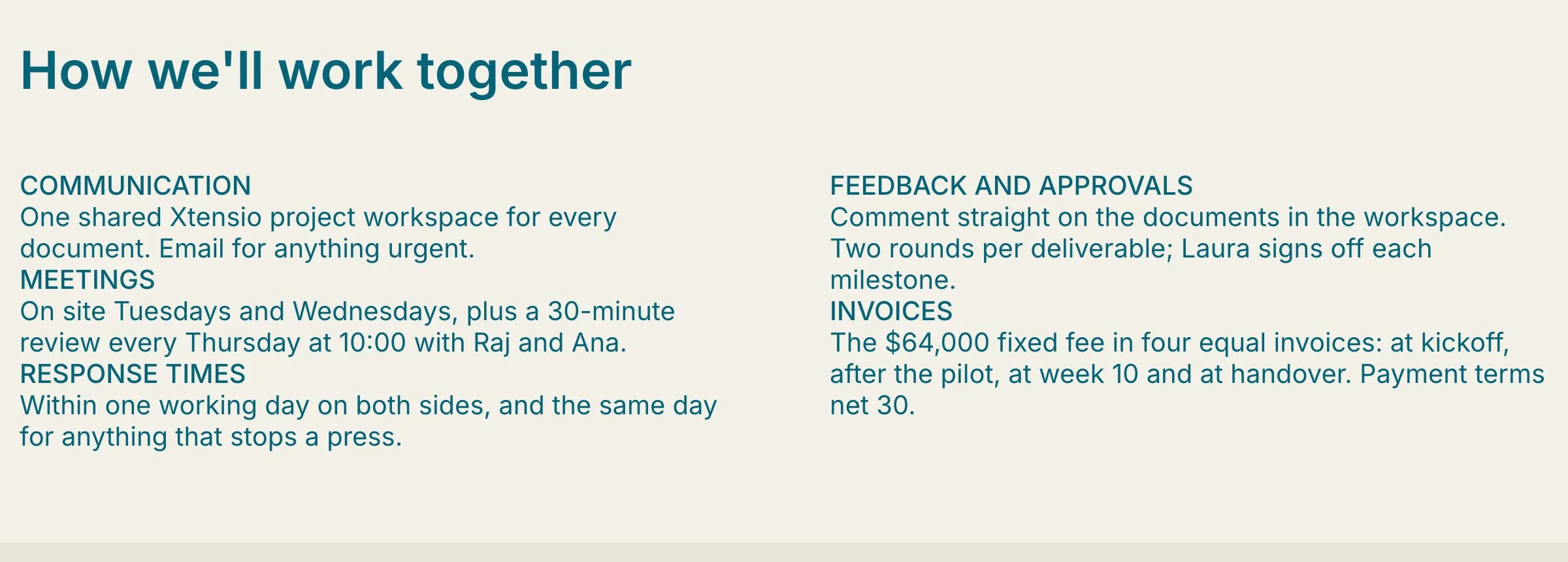
How we'll work together
Where you talk, when you meet, how fast you reply, approvals and invoices.
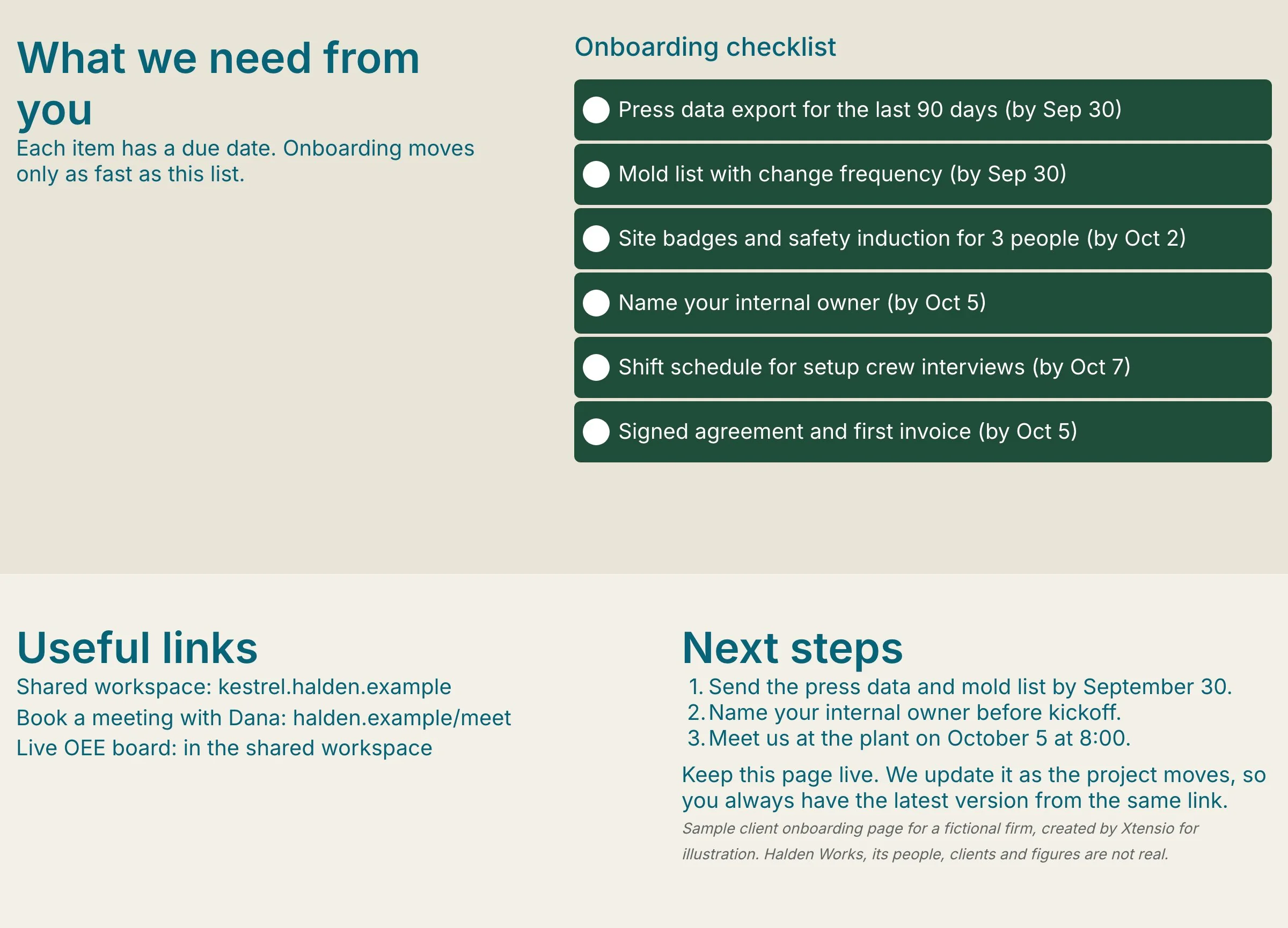
What we need from you
A checklist of files, access and approvals, then links and next steps.
Edit it online. Send it as a link.
Xtensio is the living deliverables workspace for firms that send work to clients. Your client onboarding page sits next to your proposals and client reports, all on your brand.
Edit it in your browser
Sign up free and Xtensio offers to draft the onboarding page with AI from your notes, or start from the template. Then click any text to edit it.
Apply your brand
Enter your website and Xtensio picks up your logo and colours. Check they look right. Need a first draft of a section? Edit with AI writes one from your notes.
Send it, then keep it current
Share one live link with your client before kickoff. Update dates and owners as the project moves, and the client always sees the latest version.
Prefer to start with AI? The AI Client Onboarding Generator writes a first draft you can edit.
Everything you need to deliver it
Compare Free and Plus →Draft with AI 500/mo on Plus
Draft the whole document from your notes or website, or rewrite any section with Edit with AI.
Live links
One link that always shows the latest version. Set it public or private.
Present full screen
Walk a client through it on a call, straight from the browser.
Download PDF and PNG
For bid portals and email. Watermark-free on Plus.
Export to HTML Plus
Hand the page to a web team or host it yourself.
Link analytics Plus
See views and engagement for every link you share.
Project workspaces Unlimited on Plus
Group deliverables by client and invite the client in. Three on Free.
Your domain and links Plus
clients.yourfirm.com/proposal, with optional passwords.
Your team, your history Plus
Up to 5 people working together, with 365 days of version history.
Often sent with a client onboarding page
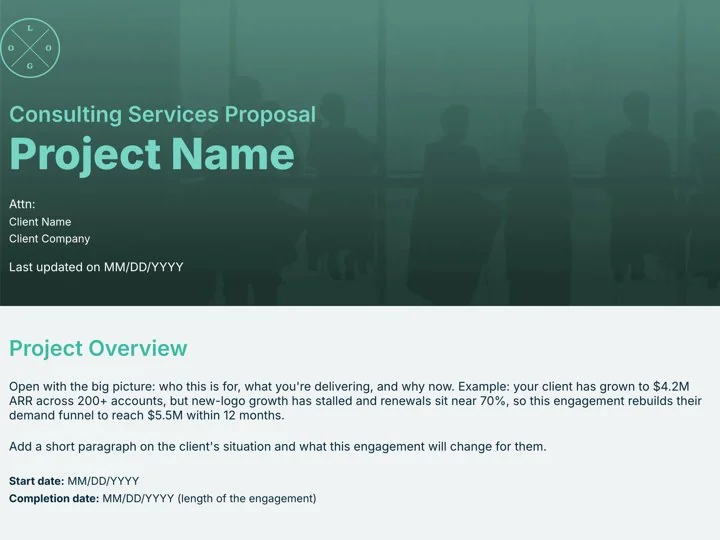
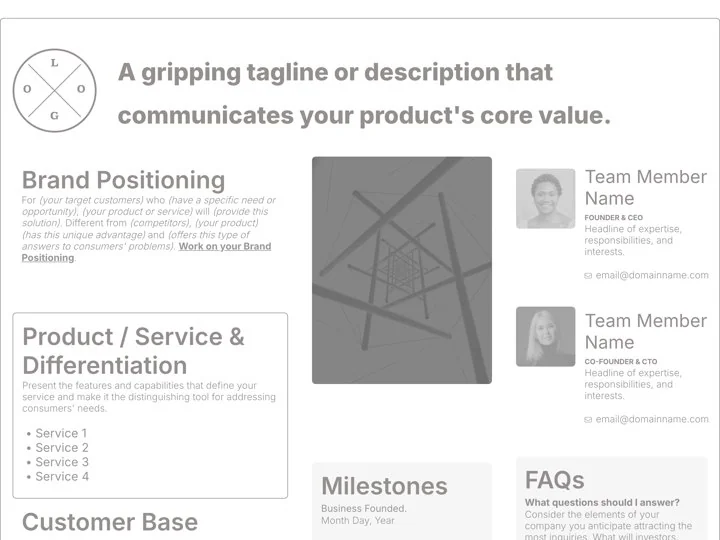
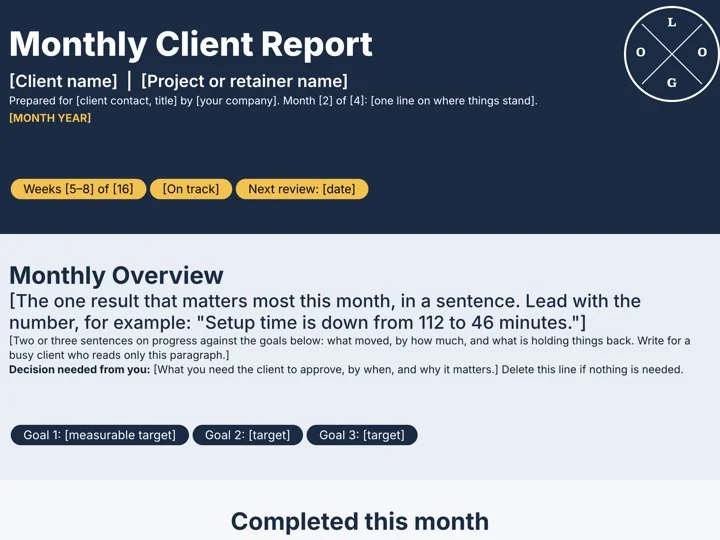
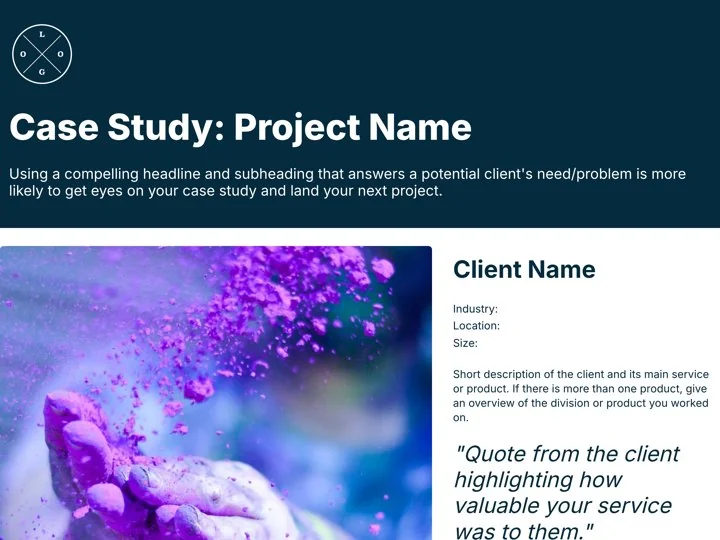
Templates for the rest of the engagement. Each one opens in the Xtensio editor, ready to fill in.
“Xtensio is flexible and easy to use, making client deliverables very versatile and reusable across different product and market types.”
How to onboard a new client
The short version. The full guide covers what to send, when to send it, and how to keep a new client on track.
1. Send it before the kickoff call
The client arrives knowing the plan, the people and what to send you.
2. Name one person per job
Each side gets a main contact and an approver, so no question goes unanswered.
3. Write down what is not included
The things clients often assume are part of the work, agreed before day one.
4. Keep it live, not attached
Update dates and owners in one link instead of emailing a new version.
Questions about client onboarding
What is a client onboarding document?
A short page you send a new client right after they sign. It sets out who is who, what is in scope, the timeline, how you will work together and what you need from them.
What should a client onboarding document include?
A welcome note, the deliverables, both teams' contacts, what is and is not included, milestones with owners, how you communicate and approve work, invoicing, and a checklist of what the client must send.
When should I send it to a new client?
Right after the contract is signed and before the kickoff call, so the client can start on their checklist and arrive at the call with questions, not surprises.
How is this different from a customer onboarding checklist?
A customer onboarding checklist tracks how a software customer gets set up in a product. This template is for service work: an agency or consultant welcoming a new client to a project.
Should I send it as a PDF or a link?
A live link works best: dates and owners change as the project moves, and the client always sees the latest version. Download a PDF if the client's team needs a file.
Is this template free?
Yes. Create a free Xtensio account, then start from the template or draft it with AI. No credit card required. Exports on the free plan carry a small Xtensio mark. Xtensio Plus ($12 a month) removes it and adds your own fonts and domain.
Make your client onboarding page today
Free account, opens in your browser. No credit card required.
Made for agencies, consultants and freelancers starting work with a new client.

