
Audit Report Template
Report an audit the way clients act on it: summary, scope and method, scores by area, findings and prioritized recommendations. Edit it online in Xtensio and share it as a live report.
Free template · Opens in your browser · Nothing to download
Made for consultants and agencies who review a client's business or systems.

What’s inside the template
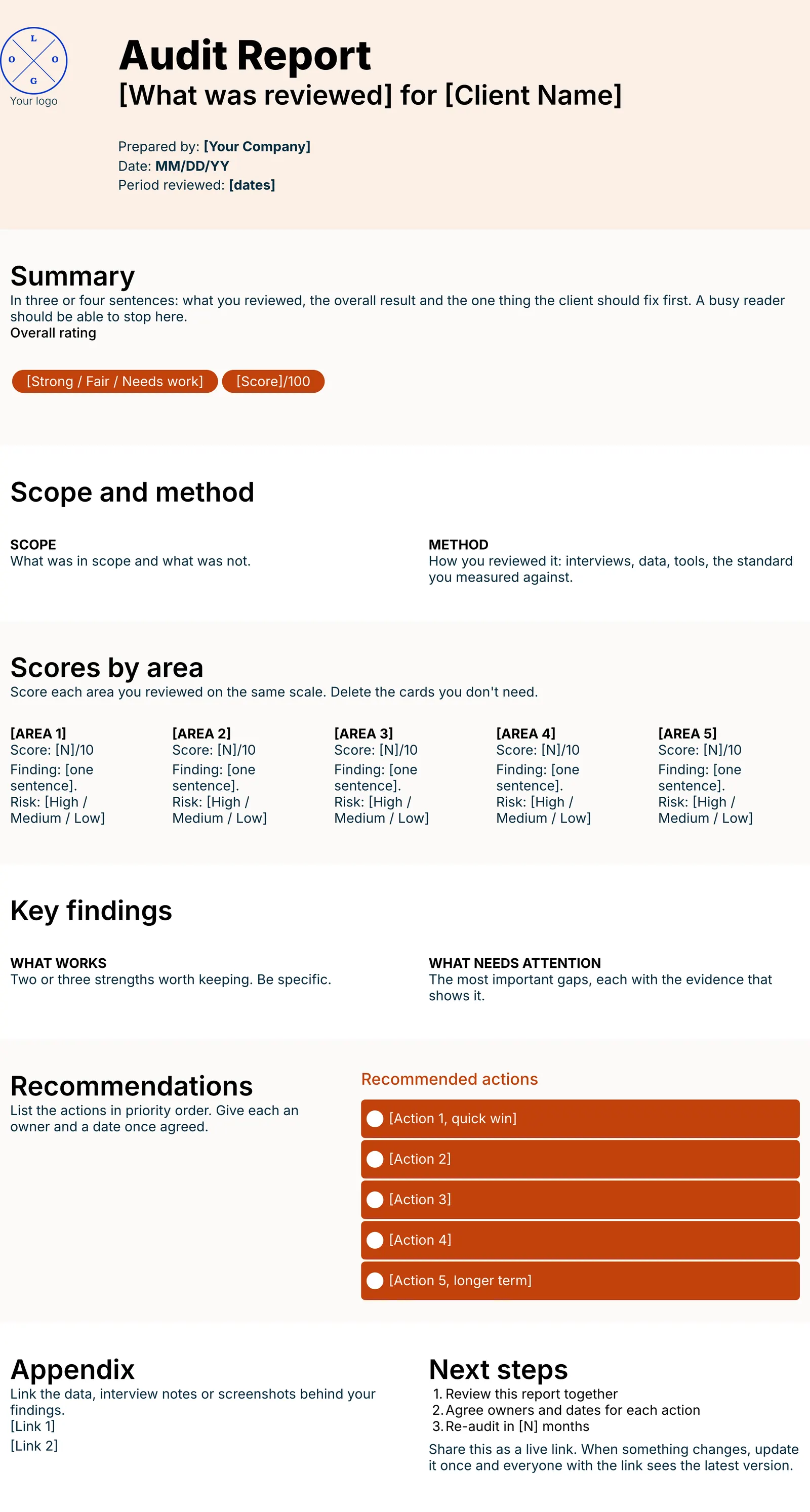
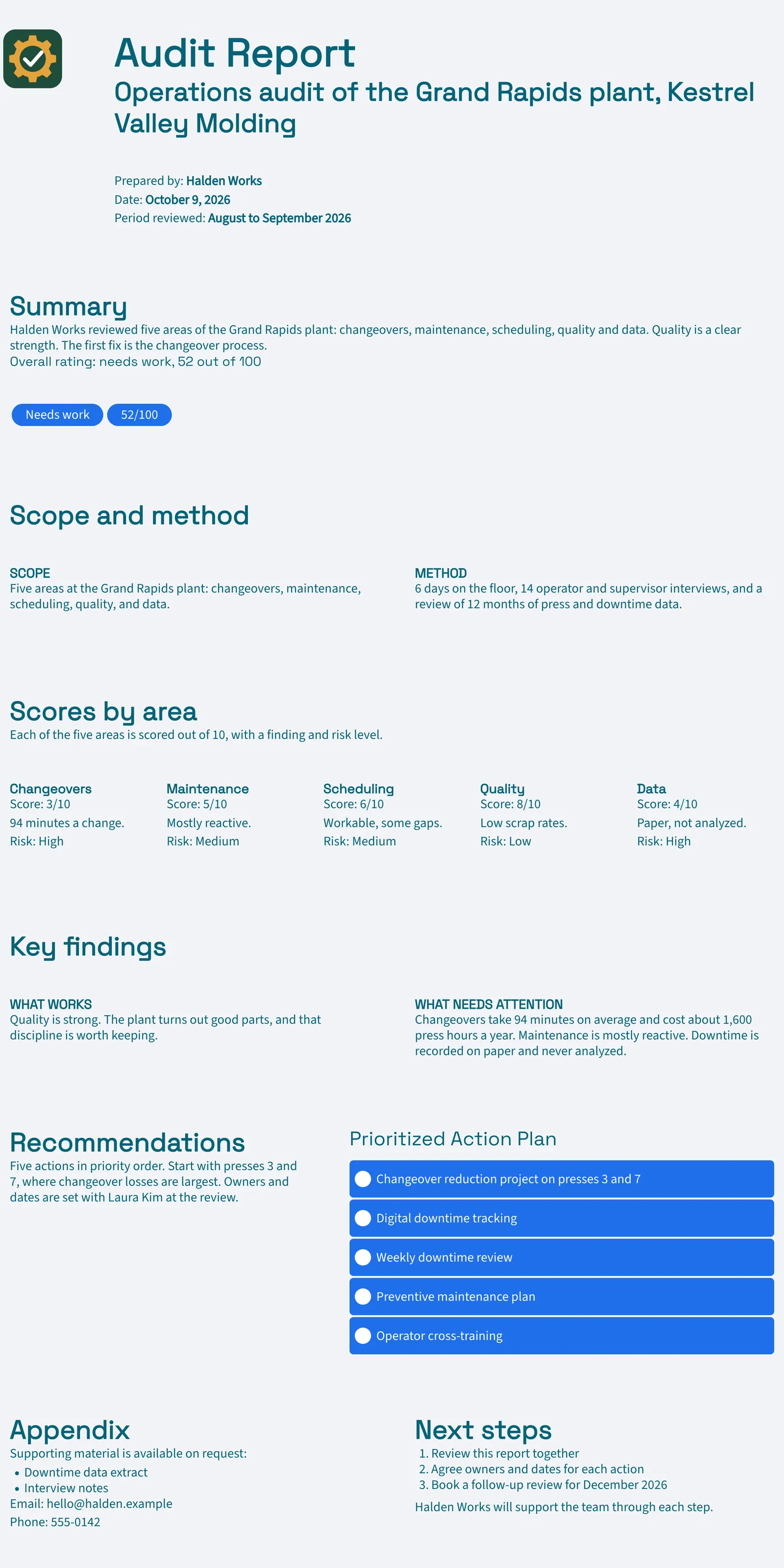
Six parts, in the order a reader takes them in. Each one has a short prompt telling you what to write. The pictures show our finished example.
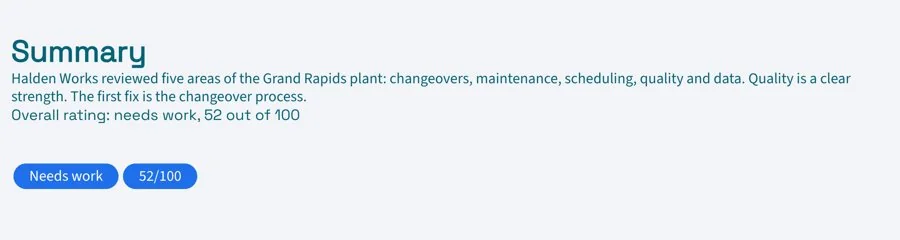
Summary and rating
The overall result and the one thing to fix first, for busy readers.
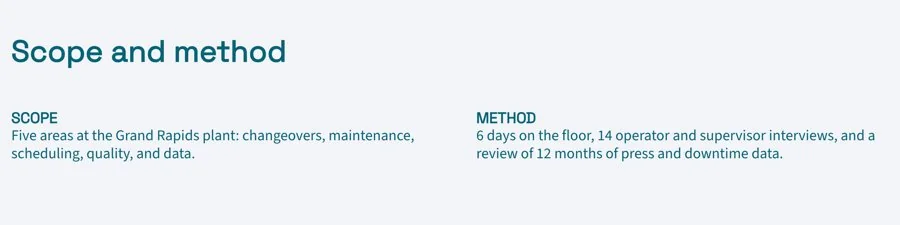
Scope and method
What you reviewed, what you left out and how you reviewed it.
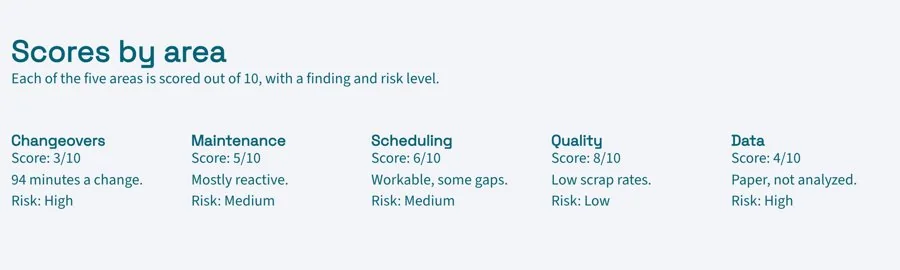
Scores by area
Each area on the same scale, with a one-line finding and its risk.
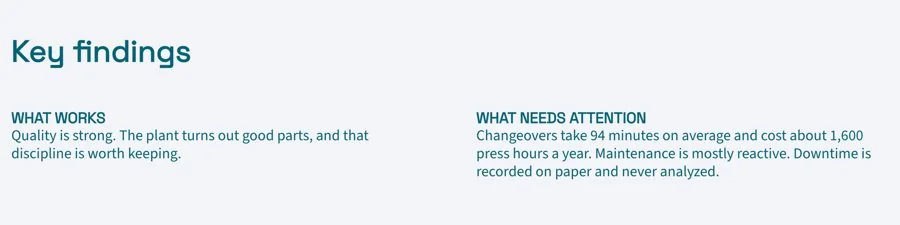
Key findings
What works and what needs attention, each with the evidence behind it.
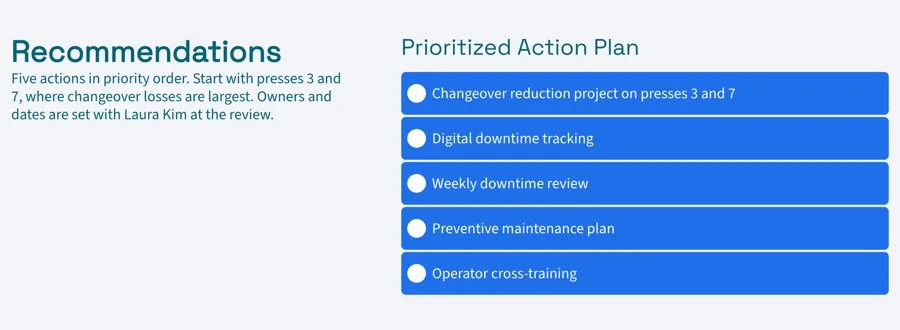
Recommendations
A checklist of actions in priority order, ready for owners and dates.
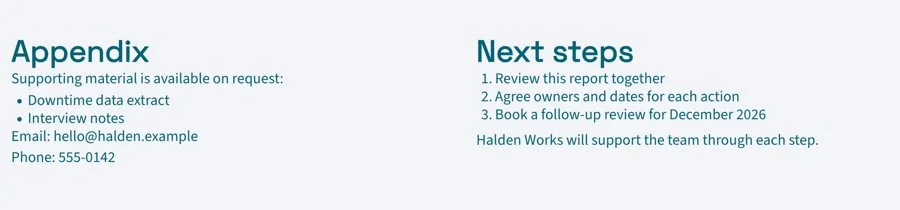
Appendix and next steps
Links to the data behind your findings, then the next steps together.
Edit it online. Send it as a link.
Xtensio is the living deliverables workspace for firms that send work to clients. Your audit report sits next to your proposals and client reports, all on your brand.
Edit it in your browser
Sign up free and Xtensio offers to draft the audit report with AI from your findings, or start from the template. Then click any text to edit it.
Apply your brand
Enter your website and Xtensio picks up your logo and colours. Check they look right. Need a first draft of a section? Edit with AI writes one from your notes.
Send it, then keep it current
Share one live link with the client. Tick off recommendations as they are done, so the report keeps working long after the first meeting.
Prefer to start with AI? The AI Audit Report Generator writes a first draft you can edit.
Everything you need to deliver it
Compare Free and Plus →Draft with AI 500/mo on Plus
Draft the whole document from your notes or website, or rewrite any section with Edit with AI.
Live links
One link that always shows the latest version. Set it public or private.
Present full screen
Walk a client through it on a call, straight from the browser.
Download PDF and PNG
For bid portals and email. Watermark-free on Plus.
Export to HTML Plus
Hand the page to a web team or host it yourself.
Link analytics Plus
See views and engagement for every link you share.
Project workspaces Unlimited on Plus
Group deliverables by client and invite the client in. Three on Free.
Your domain and links Plus
clients.yourfirm.com/proposal, with optional passwords.
Your team, your history Plus
Up to 5 people working together, with 365 days of version history.
Often sent with a audit report
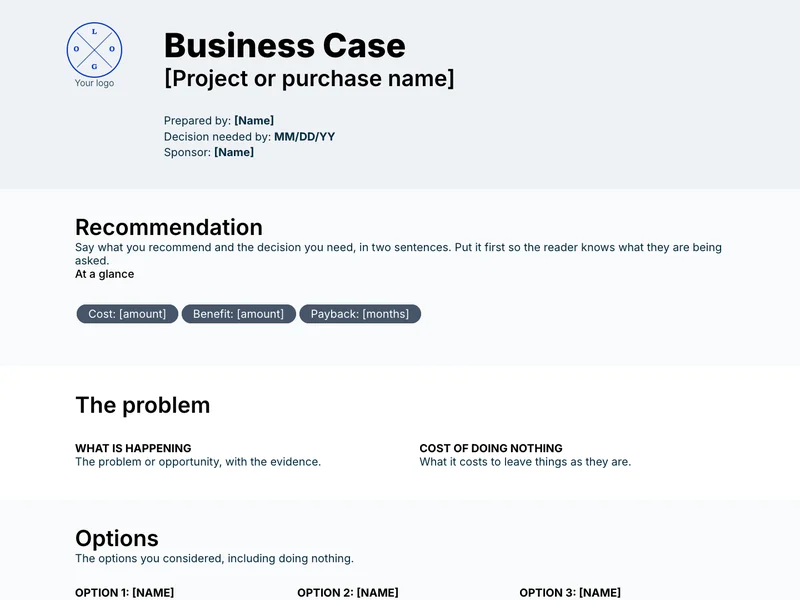
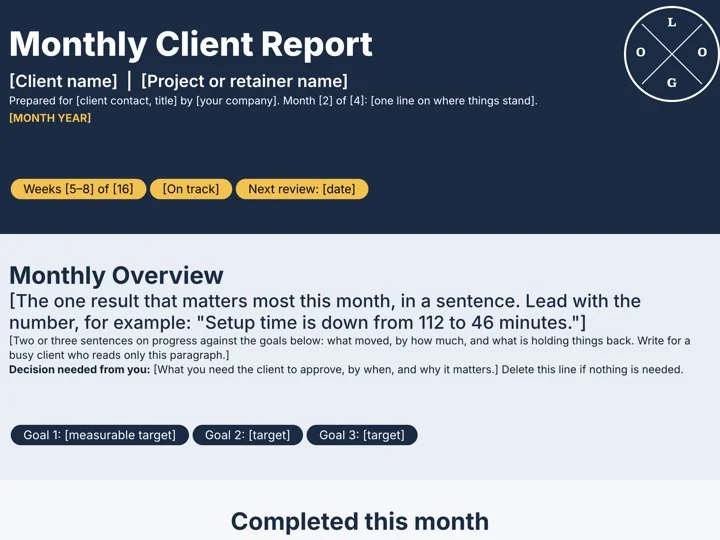
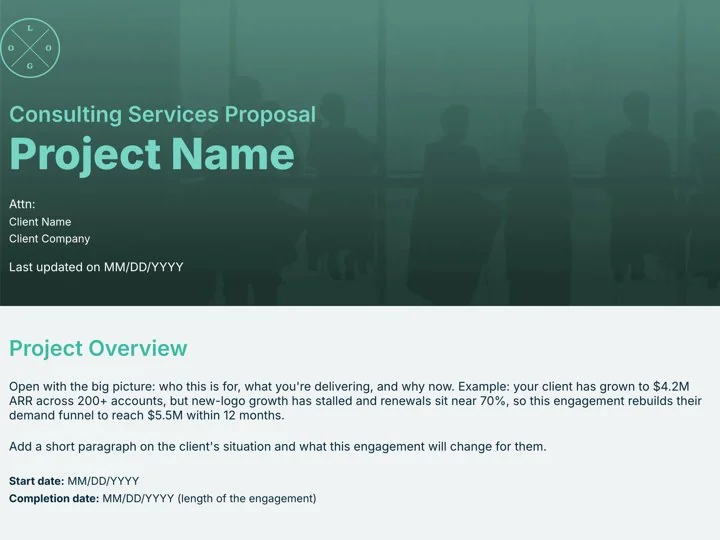
Templates for the rest of the engagement. Each one opens in the Xtensio editor, ready to fill in.

“Xtensio is flexible and easy to use, making client deliverables very versatile and reusable across different product and market types.”
How to write an audit report
The short version. The full guide covers scoring, writing findings and recommendations clients act on.
1. Put the answer first
Open with the overall result and the top fix.
2. Score every area the same way
One scale makes it easy to compare areas and spot the weakest.
3. Back each finding with evidence
Data, quotes or screenshots make findings hard to dismiss.
4. Rank the recommendations
A short, ordered list gets acted on; a long one does not.
Questions about audit reports
What is a audit report?
A report that sets out what an audit or assessment found: what was reviewed and how, how each area scored, the key findings and what the client should do next.
What should a audit report include?
A summary and overall rating, scope and method, scores by area, key findings with evidence, prioritized recommendations and an appendix with the data behind them.
How do I score areas in an audit?
Pick one scale, such as 1 to 10 or red, amber and green, define what each level means, and apply it to every area so the client can compare them at a glance.
How long should a audit report be?
Three to six pages for most client audits. Put the detail in the appendix so the main report stays readable.
Should I send it as a PDF or a link?
A live link stays current as things change, and you can see when it was opened. Download a PDF when the client needs a file for their records.
Is this template free?
Yes. Create a free Xtensio account, then start from the template or draft it with AI. No credit card required. Exports on the free plan carry a small Xtensio mark. Xtensio Plus ($12 a month) removes it and adds your own fonts and domain.
Make your audit report today
Free account, opens in your browser. No credit card required.
Made for consultants and agencies who review a client's business or systems.

