
Services Overview Template
One page that says who you are, what you offer, how you work and the results clients get, with a prompt in every section. Edit it online in Xtensio, then share it as a live link or a PDF.
Free template · Opens in your browser · Nothing to download
Made for consultants, agencies and small service firms that sell expertise.

What’s inside the template
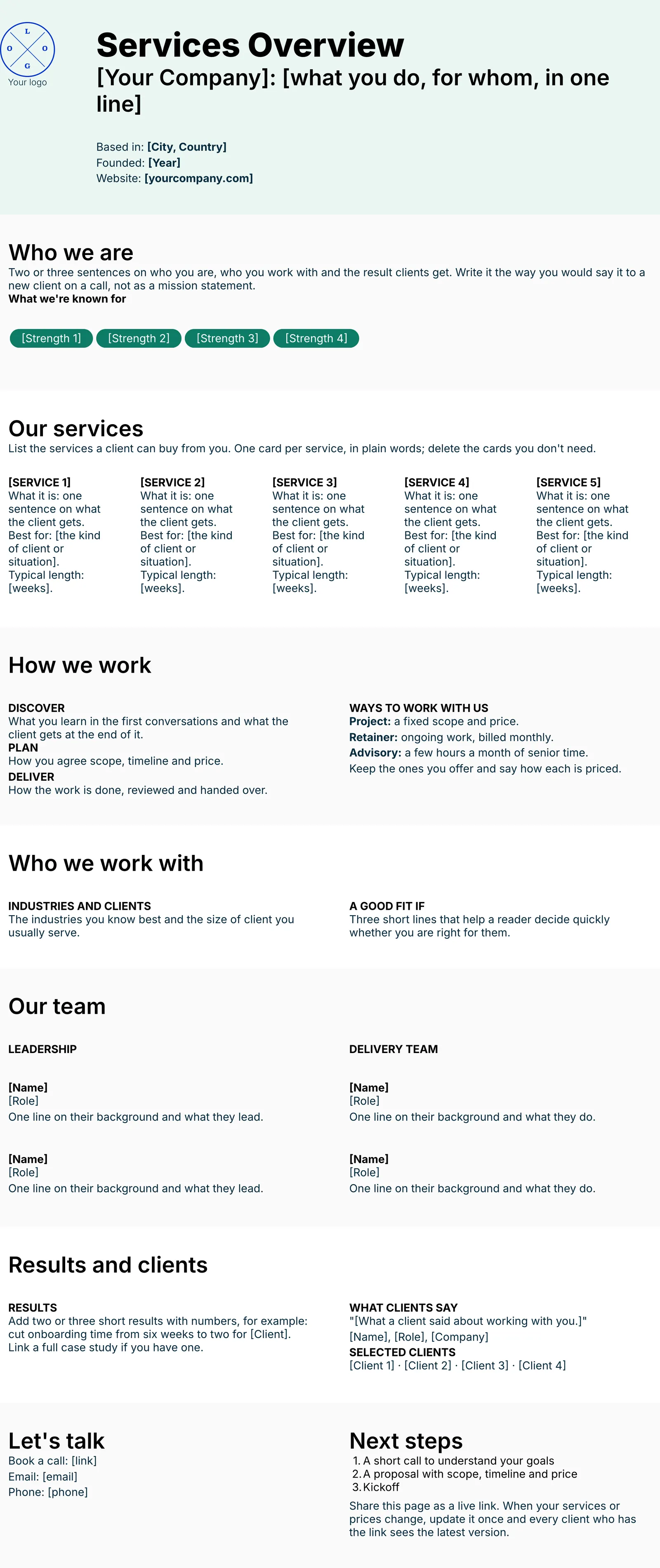
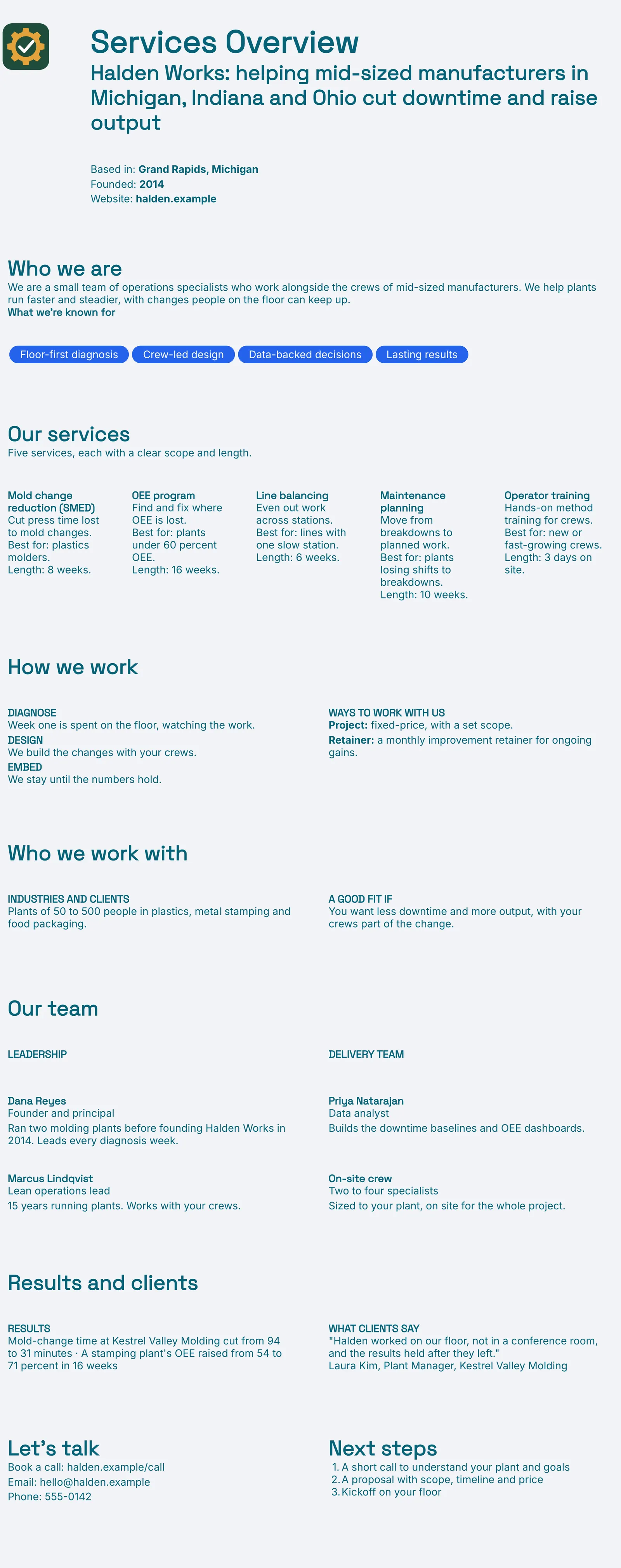
Six parts, in the order a reader takes them in. Each one has a short prompt telling you what to write. The pictures show our finished example.
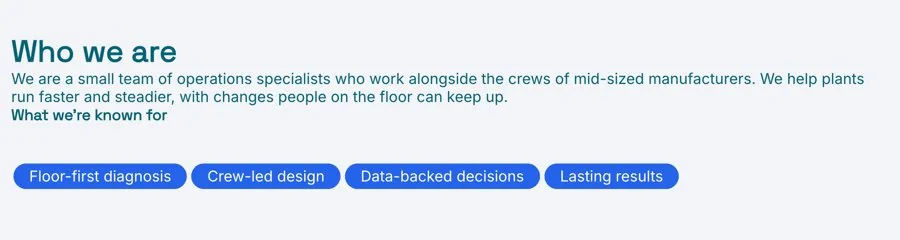
Who you are
Your name, what you do and for whom, then the strengths you are known for.
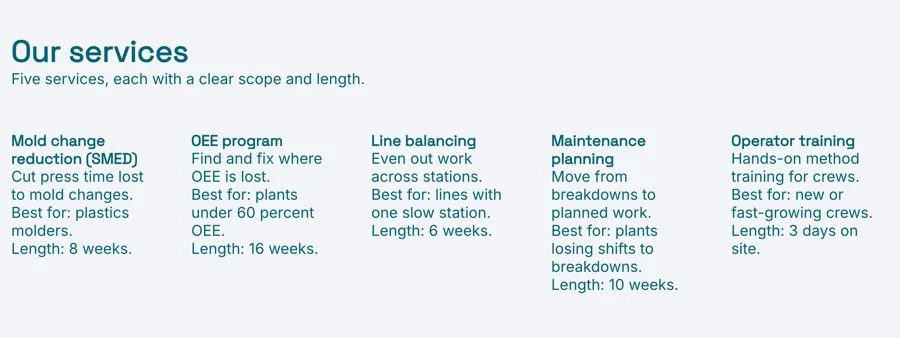
Your services
One card per service: what the client gets, who it suits, how long it takes.
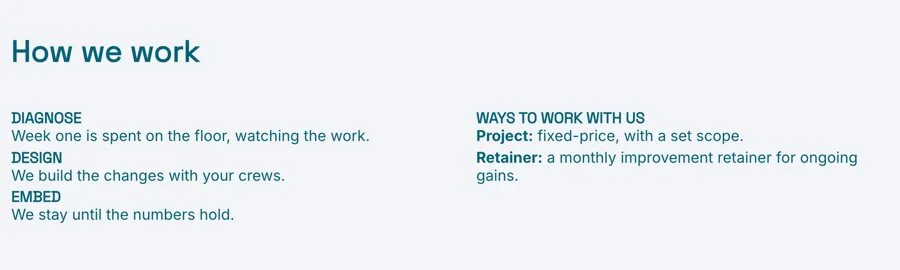
How you work
Your steps from first call to delivery, and the ways clients can buy from you.
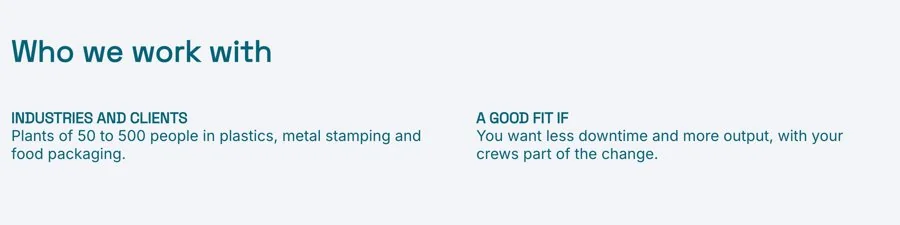
Who you work with
The industries and client sizes you know best, and who is a good fit.
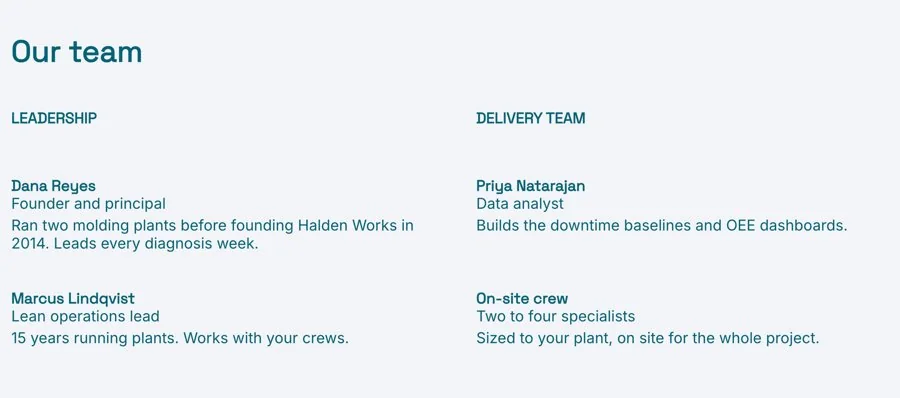
Your team
The people a client will actually work with, with a line on each of them.
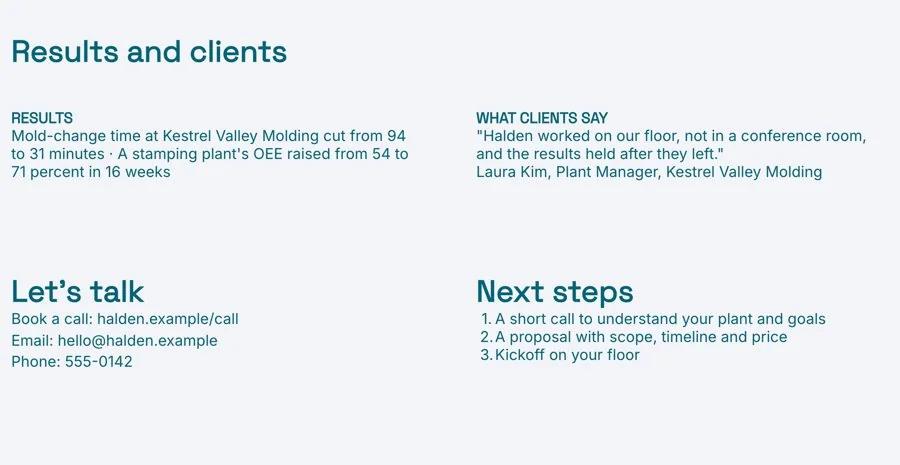
Results and contact
Results with numbers, a client quote, then how to book a call with you.
Edit it online. Send it as a link.
Xtensio is the living deliverables workspace for firms that send work to clients. Your services overview sits next to your proposals and case studies, all on your brand.
Edit it in your browser
Sign up free and Xtensio offers to draft your services overview with AI from a few notes, or start from the template. Then click any text to edit it.
Apply your brand
Enter your website and Xtensio picks up your logo and colours. Check they look right. Need a first draft of a section? Edit with AI writes one from your notes.
Send it, then keep it current
Send one live link to prospects and partners. When a service or price changes, update it once and everyone sees the latest version of the page.
Prefer to start with AI? The AI Services Overview Generator writes a first draft you can edit.
Everything you need to deliver it
Compare Free and Plus →Draft with AI 500/mo on Plus
Draft the whole document from your notes or website, or rewrite any section with Edit with AI.
Live links
One link that always shows the latest version. Set it public or private.
Present full screen
Walk a client through it on a call, straight from the browser.
Download PDF and PNG
For bid portals and email. Watermark-free on Plus.
Export to HTML Plus
Hand the page to a web team or host it yourself.
Link analytics Plus
See views and engagement for every link you share.
Project workspaces Unlimited on Plus
Group deliverables by client and invite the client in. Three on Free.
Your domain and links Plus
clients.yourfirm.com/proposal, with optional passwords.
Your team, your history Plus
Up to 5 people working together, with 365 days of version history.
Often sent with a services overview
Templates for the rest of the engagement. Each one opens in the Xtensio editor, ready to fill in.
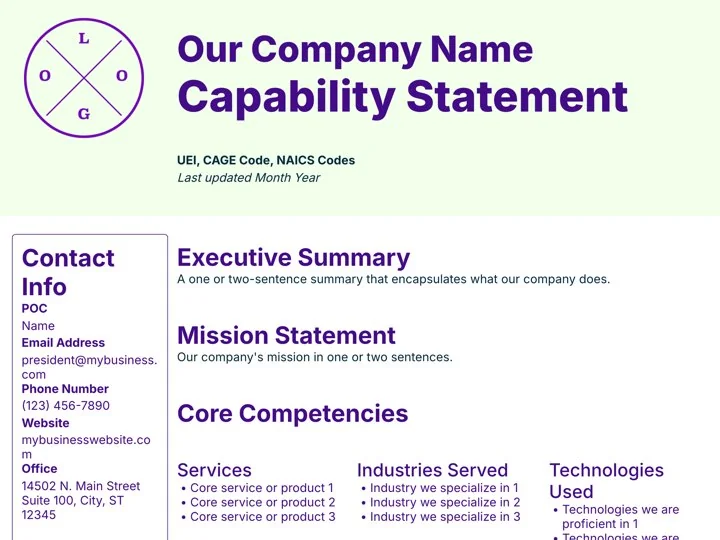
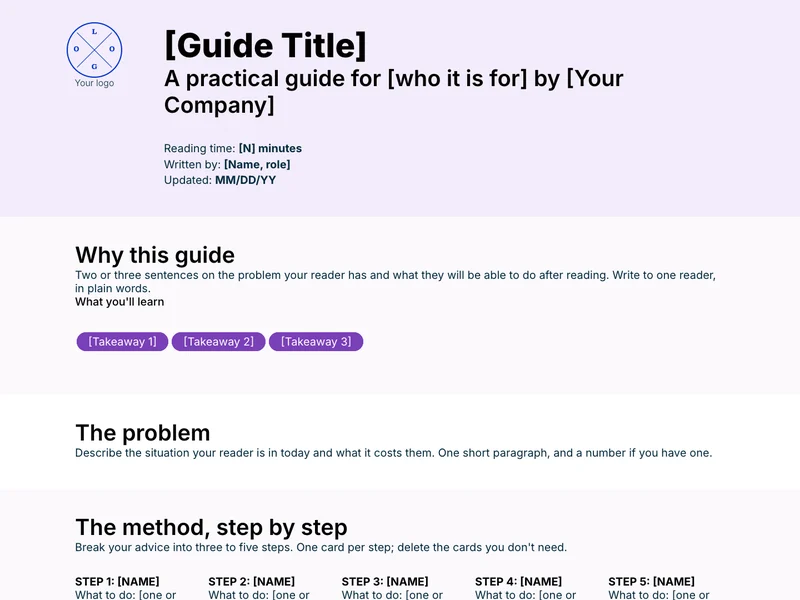
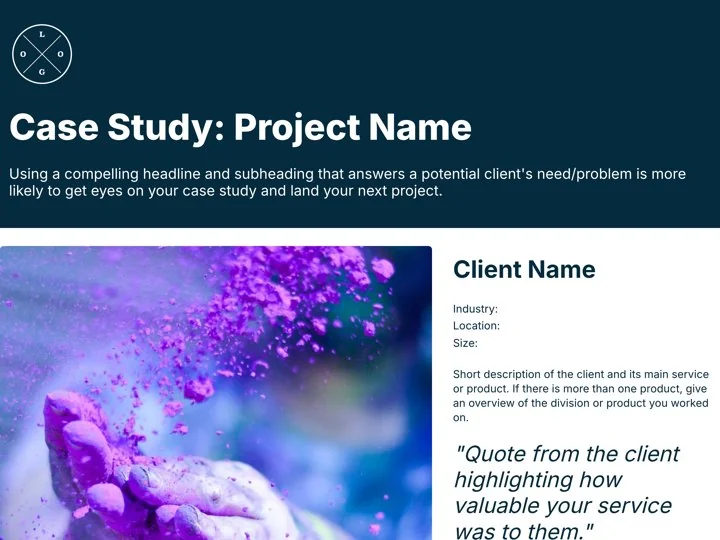
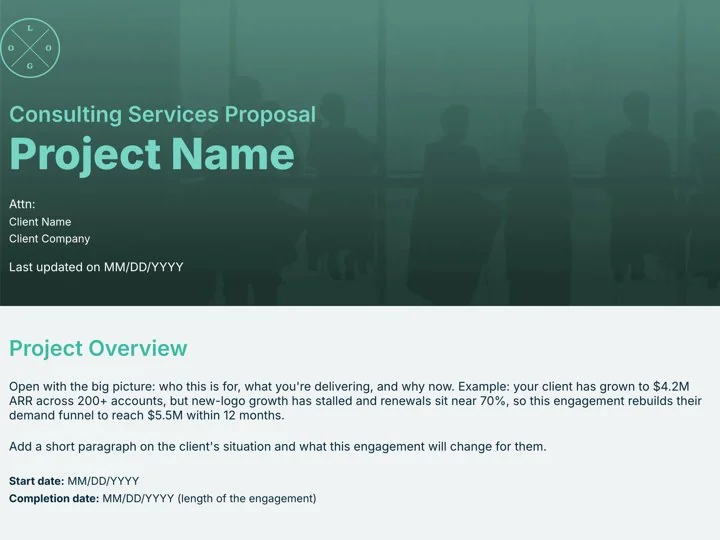
“Xtensio is flexible and easy to use, making client deliverables very versatile and reusable across different product and market types.”
How to write a services overview
The short version. The full guide covers what to include, what to leave out, and how to keep it current.
1. Lead with the client's result
Say what clients get before you say how you work or who you are.
2. One card per service
Name it, say who it is for and how long it takes, in plain words.
3. Show proof with numbers
Two or three results with figures beat a long list of adjectives.
4. End with one next step
Book a call, with a link, so a keen reader knows what to do.
Questions about services overviews
What is a services overview?
A short document a consultant, agency or service firm sends to explain who they are, what services they offer, how they work, who they work with and what results clients get.
How is it different from a capability statement?
A capability statement is written for government buyers, with codes and past performance. A services overview is for any client or partner who wants to know what you offer.
How long should a services overview be?
One to two pages. Long enough to show each service and some proof, short enough to read before a first call.
Should I include prices?
Include how each service is priced, such as a fixed project or a monthly retainer. Add figures if you quote them openly; otherwise leave them for the proposal.
Should I send it as a PDF or a link?
A live link stays current when your services change, and you can see when it was opened. Download a PDF when a client asks for a file.
Is this template free?
Yes. Create a free Xtensio account, then start from the template or draft it with AI. No credit card required. Exports on the free plan carry a small Xtensio mark. Xtensio Plus ($12 a month) removes it and adds your own fonts and domain.
Make your services overview today
Free account, opens in your browser. No credit card required.
Made for consultants, agencies and small service firms that sell expertise.

