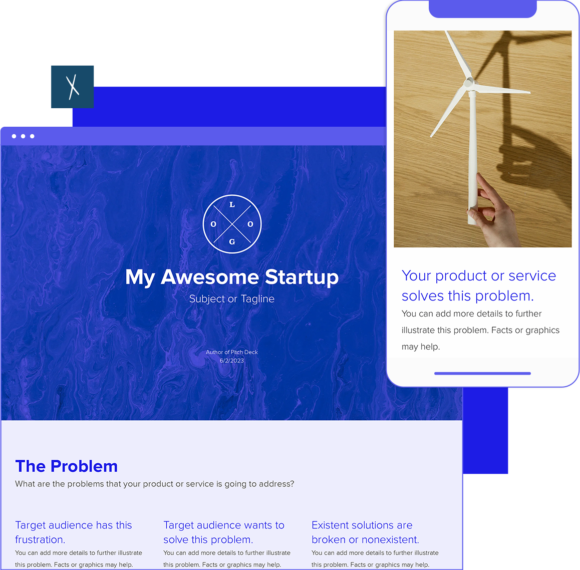
BONUS: Read the Pitch Deck how-to guide.
Pitch Deck Template
⚡ Build investor-ready pitch decks — 10x faster with AI.
Xtensio’s AI Pitch Deck Builder researches your brand and message to help you craft a deck that tells your story clearly and on brand. With it, you can:
- Generate a tailored, investor-ready pitch deck in minutes — not days.
- Edit, collaborate, and customize every slide to fit your audience.
- Repurpose your deck easily for investors, partners, or customers — no starting over.
Xtensio is your team’s deliverables workspace.
Create, collaborate, and deliver client-ready docs—then keep them current.
Join 410,837 using Xtensio.
Xtensio is the workspace for professional deliverables.
Make one deliverable today—then build a repeatable system for every client and project.
This is where teams create, collaborate, organize, and deliver the documents that run their work.
Everything stays on-brand, current, and ready to share.

Organize every deliverable
Keep strategy, sales, marketing, and client docs together by workspace.
Create fast, stay consistent
Start from 200+ templates or AI drafts, then apply your brand kit.
Collaborate in the doc
No more “final_v7.pdf” loop.
Standardize across deliverables
Apply your brand kit + reusable modules so every deliverable matches.
Improve what you send
See engagement, iterate, and reuse what works across projects.
How to create a pitch deck with Xtensio
- Create a free account and start editing, no credit card required.
Follow along with the instructional pitch deck details. Add charts, graphs, images, and videos to customize the pitch deck template and make it your own. Drag & drop. Resize. It’s the easiest editor ever.
- Customize everything in the pitch deck template to match your brand.
Define your style guide. Add your (or your client’s) brand fonts and colors. You can even pull colors directly from a website to easily brand your pitch decks and more.
- Work on the pitch deck template together on the cloud.
Add colleagues (or clients) to collaborate on pitch decks and more. Changes automatically save and sync across all devices, in real-time.
- Share a link. Present a slideshow. Embed. Download a PDF/PNG.
The pitch deck seamlessly adapts to your workflow. No more jumping from tool-to-tool to design different types of deliverables.
- Reuse and repurpose.
Save your own pitch deck templates. Or copy and reuse in other documents
See how Xtensio compares
Wondering whether Xtensio is the right fit for your team? See how it stacks up:

What is a pitch deck template?
The pitch deck template is a necessary tool to raise funding from investors for your startup. Your pitch deck helps your team identify and communicate every point needed for your pitch — from revealing your unique value proposition to conveying your market validation. And this helps you present your business idea to investors, VCs, partners and customers.
How do you build a good pitch deck?
A strong pitch deck will identify and communicate every point of your pitch and gives your audience an overview of your business plan, whether it’s for potential investors, customers, partners or co-founders.
- Clearly identify the main problem your target audience faces, focussing on common factors.
- Outline your solution. Detail the features of your product or service and show how it works.
- Reveal your unique value proposition. Use a compelling message that explains why you are worth investing in.
- Examine other companies in the market. How are they dealing with the same problem, what is their solution and where does your product/service fit in this scenario?
- Indicate the unique factors that give your company a competitive edge. What will set you apart and how did you define these advantages?
- Show market traction and validation. Use key metrics such as monthly active users, ARPU (average revenue per user), profit margins, etc.
- Introduce your team. You will need a strong team of people who are in this together and ready to put their efforts in common goals towards the company’s future.
- The ASK! What does your venture need to achieve the goals you listed on this deck? What would solve your company’s financial issues and get operations started?
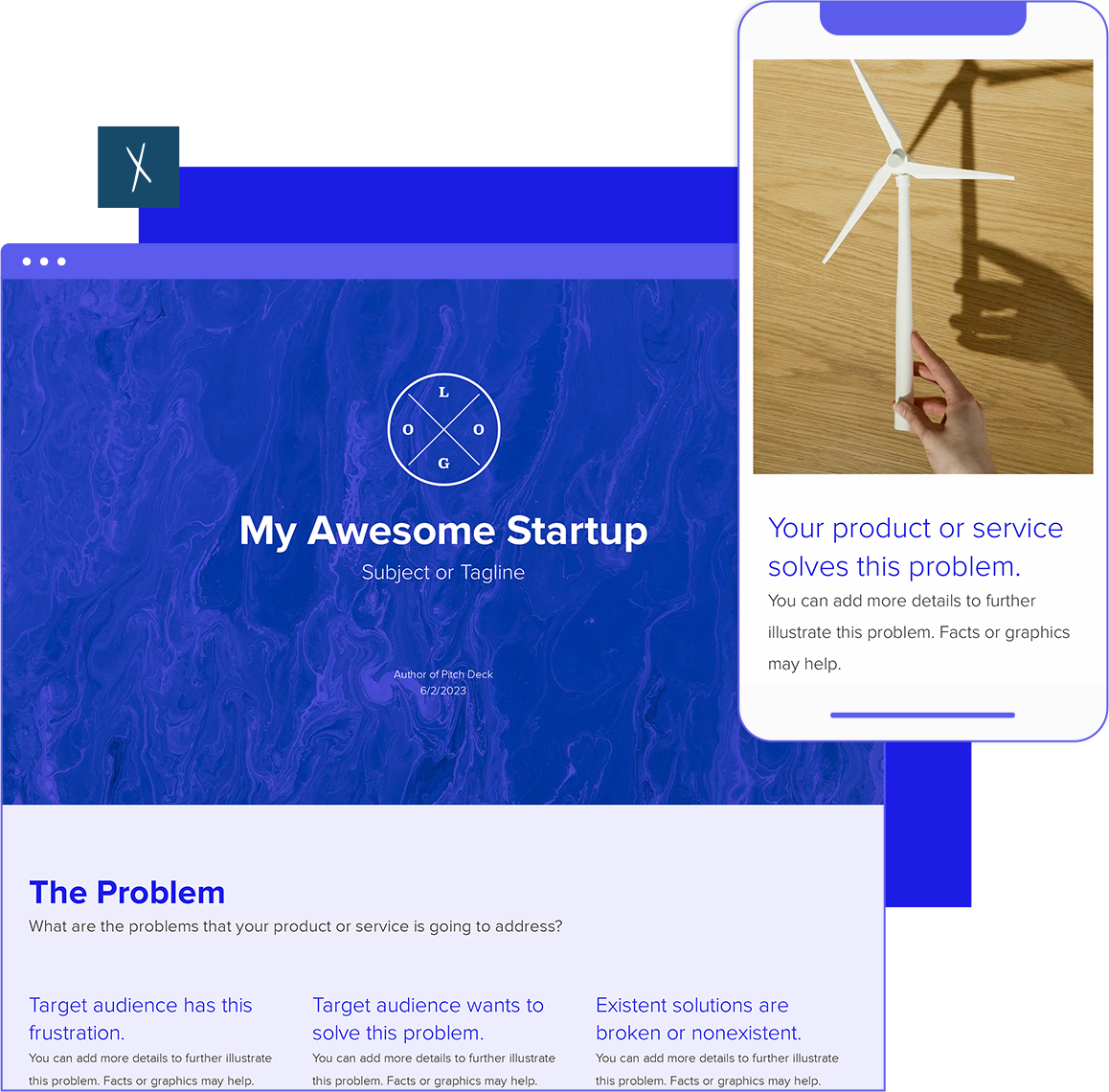
Design, manage and share beautiful living documents… easily, together. Explore Xtensio
- Click and edit anything… together.
- Customize to match your branding.
- Share with a link, present, embed or download.
What slides belong in a pitch deck
The classic pitch deck runs 10-12 slides. More than that and you lose attention. Fewer and you leave questions unanswered. Here is the sequence that most investors expect:
- Title slide — Company name, tagline, your name, one line about what you do.
- Problem — The pain point your customers face. Use real numbers or a real scenario, not abstractions.
- Solution — What you built and how it solves the problem. One or two sentences, with a product screenshot or demo GIF.
- Market size — TAM, SAM, SOM. Investors want to know the ceiling. Use bottom-up estimates, not top-down hand-waving.
- Business model — How you make money. Pricing tiers, revenue per customer, contract lengths.
- Traction — Revenue, growth rate, user count, retention, NPS — whatever proves people actually want this.
- Competition — The landscape and where you fit. A 2×2 matrix or feature comparison table works better than bullet points.
- Team — Founders, key hires, relevant experience. Why you are the right team to build this.
- Financials — 3-year projections. Revenue, burn rate, path to profitability. Be realistic — VCs see through hockey sticks.
- The ask — How much you are raising, how you will use the funds, what milestones the money will hit.
Some decks add a product demo slide between Solution and Market, or a customer testimonial slide after Traction. Both work if they strengthen the narrative. What does not work is cramming two topics onto one slide or adding “filler” slides that don’t advance your argument.
Pitch deck mistakes that kill deals
After reviewing pitch decks from thousands of teams using Xtensio, the same problems surface again and again:
- Starting with your company history. Nobody cares about your founding story on slide 2. Start with the problem. The story can come later, in the meeting, when they ask.
- Text-heavy slides. If a slide has more than 30 words, you are reading a document, not presenting a pitch. Your slides support what you say — they do not replace it.
- Vague competition slide. “We have no direct competitors” is a red flag, not a selling point. Either you don’t understand your market, or the market doesn’t exist. Show the landscape honestly and explain your differentiation.
- Missing the ask. The entire purpose of the deck is to get a yes to something specific — a meeting, a check, a partnership. If you end with “any questions?” instead of a clear ask with numbers, you wasted the deck.
- Over-designed slides. Flashy animations and 3D charts distract from your content. Clean, branded, minimal design with clear data visualization beats graphic design showmanship every time.
- Sending the deck cold without context. A pitch deck is designed for a live presentation. If you are emailing it cold, send a one-pager first to earn the meeting, then present the deck live. Cold-emailing your full deck gives away your story without you there to tell it.
Pitch deck examples by stage and audience
Pre-seed pitch deck
At pre-seed, you are selling a vision, not metrics. Your traction slide might show waitlist signups, pilot results, or letters of intent instead of revenue. Lean into the problem, the team’s unfair advantage, and the size of the opportunity. Keep it to 8-10 slides. Angels and pre-seed funds expect rougher edges — what they care about is whether the problem is real and whether you are the right team to solve it.
Series A pitch deck
By Series A, the conversation shifts from “is this idea real?” to “can this scale?” Your deck needs strong traction data: MRR growth, retention curves, unit economics, sales cycle length. Add a slide on go-to-market strategy — VCs at this stage want to see a repeatable acquisition engine, not just product-market fit. The financials slide matters more here. Show a clear path from current burn to break-even.
Corporate pitch deck
Pitching to enterprise buyers or corporate partners is a different game. Replace the “ask” slide with a “proposed partnership structure” or “implementation plan.” Add ROI calculations specific to their industry. Remove the fundraising terminology. These audiences respond to risk mitigation, implementation timelines, and references from similar organizations.
How to deliver your pitch deck effectively
The deck is half the battle. How you present it is the other half.
- Practice the 30-second version. Can you explain your company in 30 seconds using just the title slide? If not, your positioning is not tight enough.
- Time each slide. A 10-slide deck in a 30-minute meeting means 3 minutes per slide max, with time for questions. If you are spending 8 minutes on the product slide, you will rush through financials — which is exactly where investors want to go deep.
- Prepare for the “skip ahead” investor. Some investors will flip to the traction or financials slide immediately. Don’t get flustered. Adapt to their priority and navigate back to the narrative when appropriate.
- Share the deck as a live link after the meeting. Don’t send a static PDF. A live link lets you update the deck with any changes discussed during the meeting, and you can see when they re-open it (which tells you their level of interest).
- Build a pitch deck workspace. Your pitch deck sits alongside your one-pager, financial model summary, team bios, and investor update. When an investor asks for supporting materials, you can share from one place instead of digging through folders.
Want to create your pitch deck faster? Try the AI Pitch Deck Generator — describe your startup and get a structured deck in minutes.
Pitch deck FAQ
How many slides should a pitch deck have?
10-12 slides. Guy Kawasaki’s 10-slide rule is a good benchmark. If you need more, you are either not being concise enough or trying to cover too much ground. Split complex topics into a separate appendix that you share on request.
Should I use a pitch deck template or design from scratch?
Use a template. Investors care about your content and data, not your graphic design skills. A clean, branded template communicates professionalism without the 20 hours of design work that a custom deck requires. Customize the colors and fonts to match your brand, then focus your energy on the narrative.
What is the difference between a pitch deck and a one-pager?
A pitch deck is a multi-slide presentation for scheduled meetings. A one-pager is a single-page overview for quick introductions. The one-pager opens the door (cold emails, networking events). The pitch deck closes it (the investor meeting, the partnership discussion). Most businesses need both.
When should I update my pitch deck?
After every significant milestone — new funding round, major customer win, product launch, team addition. Also update before every investor meeting. Presenting a deck with last quarter’s metrics signals that you are not on top of your business.
Can I use a pitch deck for internal presentations?
Yes, with modifications. Internal decks skip the fundraising ask and competitive analysis, and go deeper on execution details, KPIs, and team responsibilities. The format — concise visual slides — works just as well for board meetings, quarterly business reviews, and project kickoffs.
Related to the Pitch Deck Template
Fully customizable templates that you can make your own.
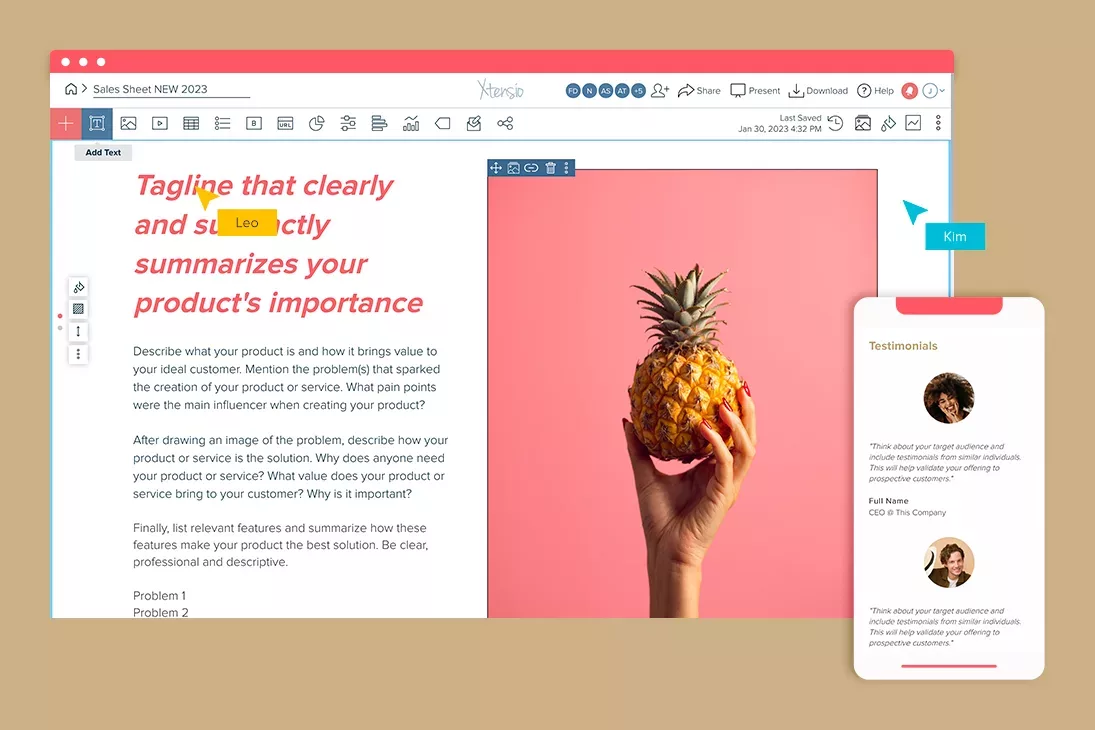
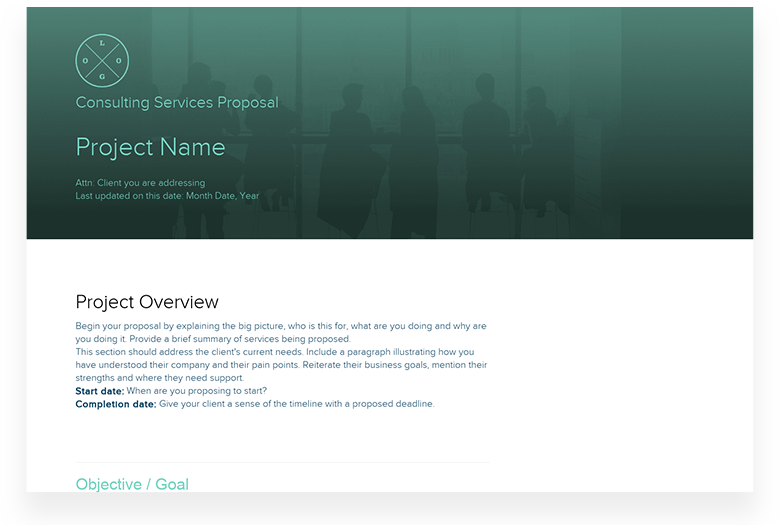


Teams use Xtensio to create, share, and improve professional deliverables.
Trusted by 410,837 teams, founders, and consultants.



Jerome Katz
Professor of Entrepreneurship @

Jake Peters
CEO @

Robin Bramman
Founder and Chief Brand Mixologist @

Olakunle Oladehin
Executive Director @
Everybody Dance Now!

Aaron Friedland
Executive Director @
The Walking School Bus

Robin Eyre
Owner @

Adam Sher
CEO @

Stephen Paterson
Chief Product Officer @

What to create after your pitch deck
Investors will ask for more. Have these ready before the follow-up:
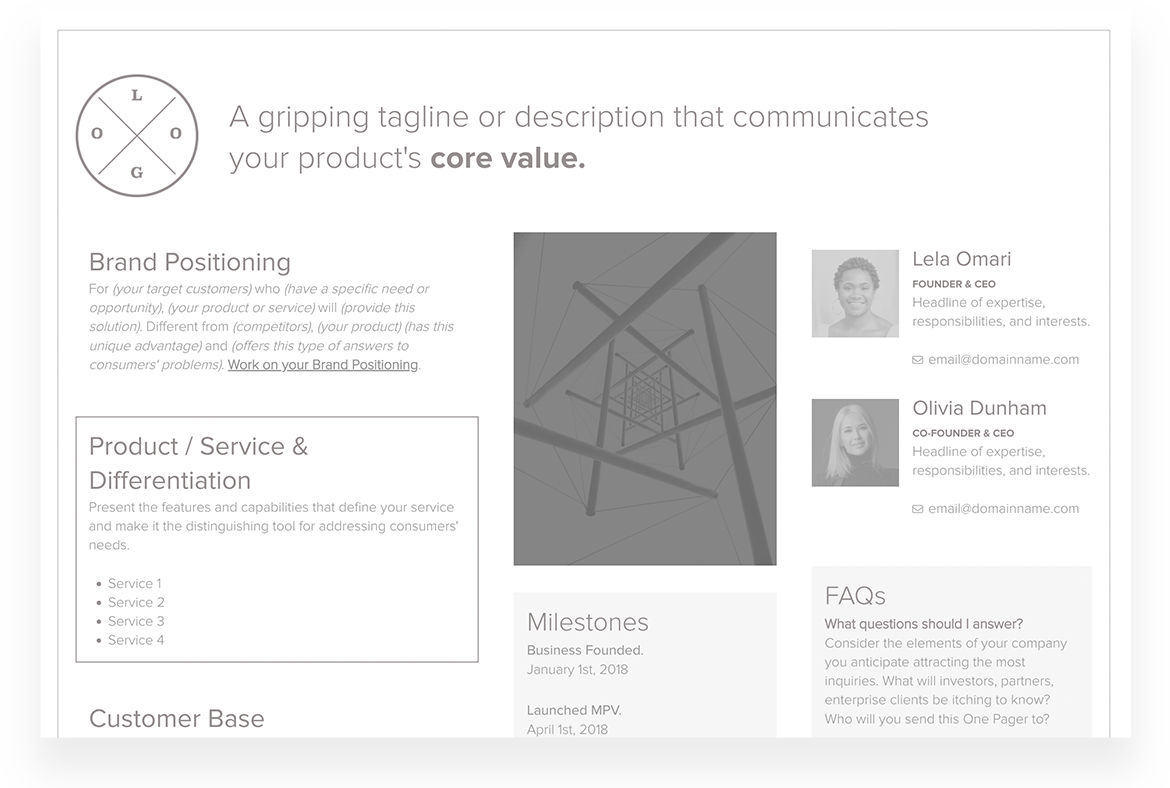
- Startup One-Pager — A concise single-page summary for investors who want the story without the full deck. Easy to share as a live link.
- Executive Summary — The written companion to your deck — send this before the meeting so investors arrive prepared.
- Fact Sheet — A quick-reference company overview for angels, press, and partners who need your headline numbers fast.
Build all three in one Xtensio workspace. Share as live links so your investor always sees the current traction numbers — no chasing outdated versions.
Create and deliver beautiful work, professionally.
Build, brand, and deliver living documents your clients actually engage with.







Join 410,837 professionals delivering work with Xtensio.

