How to Write a Project Brief (With Template and Examples)
Updated by Xtensio
Simply put, a project brief (project proposal or project plan) is a starting point for any project – whether it’s to plan an internal website update, organize a full-blown client campaign or outline a school project. It’s a key document that outlines the scope, scale, and detailed requirements of the project, helping you reach your goals faster and more efficiently. Explore this template.
Xtensio is your team space for beautiful living documents.
Create, manage and share business collateral, easily.
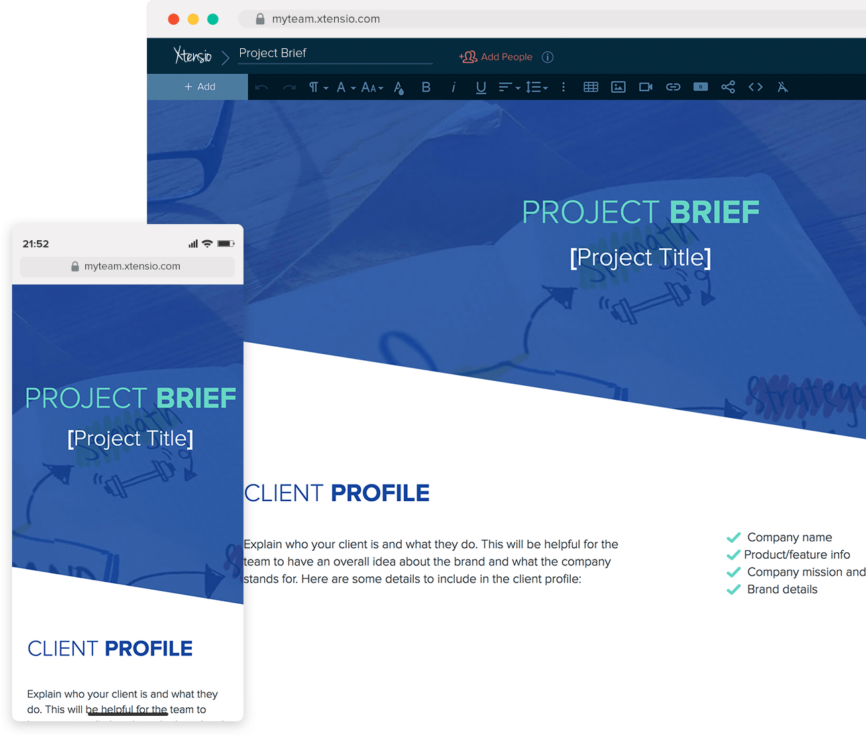
Table of Contents
Xtensio’s FREE Project Brief Template and Editable Examples
Your starting point to create and share a successful project summary, without any design experience.

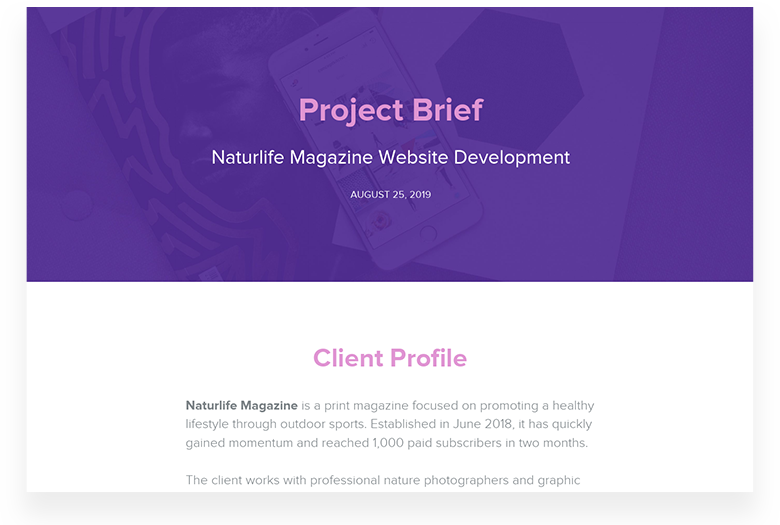

A step-by-step guide to doing a Project Brief
The length of your project brief is determined by the scope and size of your project. The longer the brief, the more intricate the job. Allow it to come together naturally, adding information as needed. Don’t worry about formatting or adhering to a specific outline; a project summary can and should vary depending on the goal.
The great thing about using Xtensio’s template is that it becomes an editable living document once you save it to your dashboard. Move modules and sections around to make the template fit your project. Collaborate on it with your team members and share the live link with your clients to keep them updated on the project as it evolves – no sending PDFs or constantly updating a web page in the CMS!
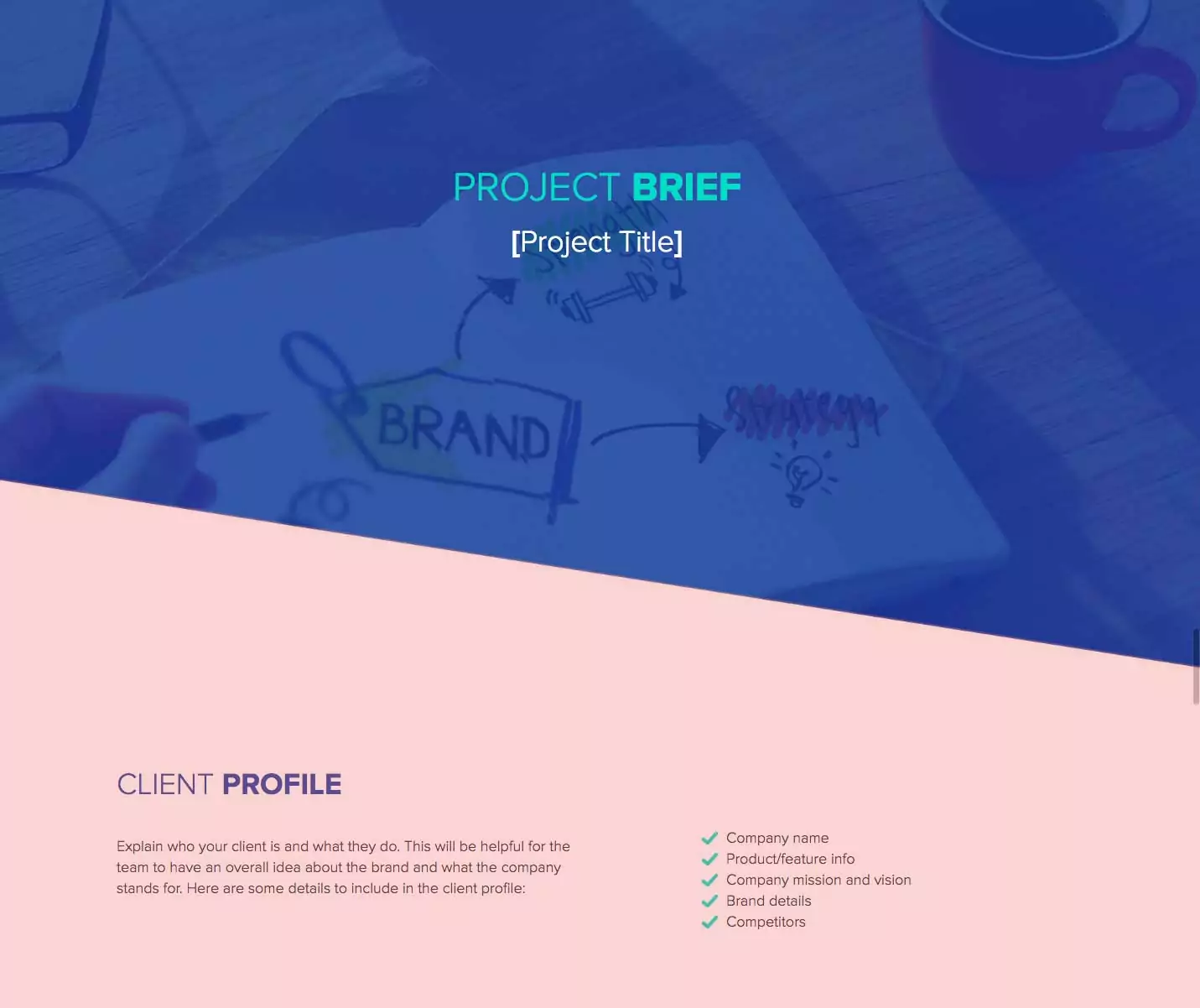
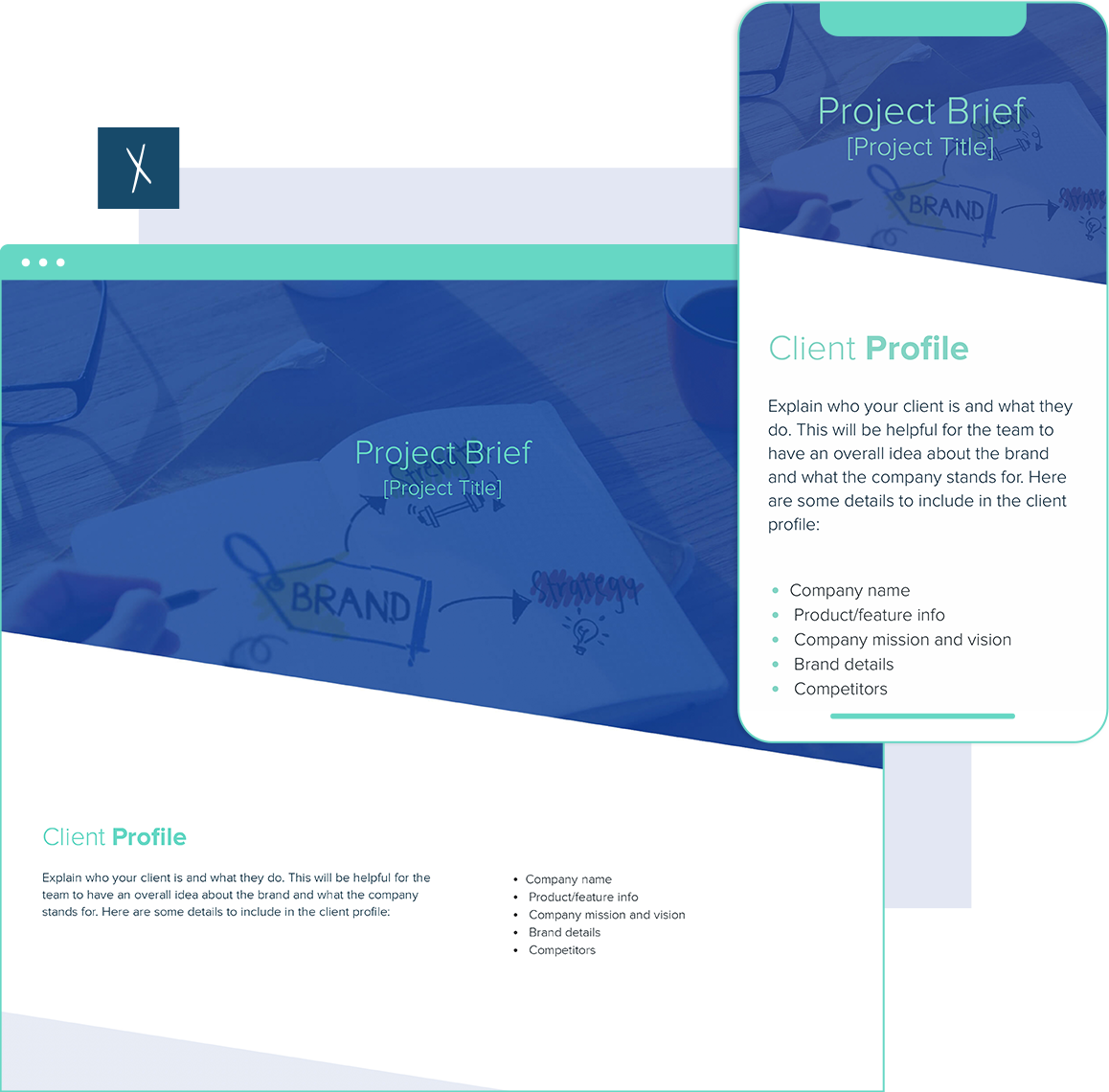
1. Company Profile: Who is your client?
Before diving into the details of the project, you should explain who this project is being created for. In other words, who is your client? Be clear and indicate these essentials:
- What is the client’s company name?
- What does their product/service focus on?
- What are the main features of their product/service?
- What is the company’s mission and vision?
- What does their brand stand for?
- Who are their competitors?
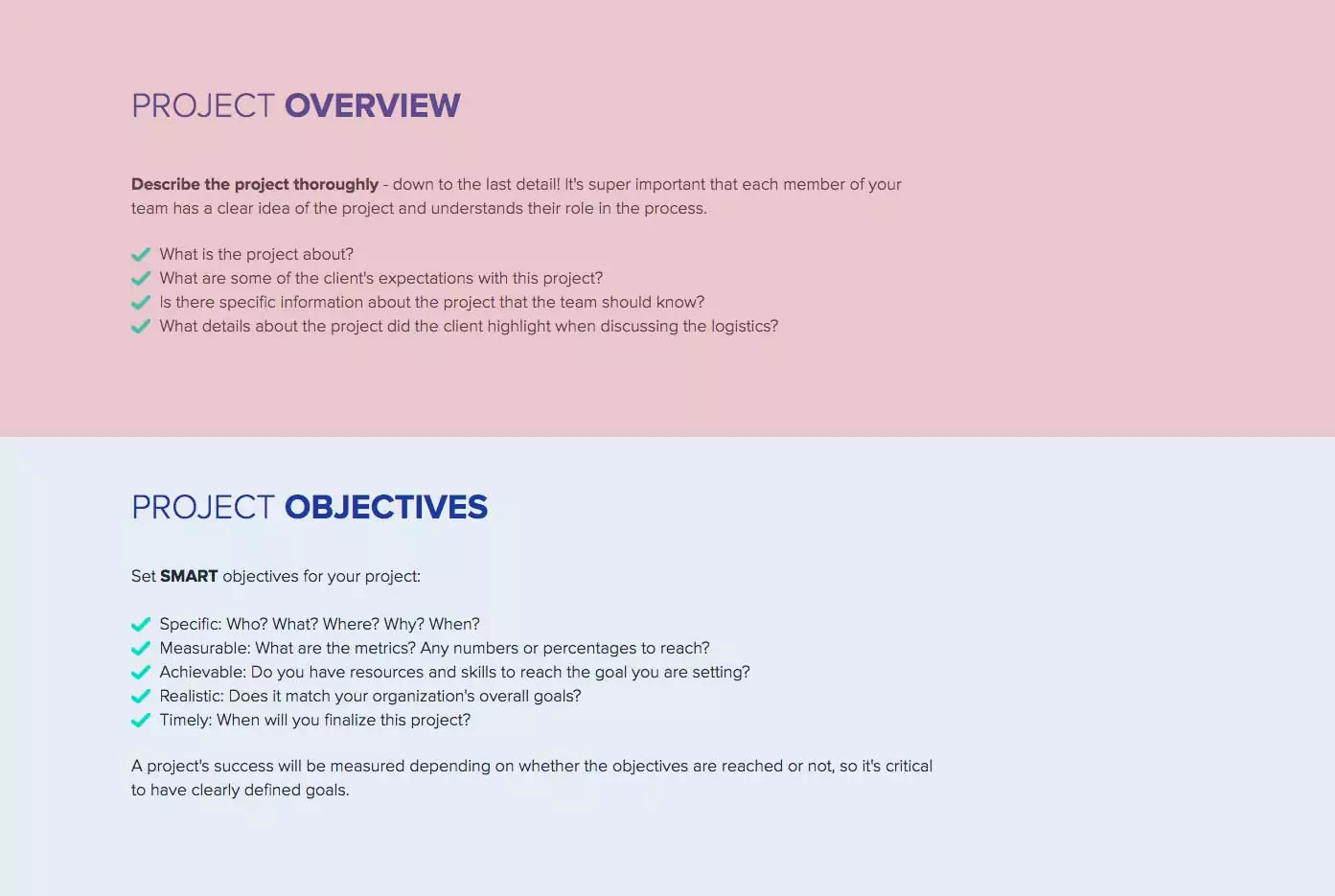
2. Project Description: What is the project about?
Give an overview of the project by defining the what and the why.
- Describe the project in detail. Are you working on a website redesign? Developing a new product? Creating a plan for a school research project?
- Define who will be in charge of the various procedures for which your team is responsible on this project.
- What are some of the critical details and requirements the client mentioned?
- Find out why your client is tackling this project. Understanding what motivated them to get the ball rolling will help you identify potential roadblocks in the project.
Quick Tip: Meeting the project requirements plays a large role in measuring the project’s success. Having detailed information about the project and your client’s profile will help the whole team understand their individual expectations in meeting these requirements.
3. Project Objectives: Are they SMART?
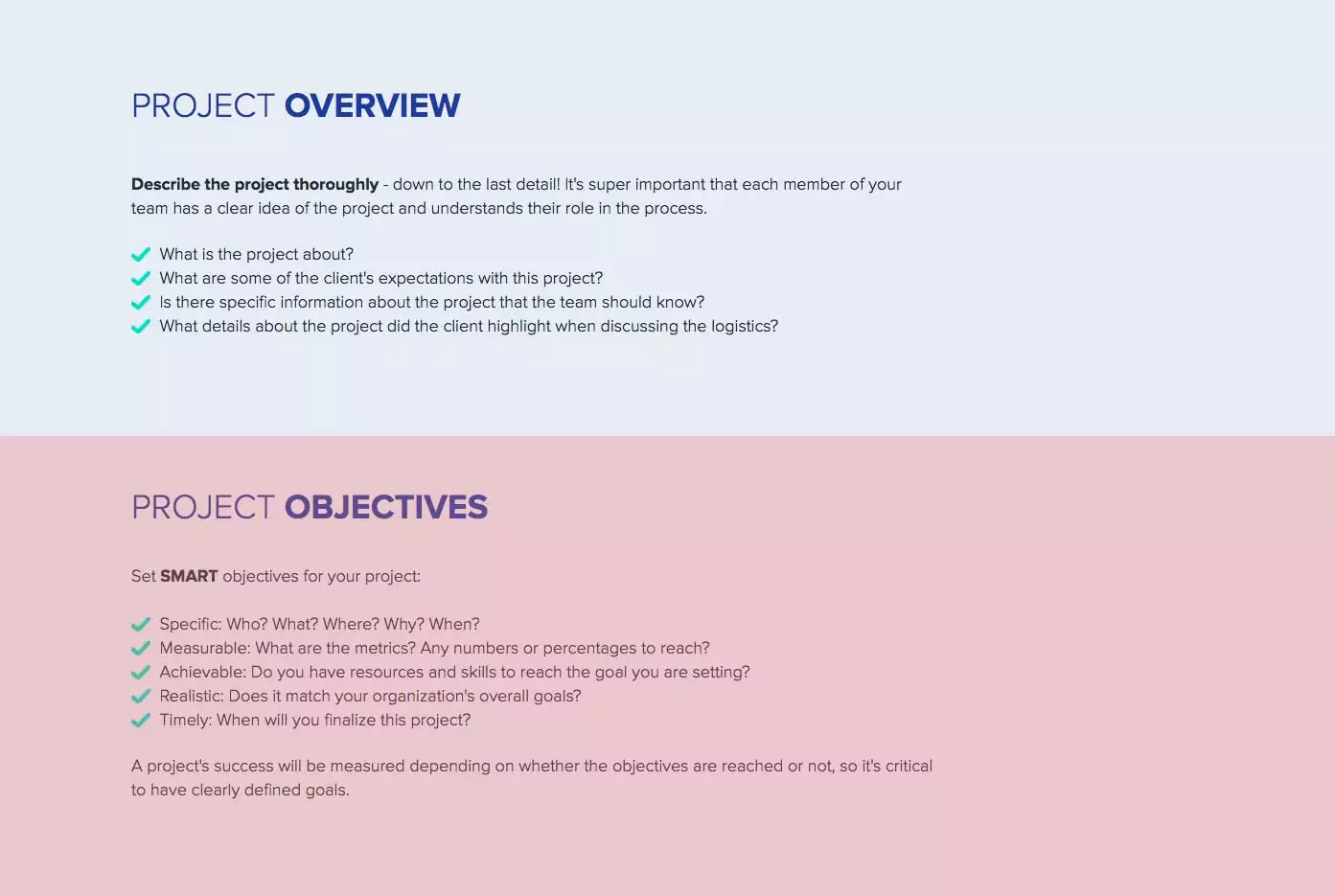
It’s not easy to set well-defined objectives in the early stages of a project. But if you manage to do this successfully, it will have a significant positive impact on your team’s productivity. Here’s how you can define your project’s goals:
- Specific: Who? What? Where? Why? When?
- Measurable: What are the metrics? Any numbers or percentages to reach?
- Achievable: Do you have resources and skills to reach the goal you are setting?
- Realistic: Does it match your organization’s overall goals?
- Timely: When will you finalize this project?
- Practice with Xtensio’s guiding SMART Goals template to get in the habit of establishing goals that lead to results.
4. Target Audience: Who is the user persona?
If you want to reach your goals and complete each milestone efficiently, you will need to create personalized projects and be familiar with the target audience. Before putting too much effort into the bulk of the project, you must learn who your client’s target audience is. What is their demographic? What are their interests and goals? In many cases, clients will provide you with insights on their users.
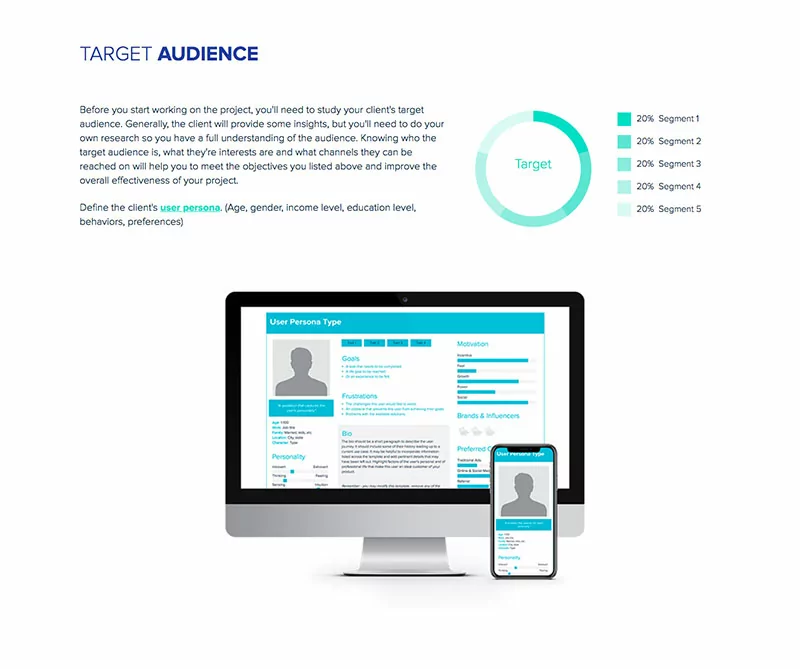
Bonus: If you are looking for the quickest and most effective way to create a user persona, share it with your team and integrate it into your project brief, take advantage of Xtensio’s Free User Persona Template!
5. Schedule & Budget: When and how much?
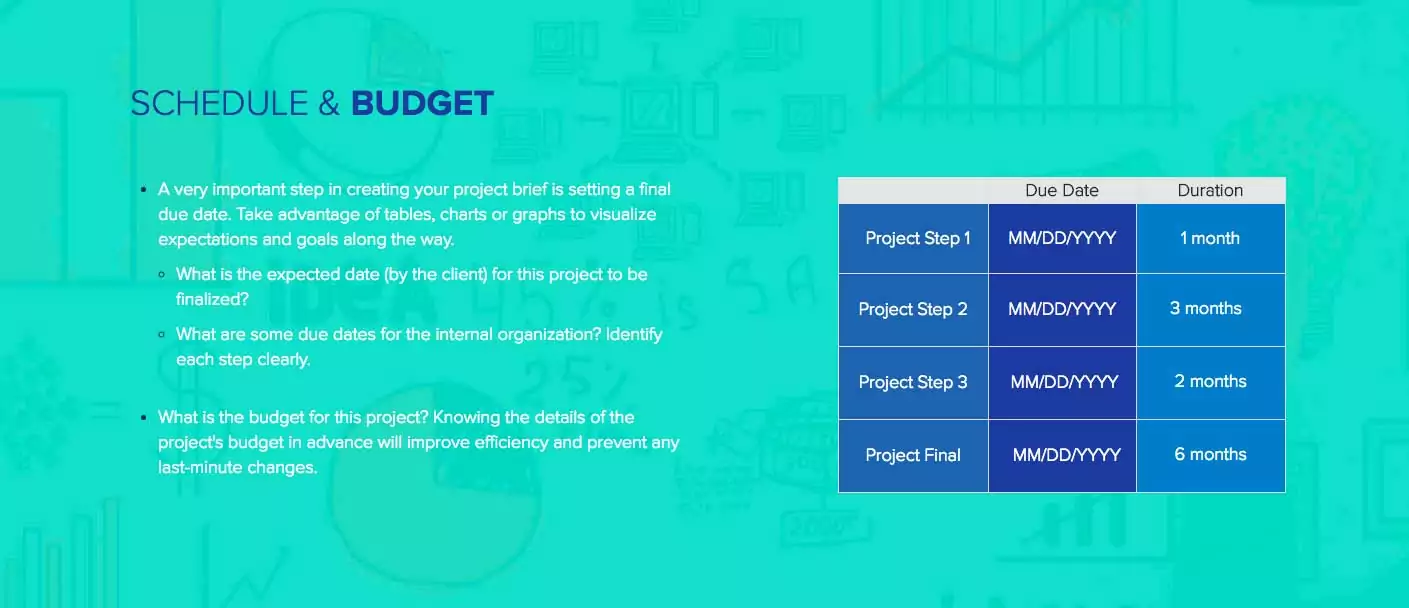
One of the most important parts of organizing a project is identifying the final due date and scheduling your team’s efforts to reach specified milestones along the way. You should also establish the budget of the project in detail to avoid any last-minute expenses.
- What is the expected date (by the client) for this project to be finalized?
- How do you plan to manage the internal organization? Your team members need to be aware of the project timeline so they can meet the deadlines for their part in the project.
- What is the overall budget for this project?
- Are there certain aspects of the project this budget has been set aside for? Clearly outline how this budget will be spent on the project.
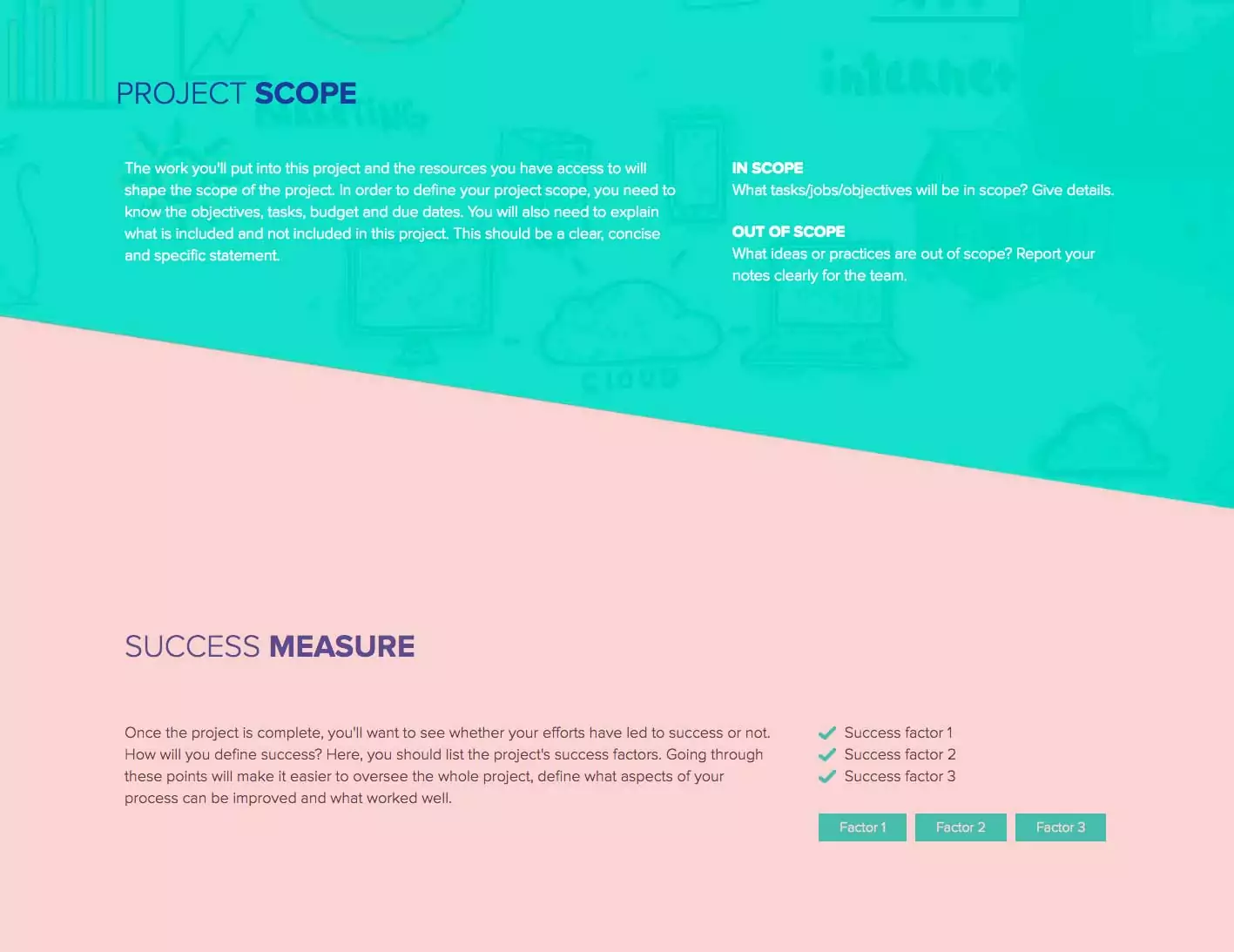
6. Project Scope: What is (not) included?
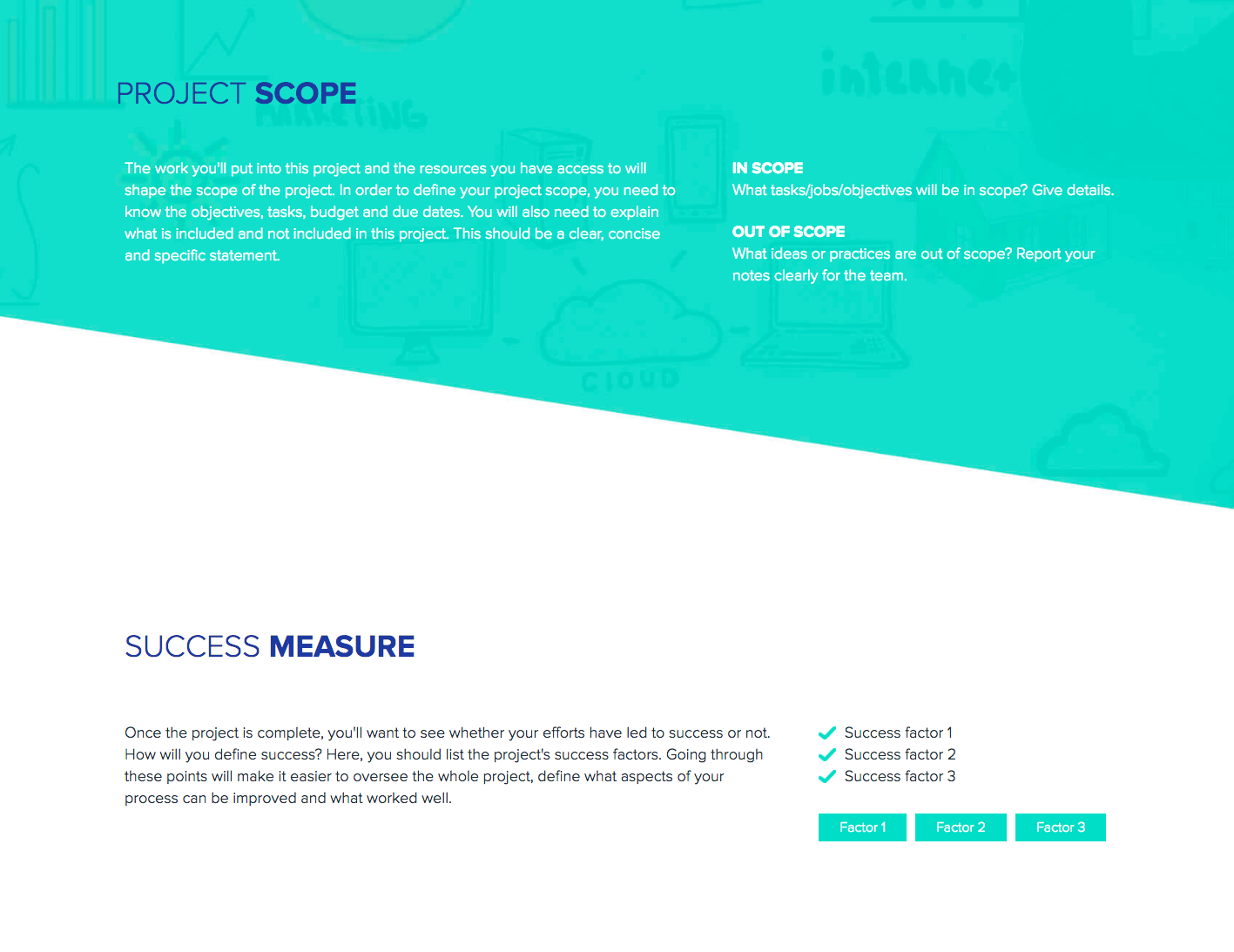
Every project needs a well-defined scope in order to be successful. Defining what is in the scope for the project should outline the project deliverables, features, tasks, objectives, budget, and due dates. On the other hand, you should also identify tasks, jobs or processes that are out of scope, or not relevant to your team’s work on the project.
In Scope
- What tasks/jobs/objectives are in scope? Explain in detail.
- Are there internal and external deliverables that are expected from the team or the client?
- Is there an important event date or iterative implementation dates that need to be met?
Out of Scope
- What deliverables or tasks are not included in the project? If your client says they will provide all creative assets for a web design project, this task would be out of scope for your team’s work on the project.
- What are some ideas or practices that are out of scope?
Quick Tip: Defining the project scope is a very important step for internal planning. Team members should have a clear understanding of what they need to take into consideration and know the details of what they shouldn’t be losing time with.
7. Success Measure: How will you define success?
When your team has finished up all the tasks, and the project is finalized, you’ll want to know if the time and effort you put into the project paid off. Every project needs to have success measurements to evaluate the success of the project and identify processes that can be improved in future projects. Here are some questions to ask while defining “what makes your project successful”:
- Did you meet the client’s expectations? What feedback did your team receive?
- Did you meet the deadlines and project milestones? Where do you see room for improving efficiency in your team’s process?
- Did you go over the budget? Or did you have money left over that could have been spent to improve the functionality or resources used in the project?
- Most importantly, did you reach the goals you set?
Project Brief vs Project Charter vs Project Plan
A project brief is not the same as a project charter or a project plan, though teams often confuse the three. Each document serves a different purpose, targets a different audience, and appears at a different stage of the project lifecycle. Using the wrong document at the wrong time leads to miscommunication and wasted effort.
Project Brief: A concise overview that defines the what and why of a project. It is typically 1-3 pages and is written before work begins. The project brief communicates the opportunity, the objectives, the target audience, and the high-level scope. It is meant for stakeholders who need to approve or understand the project before detailed planning starts. Think of it as a pitch document that aligns everyone on direction before resources are committed.
Project Charter: A formal authorization document that grants the project manager authority to use organizational resources. It is more bureaucratic than a brief and typically includes a business case justification, assigned project manager name, escalation paths, governance structure, and executive sponsor sign-off. Large organizations and PMOs (Project Management Offices) use charters as the official “green light” for a project. If your team runs lean and does not require formal sign-off chains, you may skip the charter entirely and work from the brief.
Project Plan: The operational document that details how the project will be executed. It includes task breakdowns, dependencies, resource assignments, Gantt charts, risk registers, and communication schedules. A project plan is created after the brief has been approved and is maintained throughout the project. It is typically longer (5-50+ pages depending on complexity) and is the working reference for the execution team.
When to use each:
- Before approval: Write the project brief. Share it as a live link so decision-makers can review the latest version without chasing email attachments.
- At formal kickoff: Draft the project charter (if your organization requires one). Reference the approved brief as the basis for the charter.
- During execution: Build the project plan from the brief’s objectives and scope. Update the brief when scope changes are approved, so stakeholders always see the current state of the project.
In practice, many teams combine the brief and charter into a single document – especially in agencies, consultancies, and startups where speed matters more than formality. Using a project brief template that can be updated and shared as a living document means you can start with a brief and expand it into a more detailed plan as the project evolves, without creating separate documents that fall out of sync.
5 Project Brief Mistakes That Derail Projects Before They Start
Most project failures can be traced back to the brief. Not because the team lacked skill, but because the brief set them up for confusion from day one. Here are the five most common mistakes and how to avoid each one.
1. Vague objectives that sound good but measure nothing. “Improve brand awareness” or “increase engagement” are not objectives. They are wishes. A project brief without measurable targets gives every stakeholder a different definition of success. Instead, write objectives that pass the “how would we know?” test. If you cannot describe what evidence would prove the objective was met, it is not specific enough. For example: “Increase organic traffic to the product page by 25% within 90 days of launch” gives the team a concrete benchmark.
2. Missing success criteria. This is different from vague objectives. Some briefs define what needs to happen but never define what “done” looks like. Without clear success criteria, the project stretches indefinitely as stakeholders keep requesting changes. Define three types of success criteria in your brief: delivery criteria (was the work completed as specified?), performance criteria (did it achieve the intended outcome?), and acceptance criteria (who signs off, and based on what?).
3. Scope creep built into the language. Phrases like “and any additional deliverables as needed” or “other tasks as assigned” are invitations for scope to expand without budget or timeline adjustments. Every item in the scope section should be specific. If something is not yet defined, list it as “to be determined in Phase 2” rather than leaving an open-ended commitment. A well-scoped brief protects both the team doing the work and the client paying for it.
4. Wrong stakeholders listed (or no stakeholders listed at all). A brief that does not identify who approves, who contributes, and who is informed creates bottlenecks at every decision point. Use a simple RACI-style breakdown: who is Responsible for execution, who is Accountable for sign-off, who needs to be Consulted for input, and who should be Informed of progress. This prevents the “I didn’t know I was supposed to review this” delays that push timelines back by weeks.
5. Treating the brief as a one-time document. The most damaging mistake is writing the brief at kickoff and never touching it again. Projects change. Budgets shift. Timelines compress. If the brief does not reflect reality, the team works from outdated assumptions while stakeholders expect something different. The brief should be a living document that gets updated as decisions are made. Share it as a link rather than an attachment so everyone always sees the current version, not the one that was emailed three weeks ago.
Project Brief Examples by Team and Use Case
A project brief for a marketing campaign looks very different from one written for a software sprint or a consulting engagement. The core structure stays the same – objectives, scope, timeline, success criteria – but the emphasis shifts depending on who is writing it and what type of work is being planned.
Marketing Campaign Brief
A marketing project brief focuses heavily on audience definition, messaging hierarchy, and channel strategy. It typically includes brand guidelines, tone of voice specifications, and creative asset requirements. The success criteria lean toward performance metrics: click-through rates, conversion rates, cost per acquisition. Key difference from other briefs: marketing briefs often include a competitive landscape section that shows how the campaign positions against competitors in the same space. A useful companion document is a competitive analysis that maps your positioning against key rivals.
Software or Engineering Sprint Brief
Engineering briefs prioritize technical requirements, dependencies, and acceptance criteria over audience or messaging. They include system architecture considerations, API specifications, testing protocols, and deployment environments. Success criteria are binary: either the feature works as specified or it does not. The scope section is especially critical because engineering scope creep is expensive – a “small” feature addition can cascade into weeks of rework. Engineering briefs also benefit from a “non-goals” section that explicitly states what the sprint will not address.
Consulting Engagement Brief
Consulting project briefs serve as both internal alignment tools and client-facing contracts. They emphasize deliverables (what specifically will the client receive), milestones (when will each deliverable be reviewed), and assumptions (what conditions need to be true for the project to succeed). Consulting briefs are often the most detailed because they manage expectations between two organizations with different working cultures. Include a section on communication cadence – how often will status updates be shared, through what channel, and who attends review meetings.
What stays the same across all briefs:
- Clear objectives tied to measurable outcomes
- Defined scope with explicit exclusions
- Timeline with milestones, not just a final deadline
- Named stakeholders with clear roles
- Success criteria that everyone agrees on before work begins
Regardless of your team or use case, building your brief in a workspace lets you organize project briefs alongside related deliverables – personas, competitive analyses, reports – so everything lives in one place and stays current.
How to Keep Your Project Brief Current as the Project Evolves
Writing a project brief is the easy part. Keeping it accurate as the project progresses is where most teams fail. The brief becomes a historical artifact – an interesting record of what people hoped the project would be, not what it actually is. Here is how to prevent that.
The version chaos problem. When a brief lives as a static file – a PDF, a Word document, a Google Doc with 47 versions – nobody knows which version is current. Team members work from different assumptions. Clients reference outdated scope. New team members onboard using the original brief that no longer reflects three rounds of scope changes. The result: misaligned expectations, duplicated work, and missed deadlines that could have been avoided.
The living document approach. Instead of versioning files, share your project brief as a live link. When you update the brief, everyone who has the link sees the changes immediately. No re-sending, no “see attached v4 FINAL final,” no wondering if the version in your inbox matches the one your colleague is reading. This is particularly valuable for client-facing briefs where maintaining a single source of truth reduces miscommunication and builds trust.
Who updates the brief and when. Assign a single owner for the brief – typically the project manager or project lead. This person is responsible for reflecting approved changes within 24 hours of a decision. The brief should be updated at these moments:
- When scope is added, reduced, or modified after a stakeholder review
- When the timeline shifts due to resource changes or dependencies
- When budget is reallocated between workstreams
- When success criteria are refined based on new information
- When a new stakeholder joins and needs to understand the current state
When to update vs. when to start fresh. Not every change warrants an update to the existing brief. If the project pivots significantly – new objectives, new audience, new deliverables – it is cleaner to create a new brief that references the original. This preserves the decision history and makes it clear that the project direction has fundamentally changed, not just been tweaked. A good rule: if more than 40% of the original brief no longer applies, start a new one.
With Xtensio, you can build your project brief as a reusable template that your team can duplicate for each new project. Share it as a live link and track who has viewed it with engagement analytics – so you know stakeholders are actually reading the updates you make.
Written by

Design, manage and share beautiful living documents… easily, together. Explore Xtensio
- Click and edit anything… together.
- Customize to match your branding.
- Share with a link, present, embed or download.
Stop emailing project briefs as attachments. Share them as live links in a deliverables workspace so stakeholders always see the latest scope and objectives. Compare this approach to Google Docs or PowerPoint.

Create and deliver beautiful work, professionally.
Build, brand, and deliver living documents your clients actually engage with.







Join 409,729 professionals delivering work with Xtensio.

