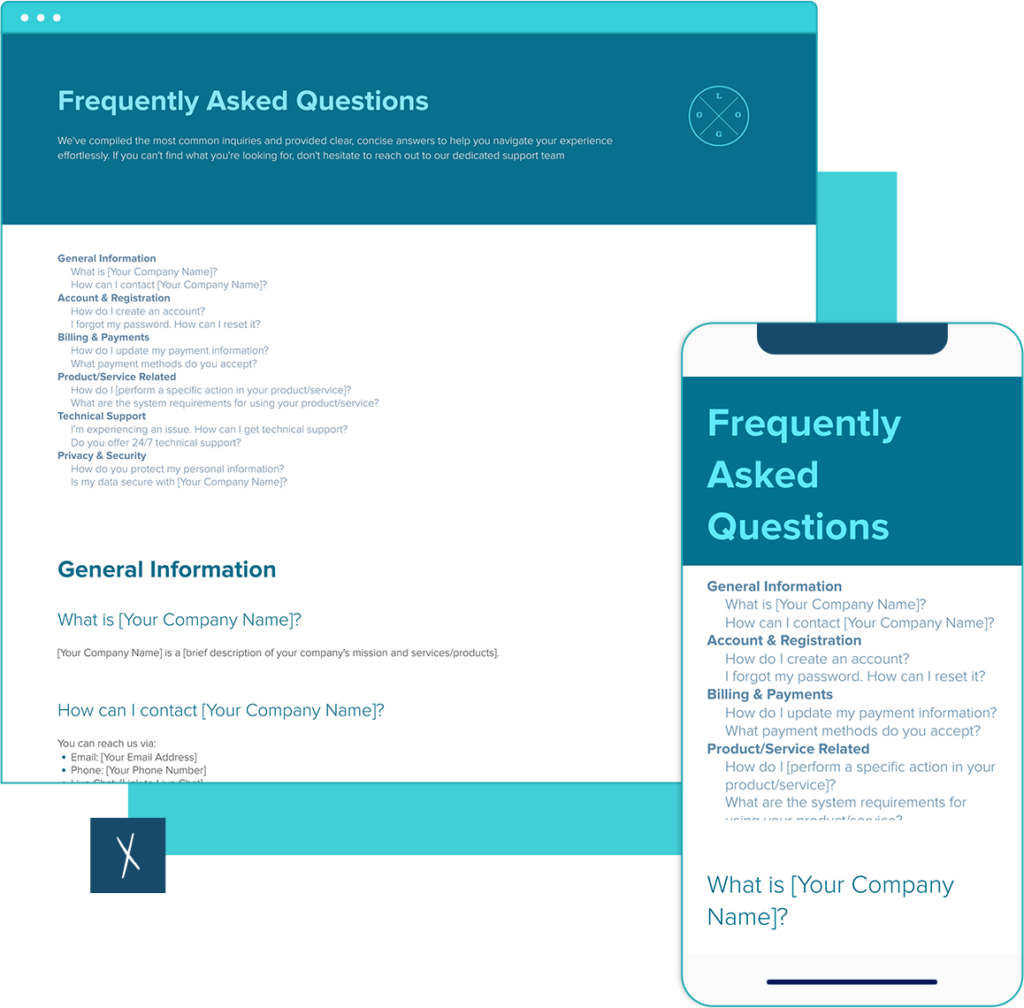
FAQ Template
Build a clear FAQ in minutes. Start with a proven layout, add your content, share a live link, and export on-brand—easy.
What to include · Examples · How to customize · FAQs
Build the docs that drive your business: Fast. On brand. Together. With AI.
Join 411,389 professionals using Xtensio.
Xtensio is the workspace for professional deliverables.
Make one deliverable today—then build a repeatable system for every client and project.
This is where teams create, collaborate, organize, and deliver the documents that run their work.
Everything stays on-brand, current, and ready to share.

Organize every deliverable
Keep strategy, sales, marketing, and client docs together by workspace.
Create fast, stay consistent
Start from 200+ templates or AI drafts, then apply your brand kit.
Collaborate in the doc
No more “final_v7.pdf” loop.
Standardize across deliverables
Apply your brand kit + reusable modules so every deliverable matches.
Improve what you send
See engagement, iterate, and reuse what works across projects.
Turn common questions into a polished FAQ in minutes—no formatting headaches.
What to include in an FAQ
- Top questions in users’ language (not internal jargon)
- 1–3 sentence answers with next steps and links
- Group by topic (Account, Pricing, Product)
- Contact or escalation path for edge cases
- “Last updated” date and page owner
FAQ examples
- Account & Billing: “Do I need a credit card to start?”
- Product: “How do I export on-brand to PDF/PNG?”
- Security: “Can I password-protect a live link?”
How to customize this FAQ template
- Duplicate the template and apply your logo & brand styles.
- Group questions by topic; front-load the most common.
- Keep answers short; link to deeper docs where needed.
- Add a contact or escalation path for edge cases.
- Publish via live link and export PDF/PNG for your site.
Frequently Asked Questions
What should a FAQ include?
Include:
Clear, user-language questions
Concise answers with next steps/links
Contact/escalation path for edge cases
How many questions should I list?
Aim for 8–15. If you have more, split into sections (e.g., Account, Pricing, Product). This keeps the page scannable and prevents decision fatigue.
How should I organize the FAQ?
Group by topic and order by frequency. Put the most common questions first. Use descriptive headings, one idea per answer, and internal links to related templates or guides.
Where should the FAQ live on my site/page?
For a standalone FAQ page: link it from top nav (Help/FAQ) and footer. On a product page: place the FAQ after the main overview or pricing. Add cross-links from checkout, pricing, and support to reduce drop-offs.
Can I share and export this FAQ?
Yes. In Xtensio, you can share a live link (optionally password-protected) and export on-brand to PDF/PNG. That makes it easy to publish the FAQ on your site and send it to stakeholders. You can even publish it under your own domain.
How do I keep the FAQ up to date?
Assign an owner, review monthly or quarterly, and add questions surfaced by support/search logs. Note a “Last updated” date so readers trust the content. Xtensio is built for this!
What Makes an Effective FAQ Page
An FAQ page that actually reduces support tickets and builds buyer confidence follows a different structure than the typical wall of questions. The best FAQ pages are not random lists. They are organized, scannable, and written in the language your audience uses, not the language your team uses internally.
Structure That Scales
Start with categories. A SaaS company might group questions under Getting Started, Billing, Integrations, and Security. An ecommerce business needs Shipping, Returns, Product Care, and Order Tracking. A service business benefits from Process, Pricing, Timelines, and Results.
Within each category, front-load the questions your support team hears most. If 40% of incoming tickets are about pricing, that section belongs at the top. Not buried below a “What is your company’s vision?” question nobody is actually asking.
Answer Length and Tone
Keep answers between one and three sentences. If an answer requires more than a short paragraph, it probably belongs in a dedicated help article or guide, not an FAQ. Link to the deeper resource instead.
Write in second person (“you”) and match the reading level of your audience. A B2B software FAQ should be clear and direct, not laden with jargon. An ecommerce FAQ should feel conversational. Both should avoid hedging language like “it depends” without providing the actual answer.
Searchability and Navigation
If your FAQ has more than 15 questions, add a search bar or anchor-link table of contents at the top. Users who cannot find their answer in under 10 seconds will leave your FAQ and open a support ticket instead, which defeats the purpose entirely.
Use descriptive question text that mirrors how people actually search. “How do I cancel my account?” outperforms “Cancellation policy” because the first matches the phrasing users type into Google and your site search bar.
Every Answer Should Include a Next Step
The best FAQ answers do not end with a period. They end with a path forward: a link to a setup guide, a button to start a trial, a contact form for edge cases, or a related template. Each answer is a micro-conversion opportunity. Treat it that way.
FAQ Page vs Knowledge Base vs Help Center
These three formats overlap, but they serve different audiences at different stages. Choosing the wrong one, or trying to make one format do all three jobs, creates a poor experience for everyone.
FAQ Page: Quick Answers for Common Questions
An FAQ page is a single page with 8 to 30 questions and short answers. It works best for pre-sale objections, onboarding basics, and the top 10 questions your support team answers repeatedly. Most visitors scan an FAQ in under 60 seconds. If they need to scroll more than three screens, the page has outgrown the FAQ format.
FAQ pages are ideal for product pages, landing pages, customer onboarding checklists, and internal documentation shared with new hires or clients. They are also the format Google can pull into rich results as structured FAQPage schema.
Knowledge Base: Searchable Article Library
A knowledge base is a collection of long-form articles organized by topic. Each article addresses one question or workflow in depth, often with screenshots, videos, and step-by-step instructions. Zendesk, Intercom, and Notion are common platforms for hosting a knowledge base.
Build a knowledge base when your FAQ page hits 30+ questions and short answers no longer satisfy users. The transition point is when support tickets start saying “I read the FAQ but I still don’t understand how to…” That signal means users need more depth than an FAQ can provide.
Help Center: The Full Self-Service Hub
A help center combines an FAQ, a knowledge base, community forums, video tutorials, and live chat into a single destination. Companies like Slack, Shopify, and HubSpot run help centers because their products are complex enough to require multiple support channels.
Most businesses under 50 employees do not need a full help center. Start with a well-structured FAQ. Graduate to a knowledge base when question volume exceeds what a single page can handle. Add a help center only when you have dedicated support staff to maintain it.
Quick Comparison
FAQ page: 8-30 questions, one page, best for pre-sale and onboarding, maintained by one person monthly.
Knowledge base: 30-500 articles, searchable, best for product how-tos and troubleshooting, maintained by a support team weekly.
Help center: All of the above plus community and live support, best for complex products with 1,000+ users, requires dedicated staff.
Common FAQ Page Mistakes
Most FAQ pages fail not because of what they include, but because of structural decisions that push users away from finding their answer. These are the patterns that consistently underperform.
Listing Too Many Questions Without Categories
An FAQ with 50 questions in a flat list is not helpful. It is a wall of text. Users do not read FAQ pages top to bottom. They scan for their question, and without categories or jump links, they give up after the first screen. Group questions into 3 to 6 sections and put the highest-traffic section first.
Writing Questions Nobody Actually Asks
The “What is your company’s vision?” question appearing on an FAQ is a marketing message disguised as a question. Readers notice. Pull your FAQ questions from actual sources: support tickets, live chat transcripts, Google Search Console queries, sales call objections, and social media comments. If a question has never been asked by a real person, it does not belong on the page.
Outdated Answers That Erode Trust
Pricing changes, feature launches, and policy updates make FAQ answers stale within months. An FAQ that references last year’s pricing tier or a feature that no longer exists tells visitors the company is not paying attention. Every FAQ needs an owner and a review schedule. Monthly for high-traffic pages, quarterly at minimum for everything else.
Burying Critical Information
If 60% of your support tickets are about cancellation, that answer should be in the first three questions. Not hidden at the bottom. Analyze your support data, rank questions by volume, and reorder the FAQ accordingly. The same logic applies to objections on a sales page: put the pricing and refund questions where prospects can find them before they bounce.
No Escalation Path
Every FAQ page needs a fallback. When someone reads all the questions and still does not find their answer, what happens next? A “Contact us” link at the bottom is the bare minimum. Better options include a chat widget, a support form with pre-filled context, or a direct link to schedule a call. The worst FAQ pages end with nothing, leaving the user stranded.
How to Keep Your FAQ Page Current
A static FAQ is a liability. The questions your customers ask today are different from the questions they asked six months ago. Products change, competitors change, and market expectations shift. The FAQ page that wins is the one that evolves with the business.
Assign an Owner and Set a Review Cadence
Every FAQ needs one person accountable for its accuracy. In smaller teams, that is usually the customer success lead or the marketing manager. In larger organizations, it could be a documentation specialist or a product marketing manager.
Set a review schedule: monthly for product FAQ pages, quarterly for general company FAQ pages. During each review, check every answer against current pricing, features, and policies. Remove questions that no longer get asked. Add new ones surfaced by support data.
Mine Support Tickets for Missing Questions
Your support inbox is a live feed of questions your FAQ does not answer. Export your last 90 days of tickets, tag them by topic, and count frequency. Any question asked more than five times in a quarter deserves a spot on the FAQ page. This approach turns your support data into a content pipeline that reduces ticket volume over time.
Use Analytics to Surface Gaps
Check your FAQ page’s on-site search queries. If people are searching for terms that do not appear in any FAQ answer, that is a gap. Google Search Console also reveals queries driving impressions to your FAQ page. If a query has high impressions but zero clicks, the answer is either missing or the meta description does not signal that the answer is on the page.
Treat the FAQ as a Living Deliverable
Static PDF FAQ documents go stale the moment they are exported. A better approach is to share your FAQ as a live link that updates in real time. When you edit the source, every stakeholder and client who has the link sees the latest version without needing a new file. No re-sending, no version confusion.
In Xtensio, you can create your FAQ once, share it as a live link, and organize it in a workspace alongside related documentation like onboarding checklists, product guides, and support playbooks. That way, the FAQ is not an orphaned page. It is part of a connected set of deliverables that your team and clients can access from one place.
Version History and Audit Trail
Track what changed and when. If a customer references an older version of an FAQ answer, you need to be able to verify what the page said at that time. This is especially important for regulated industries like healthcare, finance, and legal where FAQ content may carry compliance implications. Add a “Last updated” date to the page and keep an internal changelog of significant edits.
Related Templates
An FAQ page rarely stands alone. It connects to the broader set of documents your team uses to support customers and communicate with stakeholders. Consider pairing your FAQ with a customer onboarding checklist for new users, a product one-pager for sales conversations, or an internal knowledge base for your support team. Each deliverable reinforces the others and reduces the chance that a customer question goes unanswered.
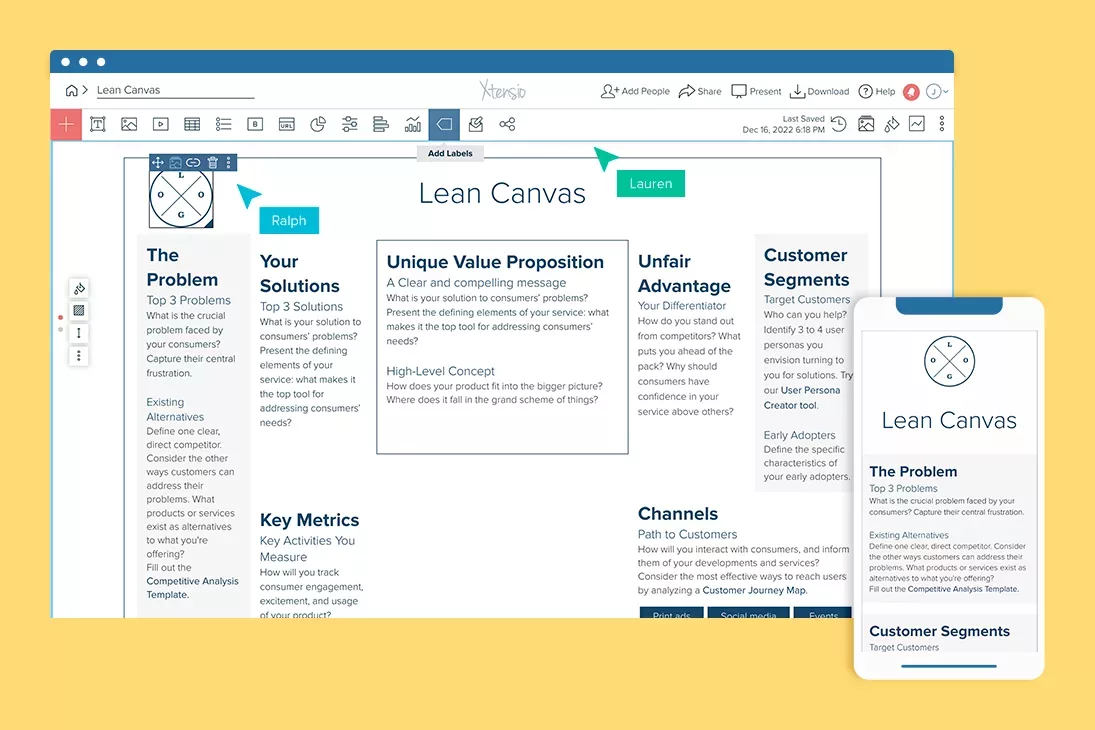
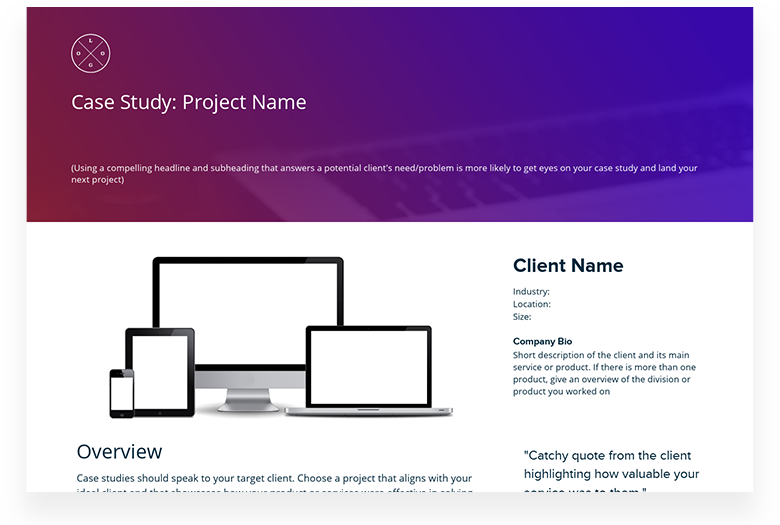
Related to the FAQ Template
Fully customizable templates that you can make your own.


Jerome Katz
Professor of Entrepreneurship @

Jake Peters
CEO @

Robin Bramman
Founder and Chief Brand Mixologist @

Alix Han
VP Product Experience @

Marc Anthony Rosa
Product Manager @

Anna Yunker
Content Strategist @

Robin Eyre
Owner @

Adam Sher
CEO @

Humma Arshad
Salesforce Project Manager @

Create and deliver beautiful work, professionally.
Build, brand, and deliver living documents your clients actually engage with.







Join 411,389 professionals delivering work with Xtensio.

